Operating the unit
61Operating instructions
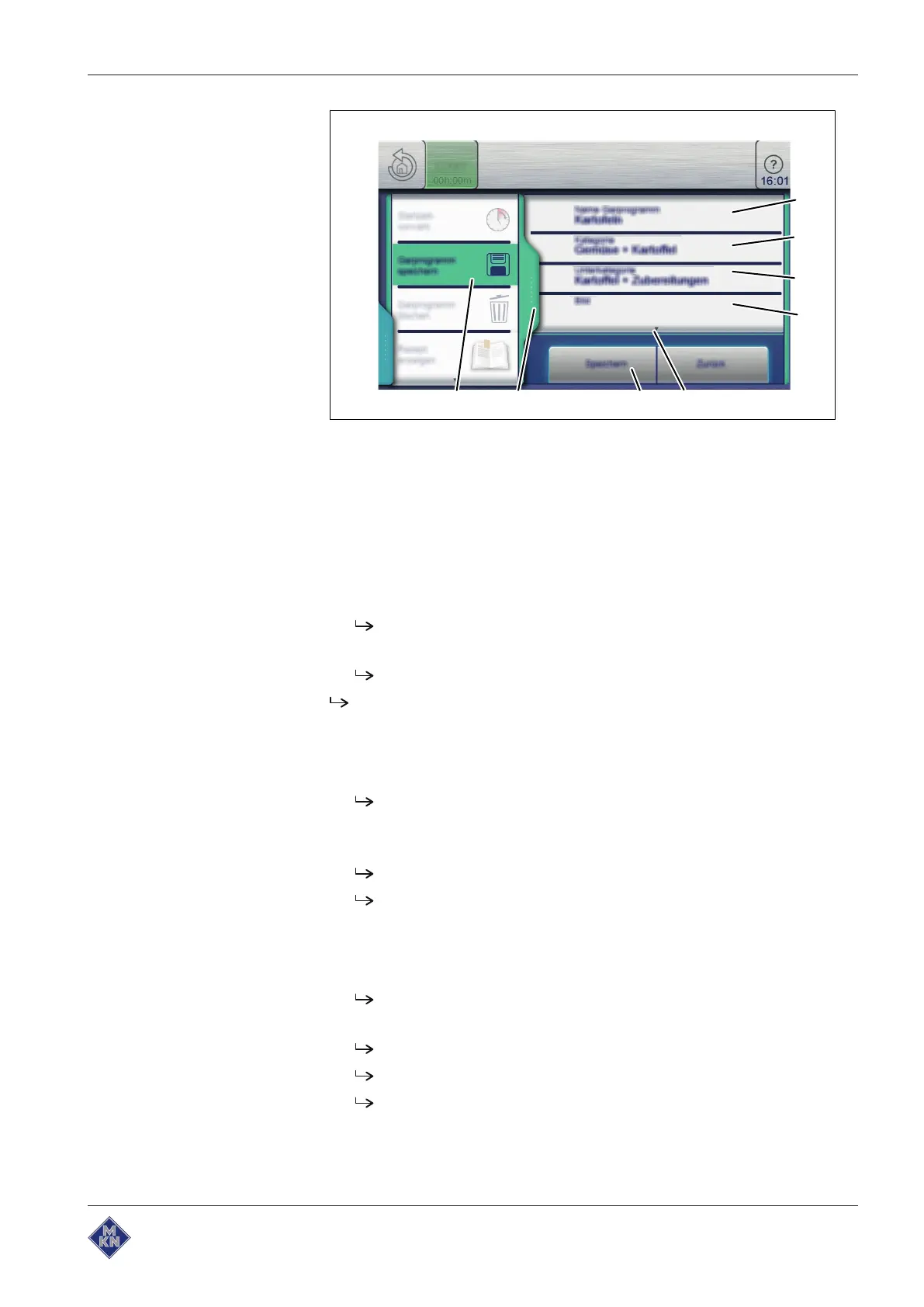
Image: Green tab and cooking program in the Save window
a
Green
tab e "Subcategory" field
b "Save cooking program" field f "Screen" field
c "Cooking program name" field g
Next page
arrow symbol
d "Category" field h "Save" button
Requirement Cooking program is created and displayed
1. Tap the
Green
tab.
The
Tab
window opens.
2. Tap the "Save cooking program" field.
The
Save
window opens.
Save after making the entries.
Saving the cooking program name
1. Tap the "Cooking program name" field.
The
Keypad
menu is displayed.
2. Views the keys to enter the desired program name.
3. Tap the
Confirm
button.
The
Keypad
menu closes.
The program name is displayed in the
Save
window.
Entering a category
1. Tap the "Category" field.
The
Automatic cooking (autoChef)
menu is displayed.
2. Tap the field with the desired
Category
.
The category is set.
The
Automatic cooking (autoChef)
menu closes.
The category is displayed in the
Save
window.
10013865-0ABBE-B



 To Next Page