Operating the unit
65Operating instructions
2. Tap the field with the desired category.
The Subcategory menu is displayed.
3. Tap the field with the desired subcategory.
The Recipe menu with all recipes in the subcategory is
displayed.
4. Tap the field with the desired recipe.
The cooking program is selected and being loaded.
The cooking program steps are displayed.
The cooking program opens.
Finding and opening a cooking program in the cookbook
All cooking programs are saved in the cookbook in alphabetical order.
Requirement The unit is switched on
Main menu is displayed
1. Tap the "Automatic cooking" button.
The Category menu is displayed.
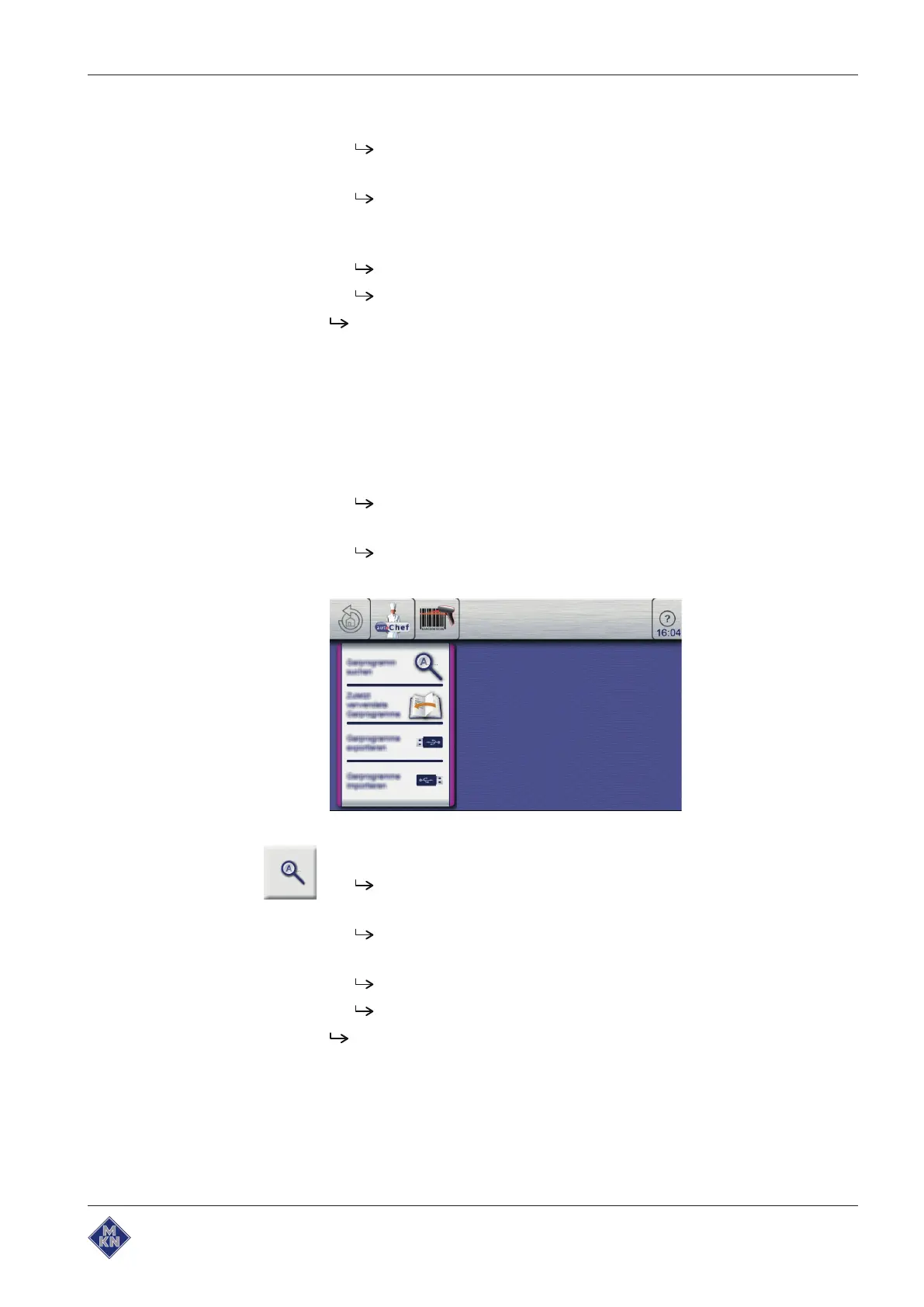
2. Tap the "autoChef" button in the information bar.
The
autoChef
window is displayed.
3. Tap the
Find
cooking program
field.
The
Find
window is displayed.
4. Using the keypad, enter the letters for the name to be found.
A filtered list is displayed in the
Results
window.
5. Tap the field with the name found.
The cooking program is selected and being loaded.
The cooking program steps are displayed.
The cooking program opens.
10013865-0ABBE-B



 To Next Page