:
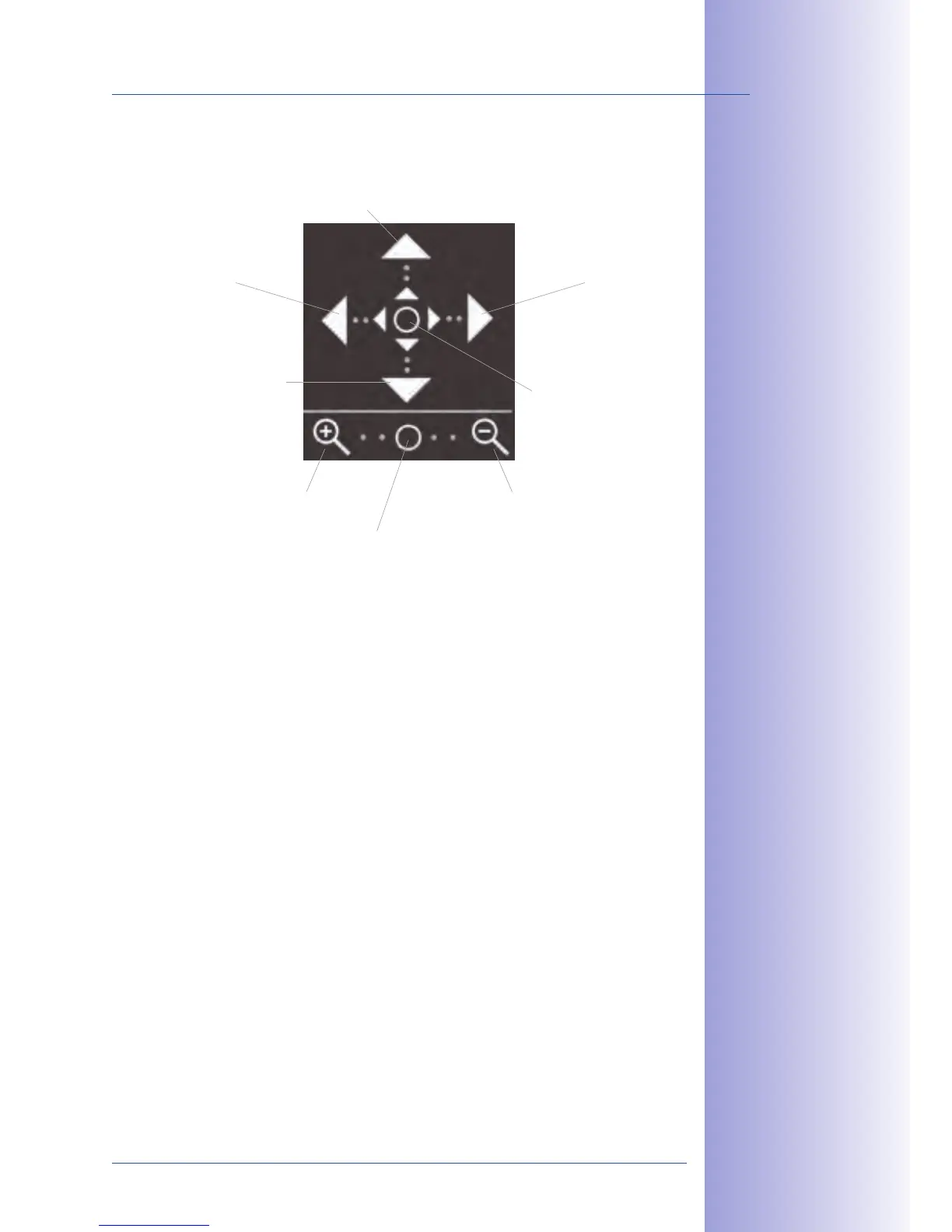
Zoom in to image: Clicking on the magnifying glass symbol below changes the zoom factor
of both image sensors at the same time. You may have to zoom in until on the one hand,
the pillow-shaped borders caused by the distortion correction disappear (Zoom +) and on
the other hand, the objects in the vertical center of the image are visible (Zoom -).
Click the arrows to the left and right to adjust the transition
or seam between the two individual images. The image correction areas will change
based on the settings.
Rotate images: Click on the up and down arrows to turn the two individual images in opposite
directions at the same time. This way, you can correct any oset in the lens mounts.



 To Next Page