2.3.3
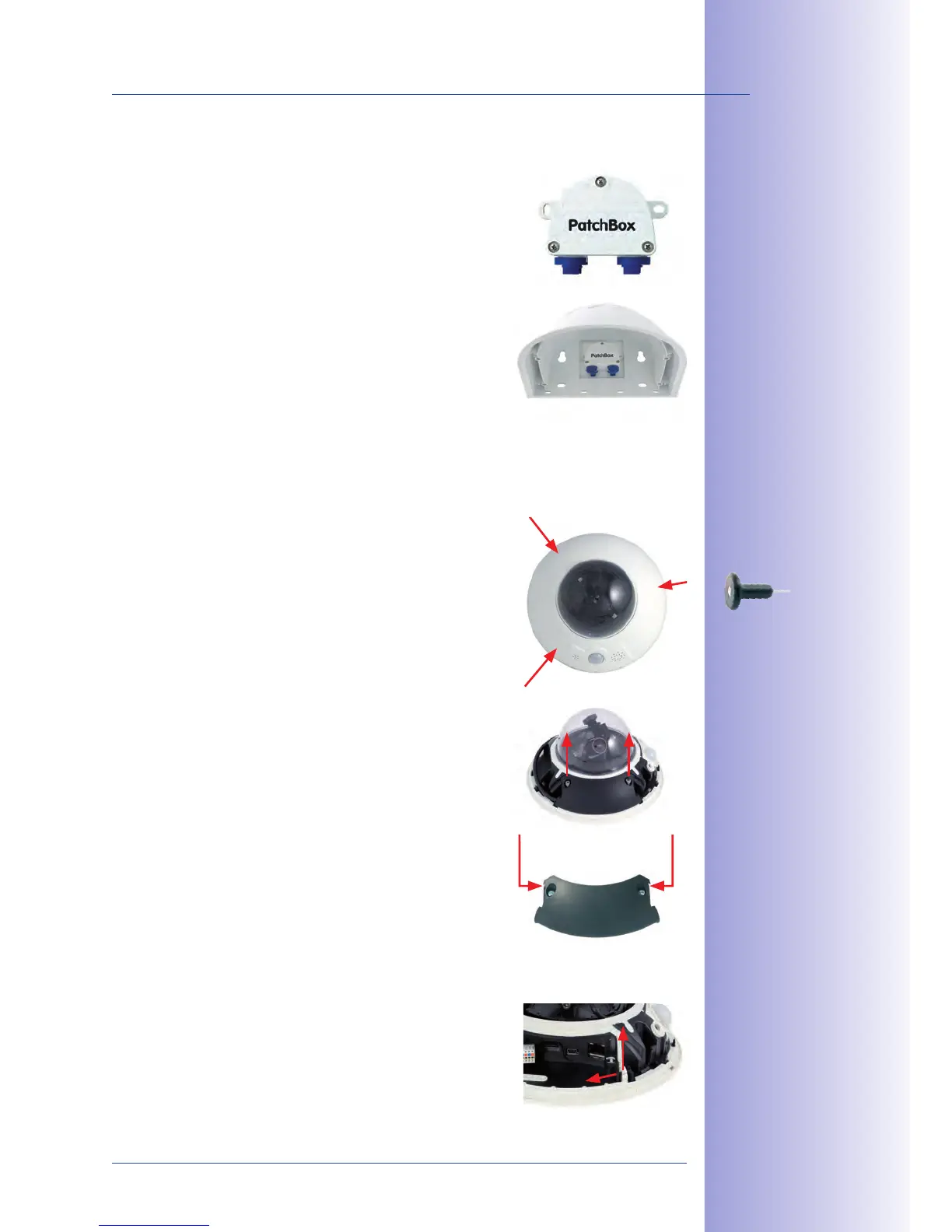
The MOBOTIX enables you to connect a
MOBOTIX camera with a or with an
installation cable simply and water-resistant for the following
cases:
Outdoor installation (preferably using the
•
Mount)
Indoor installation with Ethernet installation cable•
You will find additional information on the MOBOTIX Outdoor
PatchBox at www.mobotix.com under the section Products >
Accessories > Functional Boxes.
2.3.4
Existing additional modules like the MOBOTIX ExtIO (USB) can be connected via the Mini
USB connector.
1.
: Remove the outer shell using
the supplied custom tool. Insert the tip of the custom
tool into the three small holes of the shell, one by one.
Lift the outer shell to loosen it from the fixtures.
Remove cable cover
2. : Remove the two M4x25 Allen
screws from the cable cover using the 3-mm Allen
wrench.
Remove cable cover
3. : Remove the two M4x25 Allen
screws from the cable cover using the 3-mm Allen
wrench.
Remove rubber plug
4.
: Carefully bend the cable guide
upwards and remove the rubber plug. Keep the rubber
plug in a safe place (ideally in the camera’s original
packaging).
Use the supplied
custom tool



 To Next Page