78/126
www.mobotix.com • sales@mobotix.com
3.1.2
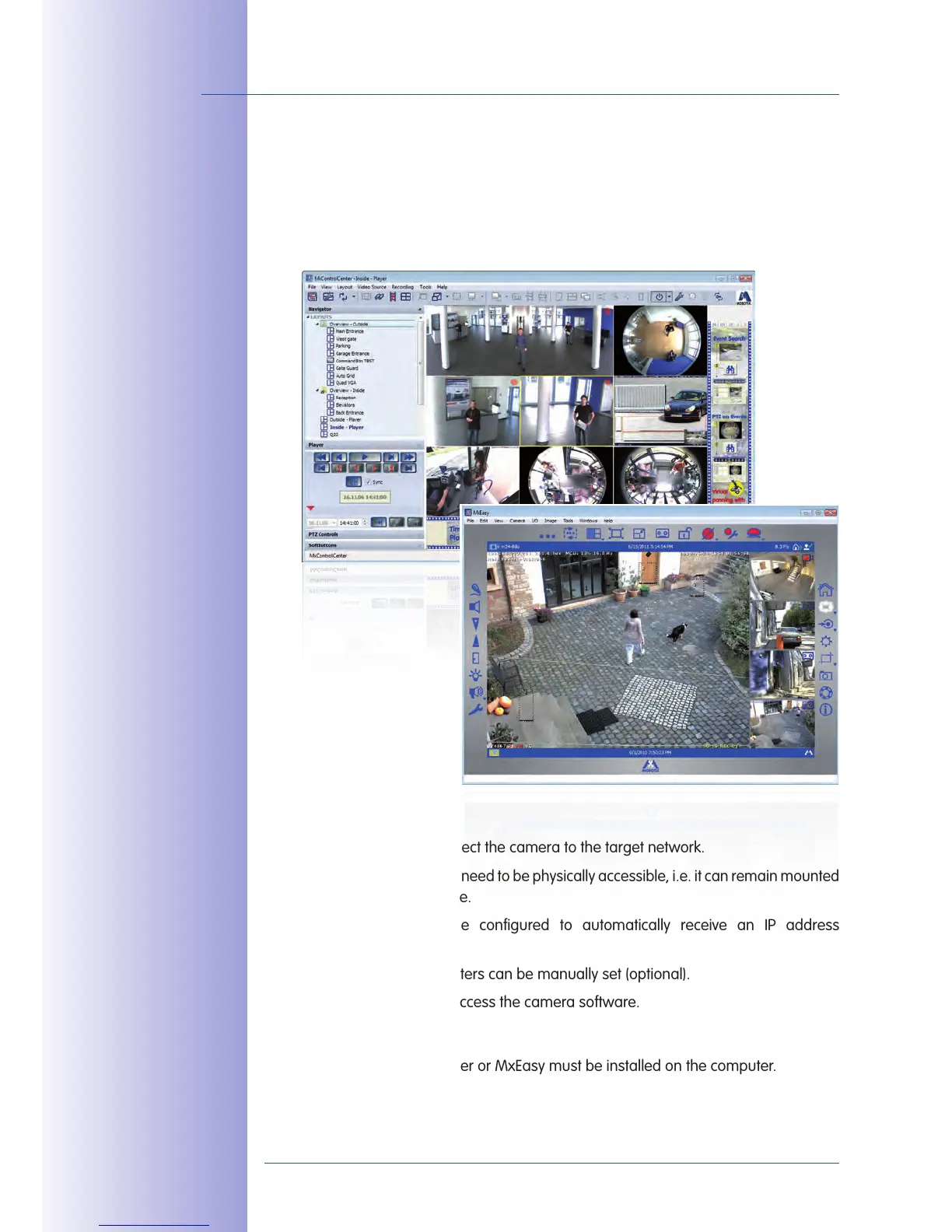
You can set up the camera's network parameters using the free-of-charge video management
software MxControlCenter or MxEasy (see Sections 3.2.3 and 3.2.4). You can also use one
of these applications to automatically configure the network parameters of MOBOTIX
cameras that are not operating on the same IP address range as the computer.
Advantages
You can directly connect the camera to the target network.
•
The camera does not need to be physically accessible, i.e. it can remain mounted
•
to a pole, for example.
The camera can be configured to automatically receive an IP address
•
(optional).
The network parameters can be manually set (optional).
•
You do not need to access the camera software.•
Either MxControlCenter or MxEasy must be installed on the computer.•
MxControlCenter
software (free download
from www.mobotix.com)
MxEasy
(free download from
www.mobotix.com)



 To Next Page