63/126
www.mobotix.com • sales@mobotix.com
2.4.3
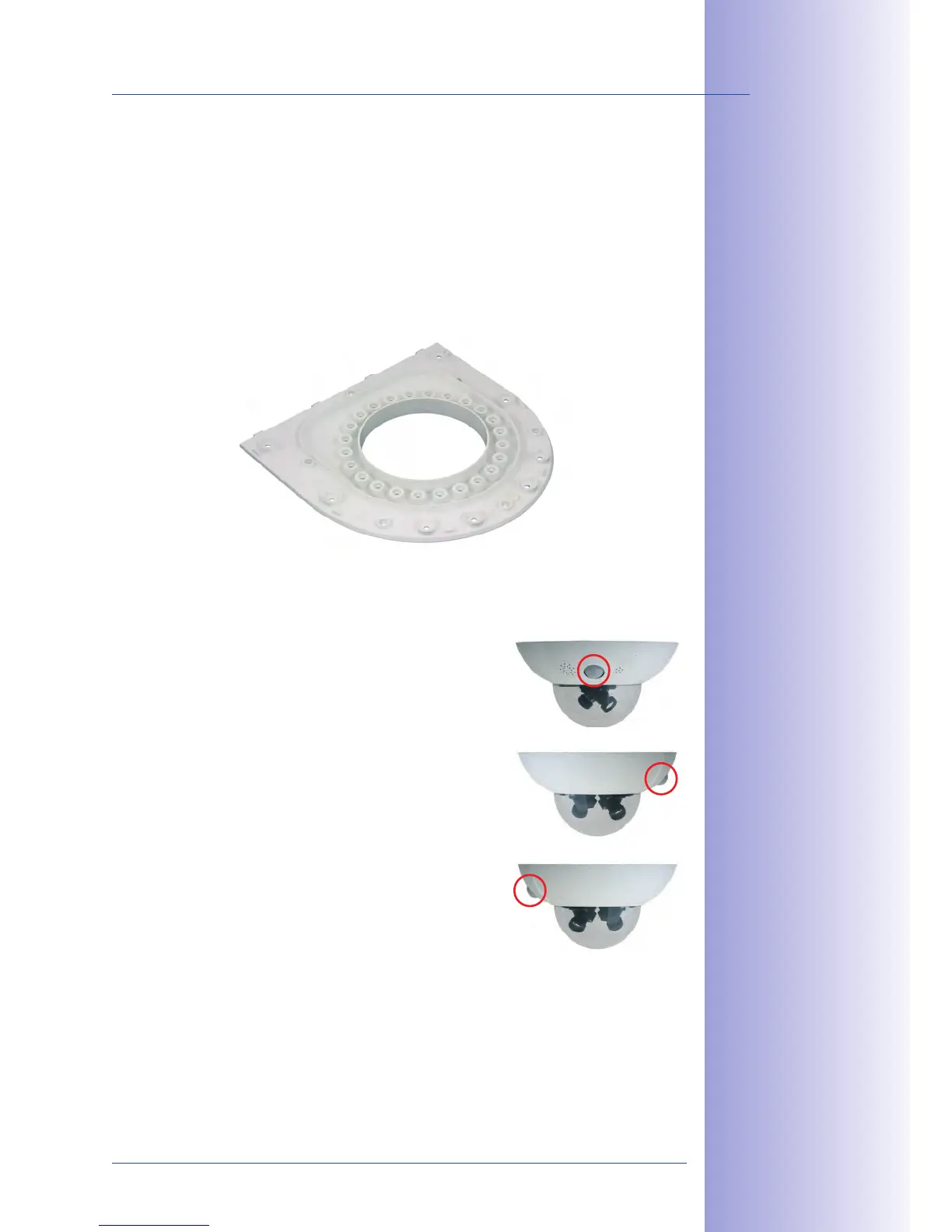
The camera can be installed once the Outdoor Wall Mount has been mounted to the
wall or pole. The bottom plate closes o the outdoor wall mount from below and also
holds the camera.
The upper side of the bottom plate has 24 holes for the . It is thus
possible to mount the camera in increments of 15 degrees. All holes have been numbered
from 1 to 8 in order to facilitate the mounting process.
to aim the camera are described below:
1.
PIR sensor of the camera looks straight : Only use
the holes numbered with 1 for the .
2. PIR sensor of the camera looks to the : Only use
the holes numbered with 3 for the .
3.
PIR sensor of the camera looks to the : Only use the
holes numbered with 7 for the .
The bottom plate closes
off the Outdoor Wall
Mount from below and
also holds the camera
PIR looking
straight ahead: 1
PIR looking
to the right: 3
PIR looking
to the left: 7



 To Next Page