3.2.6
If your network has a DHCP server, you can start the camera with DHCP support. In
this case, the DHCP server automatically assigns an IP address and announces it. Note
that this announcement function can be deactivated
).
Disconnect the power supply of the camera by unplugging the corresponding cable;
1.
then reconnect the power supply of the camera.
After approx. 10 seconds, the LEDs are activated and blink for about 4 seconds
2.
(first blinking). Then all LEDs light up simultaneously until they once more start to
blink for about 4 seconds (second blinking).
3.
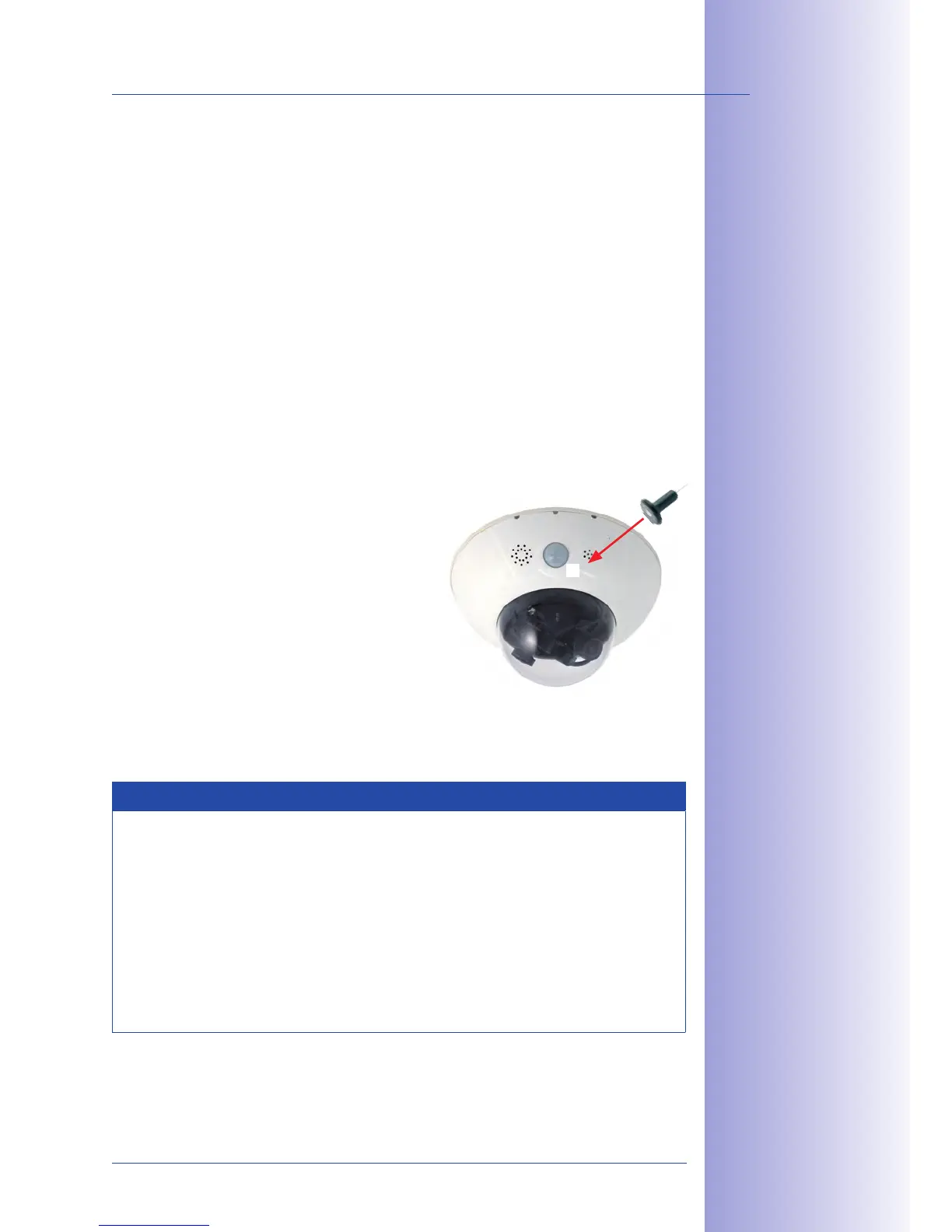
(the switch is inside the camera housing).
In case you miss this step (step 3), disconnect
4.
the power supply of the camera and start
all over again.
5.
Shortly
afterwards, the camera will announce the
network parameters.
Notes
Starting the camera with an automatic IP address (DHCP) is only . The
network configuration of the camera can be set to DHCP permanently under Admin
.
When starting the camera with DHCP support, make sure that the network has a
functioning DHCP server. If this is not the case, the camera cannot obtain a valid IP
address and will fall back to its last IP address.
You should also make sure that the cameras always obtain the same IP addresses
by assigning the MAC addresses of the cameras to the desired IP addresses.



 To Next Page