3.2.5
Under certain circumstances, you may have to reset the camera to its factory IP address.
This could be the case, for example, if the IP address has been lost or the camera does
not respond to the last known IP address.
Disconnect the power supply of the camera by unplugging the corresponding cable;
1.
then reconnect the power supply of the camera.
After approx. 10 seconds, the LEDs are activated and blink for about 4 seconds.
2.
3.
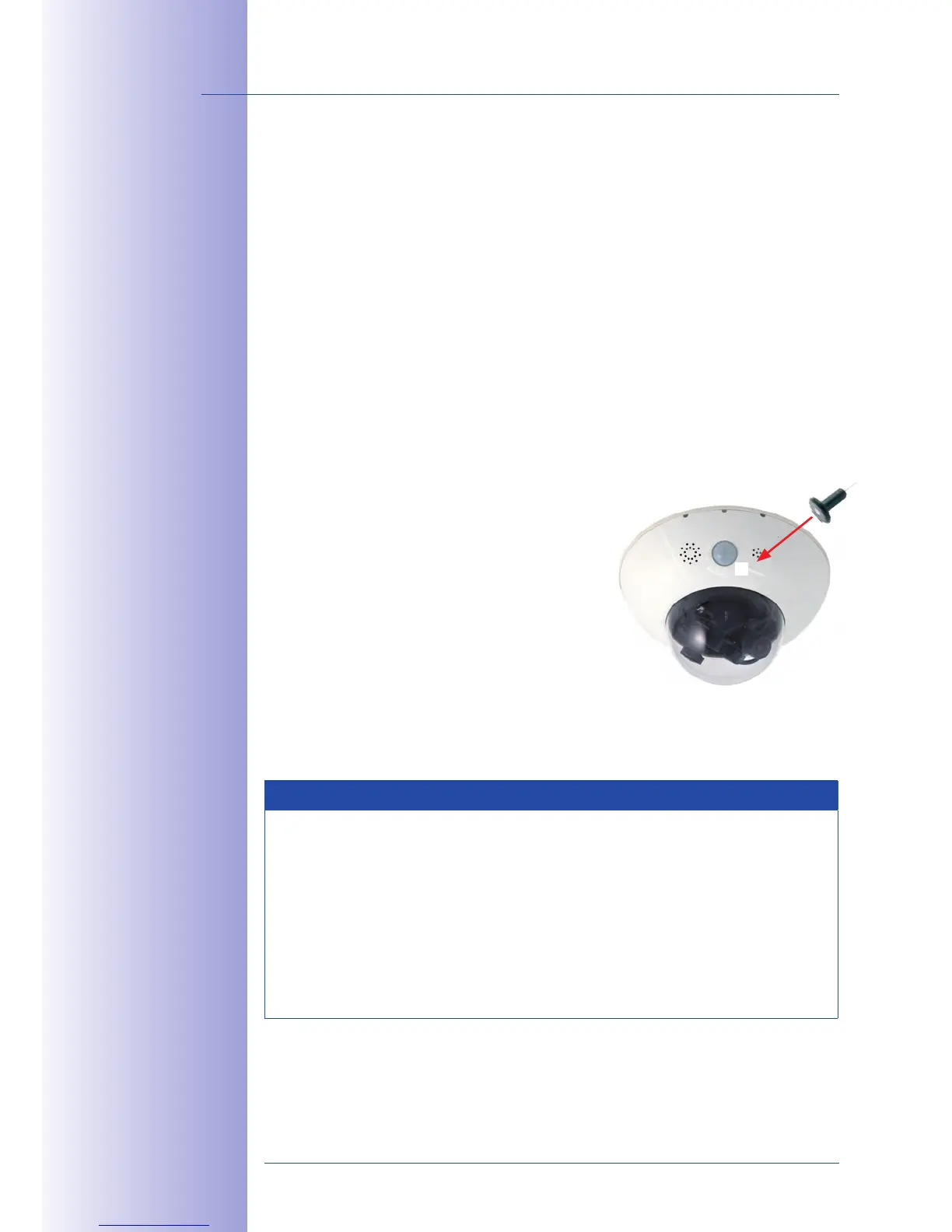
figure (the switch is inside the camera housing).
In case you miss this step (step 3), disconnect the power supply of the camera
4.
and start all over again.
5.
approx. 40 seconds.
Notes
If you use the camera's to load the factory network configuration, this configuration
is not automatically saved in the camera's flash memory. When the camera is next
rebooted without using the , the last stored network configuration will be used.
To permanently store the new network configuration in the camera's flash memory,
open
Admin Menu > Store.
As opposed to resetting the camera using Admin Menu > Reset configuration to
, the user information will not be reset if the camera is booted using
the factory IP address.
Passwords and
camera settings will
not be changed



 To Next Page