91/126
www.mobotix.com • sales@mobotix.com
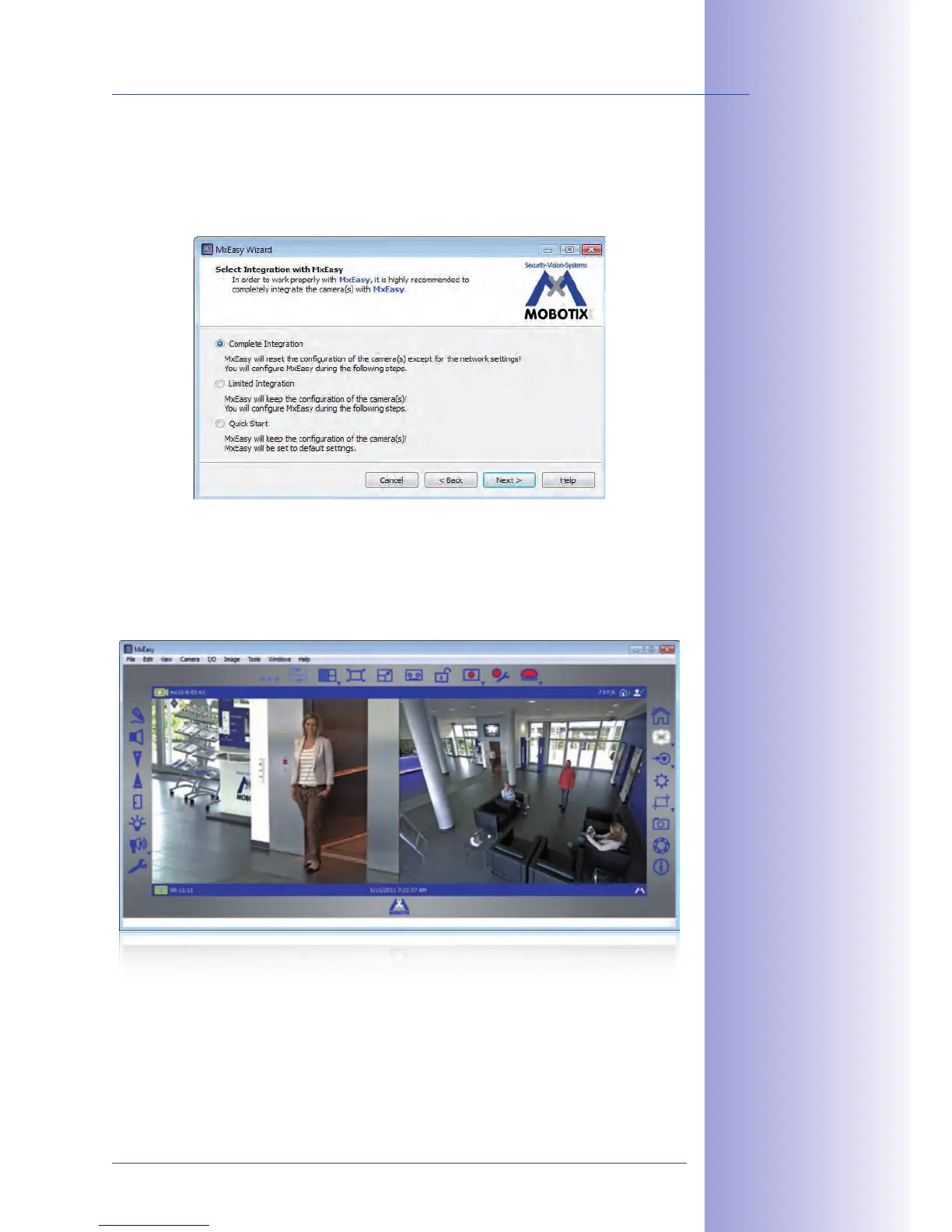
After a camera has been reconfigured, it has the status Accessible and can be integrated
into MxEasy. The MxEasy Assistant then displays the dialog box Define integration
.
Here, you can jump directly to the main window of MxEasy with the current live camera
image by activating the option . However, some required detailed configurations
may have to be made at a later time (for example, password protection, available bandwidth).
For this reason, we recommend activating the option Complete integration and complete
the remaining dialog boxes of the MxEasy Assistant until the main window appears.
For more information, see the
, which can be downloaded as a PDF
file from the MOBOTIX website:
www.mobotix.com > Support > Manuals.
Main window with
dual image display of
a D14D (telephoto
lens and wide angle)



 To Next Page