Using Bonjour, MxEasy finds not only cameras on the same network as your computer, but
also MOBOTIX cameras located in other subnets (Status ). In such a case,
you would not be able to establish any connection to cameras in a dierent network or
subnet (without going into much further detail regarding TCP/IP network configurations).
This is possible, for example, when a camera with a factory IP address is connected
to a network in which a DHCP server automatically assigns the IP addresses. MxEasy
can automatically configure such a camera so that it is “integrated” into your existing
network. To do so, you only have to select the aected camera in the list and then click
on the button Continue.
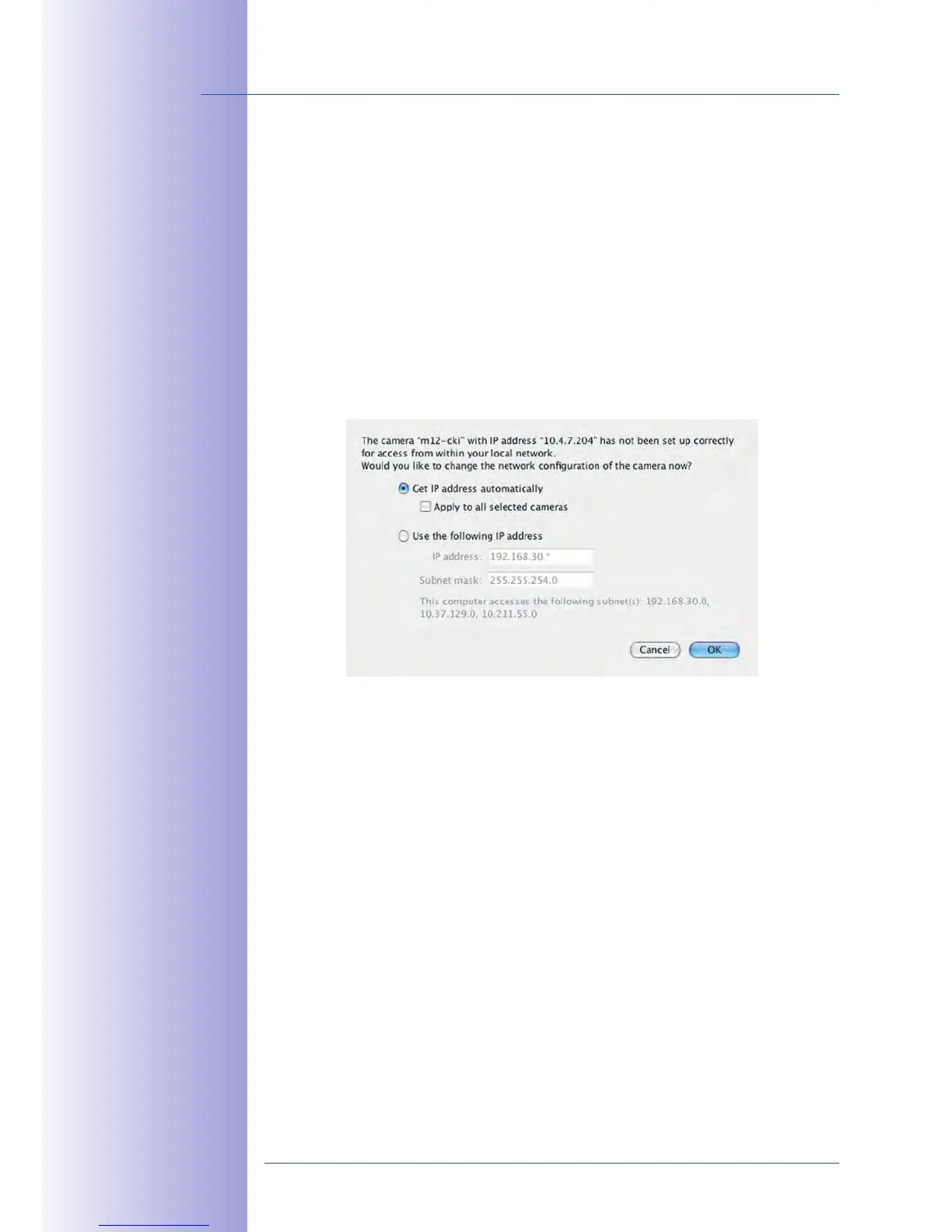
After a security prompt, a new dialog box for configuring the selected camera is displayed.
If your computer automatically obtains its IP address from a DHCP server, then this is
certainly the best choice for that specific camera and most likely for all other cameras that
have been found in a dierent subnet ( option).
If you have assigned a fixed IP address to your computer, you will probably want to assign
fixed IP addresses (issued by your system administrator) to every camera (the
IP address option). Normally, you enter the same configuration used for the network
settings of your computer.
When you click on OK, the selected cameras are automatically reconfigured and they are
located in the same subnet as the computer.



 To Next Page