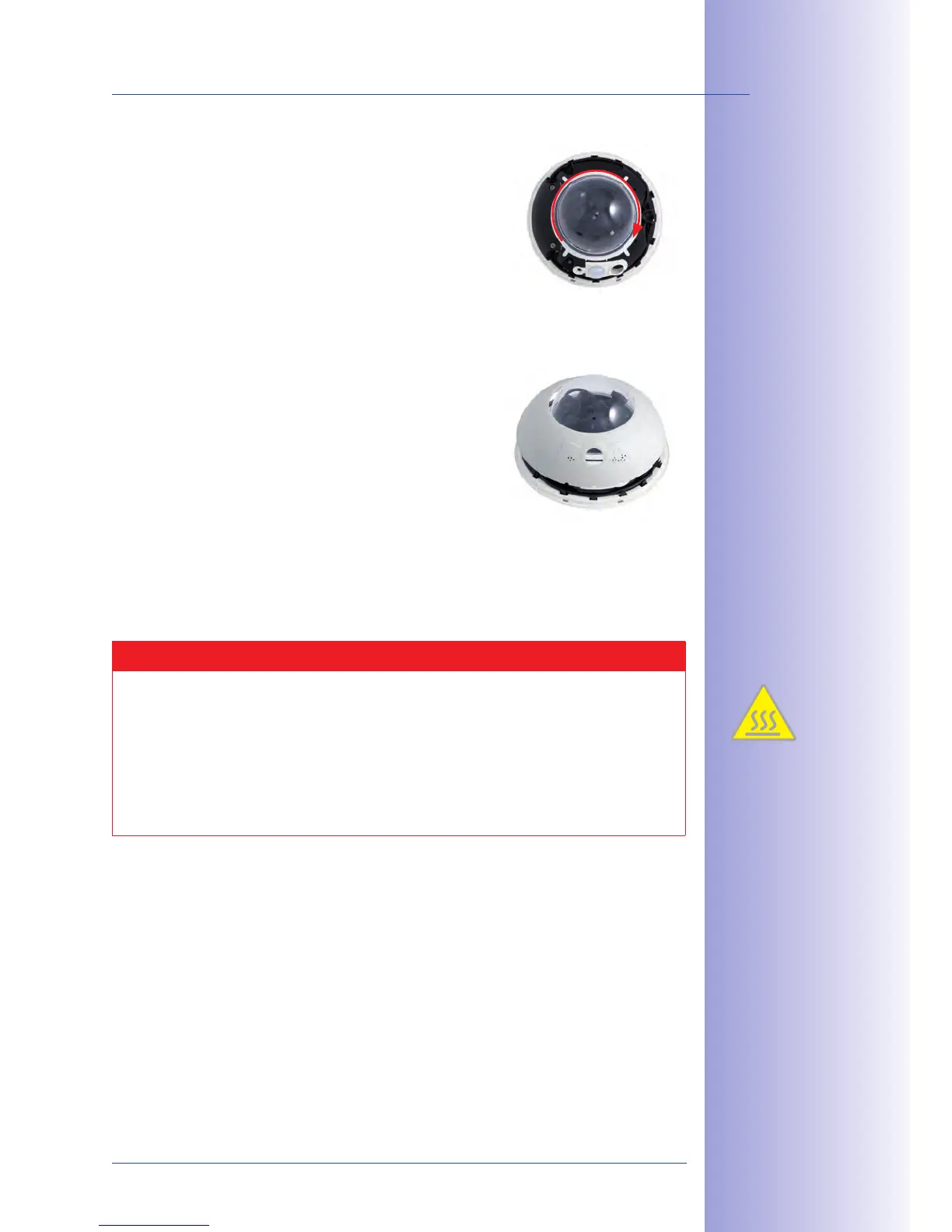
9. : Pick up the dome using the
supplied plastic foil or a cotton cloth and screw the
transparent dome onto the
housing until the dome sits securely (but not too
tightly) in the seal.
Make sure that the dome is not tilted and that it is
securely fitted to the seal on all sides.
10. : Hold the outer shell so that
the round hole of the shell is positioned over the
PIR sensor of the camera. Gently press the shell
into the shell’s seats in the camera housing. Old
If the camera is mounted on an outdoor ceiling and is exposed to extreme conditions, the
three holes in the outer shell should be sealed with commercial silicon in order to prevent water
from entering the outer shell.
Caution
Due to the associated environmental conditions, the sensor boards may be exposed
to a relatively high temperature that is however harmless for camera functioning.
Sensor boards should not be directly touched while the camera is running (let them
cool down first).
Make sure that the sensor cable is not damaged or disconnected when aiming
the lens.



 To Next Page