Linux/Unix:
Open a terminal as 1. root user.
Enter the following command:
2. ifcong eth0:1 10.8.0.11
The computer is now also using the IP address
3. 10.8.0.11
Mac OS X:
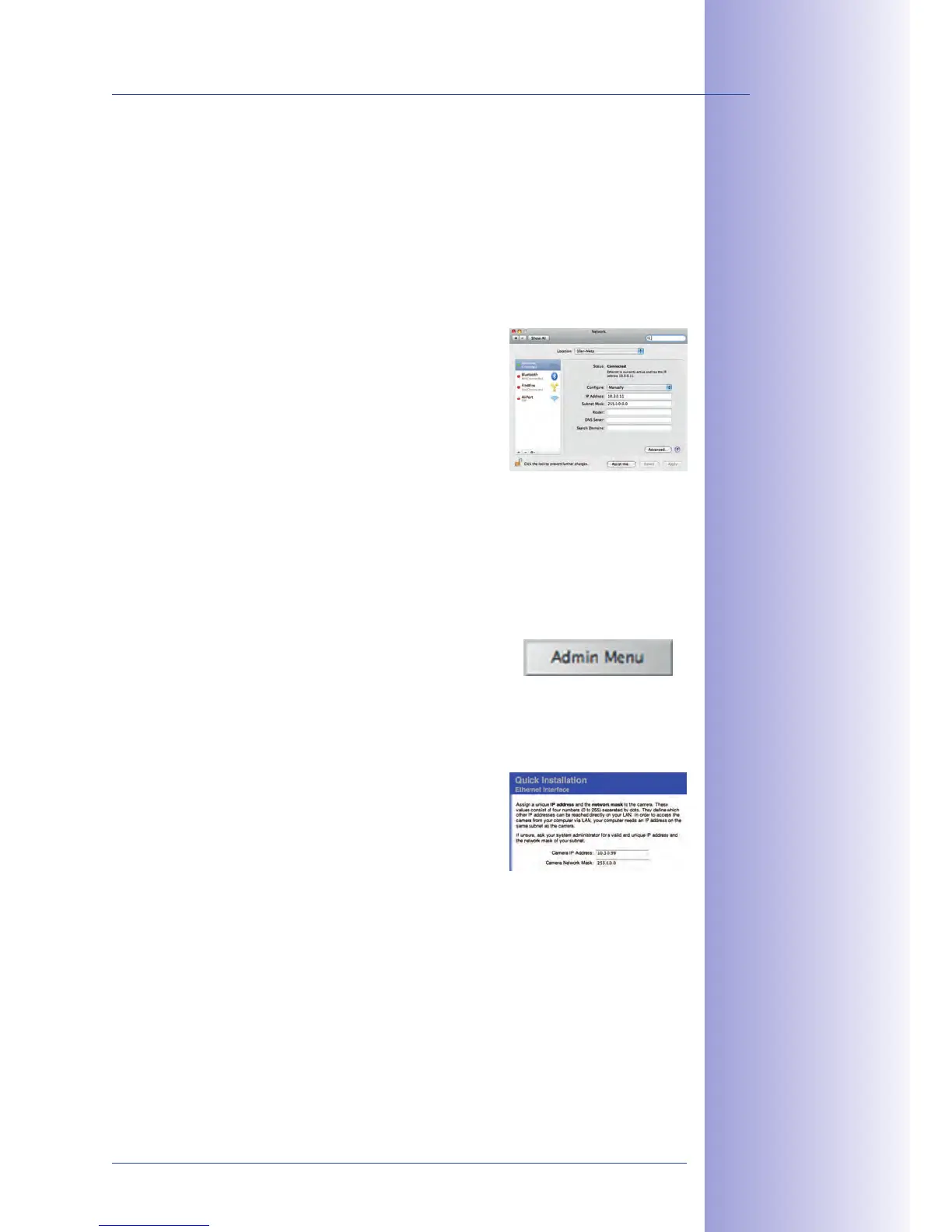
1. Open
Select
2. . In the Configuration field, select
Manual and enter a 10.x.x.x IP address (for example,
10.8.0.11).
Click
3.
on the bottom right-hand side of the dialog
to assign the computer the IP address 10.8.0.11.
Open a Web browser on the computer and enter the default IP address of the
1.
MOBOTIX camera in the address bar of the browser (for example, 10.8.0.99).
Pressing Enter displays the user interface of the MOBOTIX camera (see also Section
3.2.2 First Images And The Most Important Settings In The Browser).
2. Click the Admin Menu soft key in the user interface of the MOBOTIX camera. The
Quick Installation starts automatically once the admin
user has logged on.
Hint: The Quick Installation can also be executed at a later stage by opening
3.
Admin
(see also Sec tion 5.2 Quick Installation
in the Camera Software Manual Part 2).
Enter the target network parameters of the camera
4.
on the appropriate page of the Quick Installation
assistant.
Hint: The network parameters can also be accessed
5.
at a later stage by opening
.
Once you have completed the Quick Installation and rebooted the camera, the
6.
new network parameters will be activated. The camera can now be connected
to the target network and, if required, further configured.
Default user data
User name: admin
password: meinsm



 To Next Page