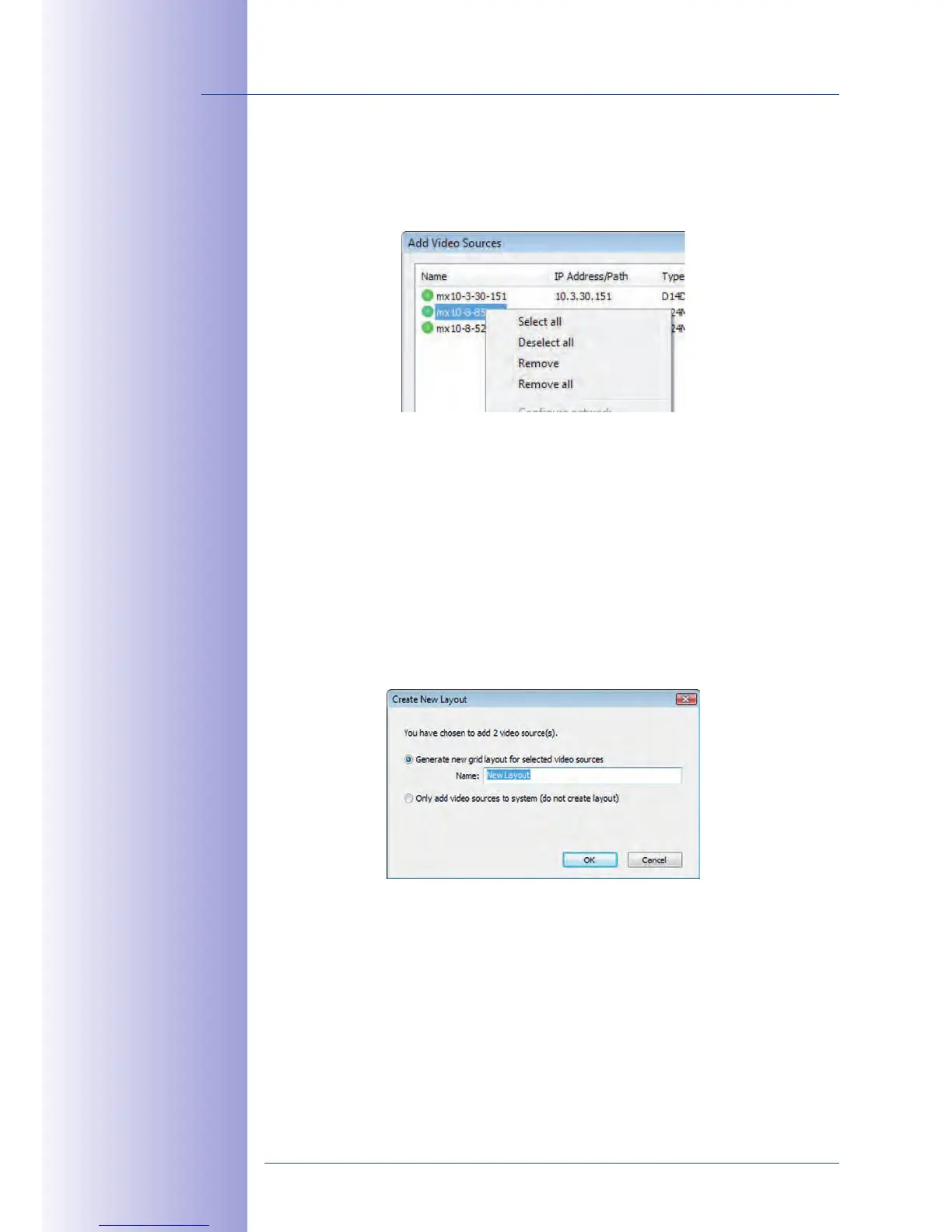
This list provides a context menu (right mouse key), allowing you to select/deselect all
video sources at once. You can also use this method to remove from the list some or all
of the video sources that you would not like to display or manage in MxControlCenter.
If you have cancelled the camera configuration process or need a password that diers
from the camera's factory default password, you can also configure the camera from
the shortcut menu at a later date and enter the user name and password required for
reconfiguration at that time.
It is also possible to open the Configure selected cameras dialog using the shortcut menu
in order to change the camera network parameters.
In the dialog box Add video sources select the camera or other video sources that you
would like to display in a layout (a view with a group of selected cameras) and then click
on Add selected video sources.
The dialog box is displayed. If you select the option Generate new
here, MxControlCenter automatically generates a grid
layout that displays windows of the same size for all selected video sources. Give each
layout a unique name (for example, underground garage).
If you select the second option, the video sources you selected are simply integrated in the
MxCC system, where you can use them to generate a layout at a later time.
Click on OK to confirm your selection.



 To Next Page