Dansensor A/S COPYRIGHT © P/N 330654-E 01/2018
Lippke 4000/4500 EN User Guide 55
6. Operation
General
The Lippke 4500 uses the Package Test System Lippke 4500 PC software application to set up and
perform all tests. Details on how to operate this software can be found in the Help section of the
software.
An electronic copy of the Help system document is included on the installation CD and is installed on the
computer when the application is set up.
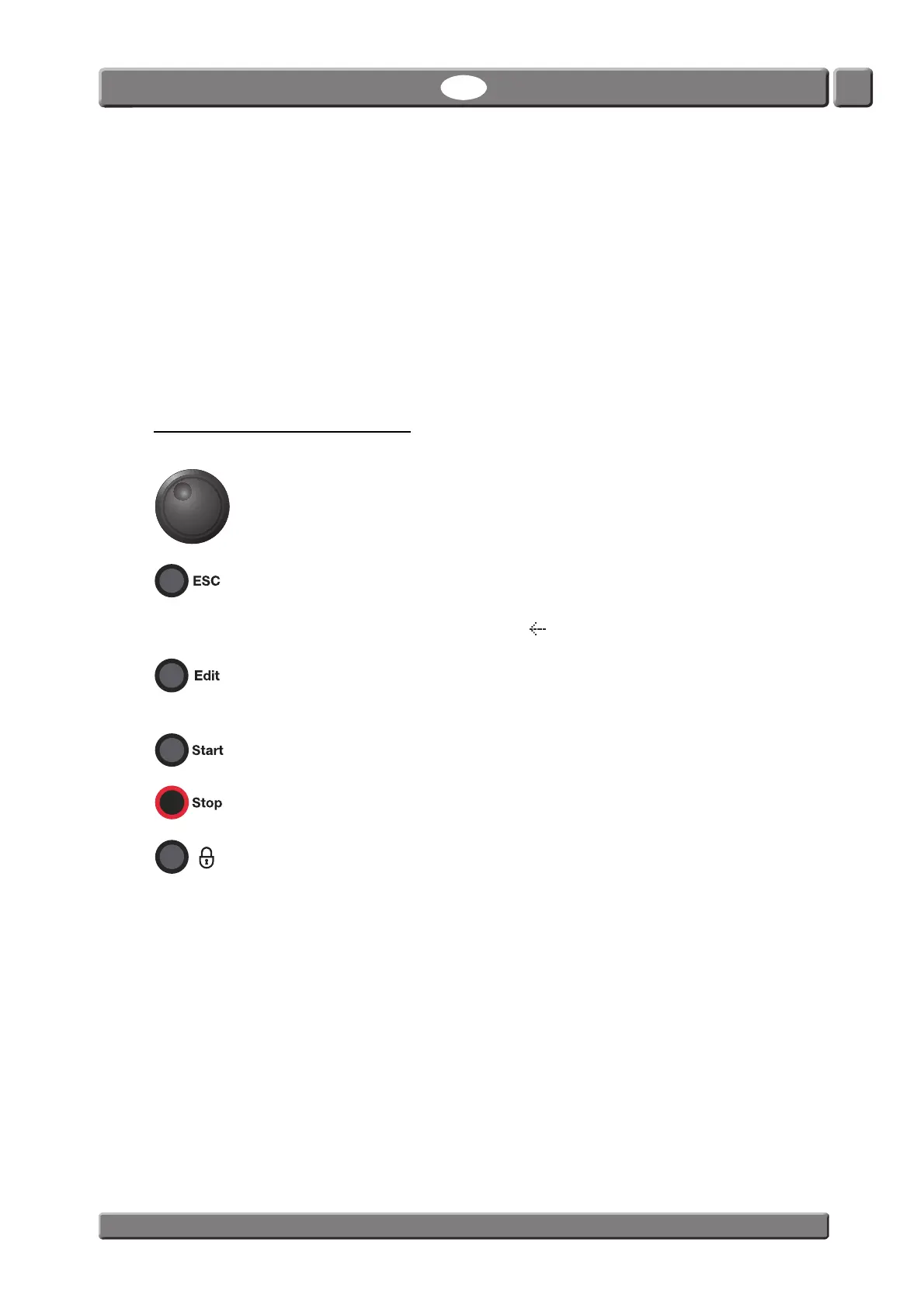
Navigation and button functions
Use wheel to
- scroll through menu items (turn).
- select menu items (press).
- edit field values (turn to select and press to confirm).
Use button to
-move back.
- move up one level in the menu structure.
(This can also be achieved by selecting in the display’s upper left corner).
Use button to
- select records (tests and users) for editing.
- accept changes to alphanumeric fields ex. test record names and user names.
Use buttons to start a test.
Most of the tests automatically stop after a preset time period. The button can be used
to manually stop a test if required.
If user login is required this button logs out the current user and returns the device to
the User Selection screen.
If user login is disabled the button takes you directly to the Main Menu.



 To Next Page