P/N 330654-E 01/2018 COPYRIGHT © Dansensor A/S
64 User Guide EN Lippke 4000/4500
Performing a test
Before you start to perform tests, it is recommended that you familiarize yourself with the use of the
various accessories as described in "3. Measurement Accessory Kits" on page 17 and the various test
types as described in "4. Tests" on page 35.
1. Prepare the package for the test.
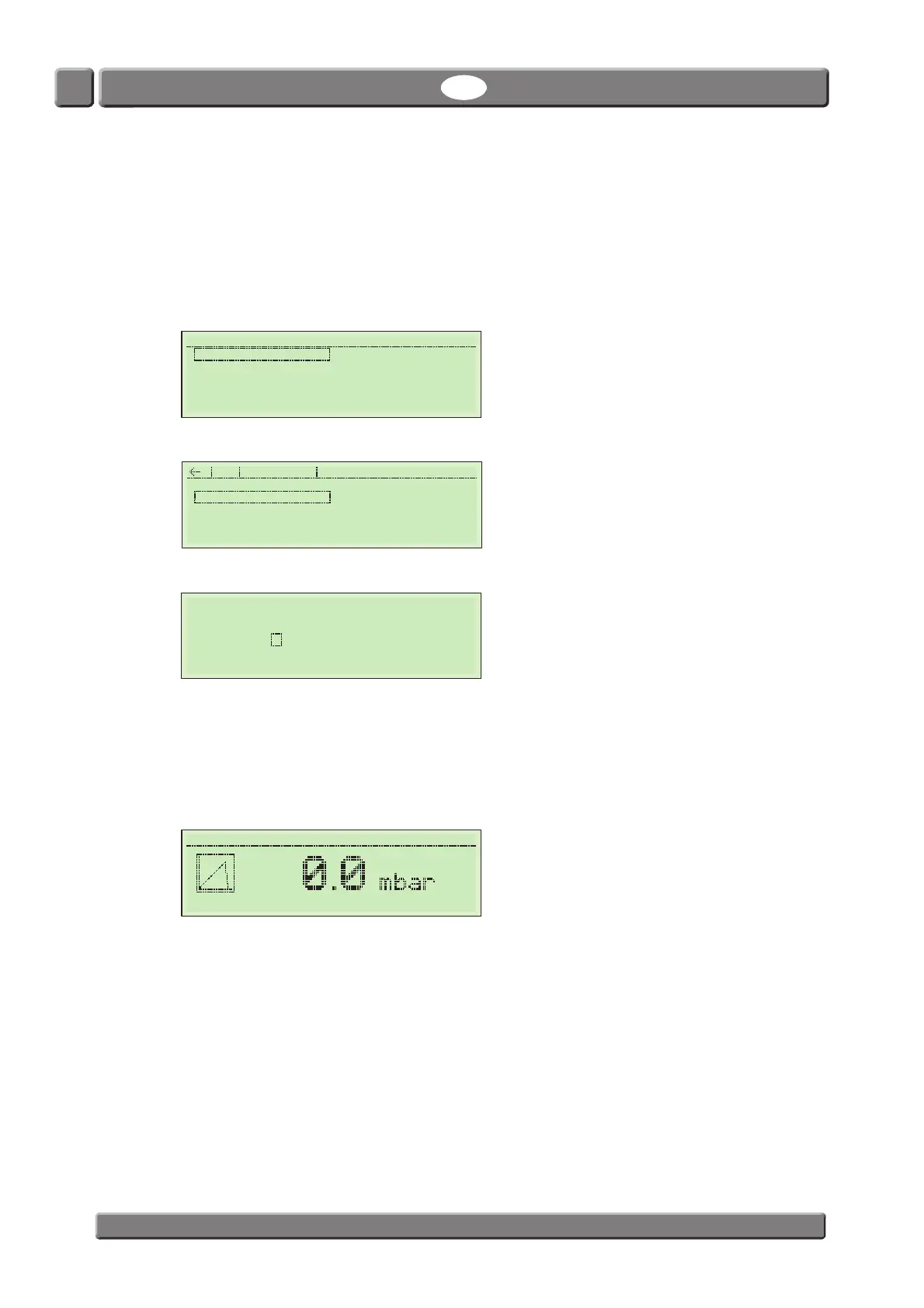
2. Go to the Main Menu.
3. Select test type ex. Burst test.
4. Select and press a test record ex. BURST-2.
5. If the Batch Inquiry function is turned on in the Setup -> Security menu you must enter a batch
number.
You can enter up to 15 characters by turning and pushing the scroll wheel. ESC goes back,
Edit is Enter. The batch number will be printed out after the test.
6. After entering the batch number the start screen of the selected test appears.
The selected test record (BURST-2) and the current user (Supervisor) is displayed in the top of the
screen.
11:59:17 Main Menu
Burst test Creep & Leak
Leak Test CreepLeakBurst
Creep-Test
Creep2FailTest
Creep & Burst Setup
BURST-1
BURST-2
New Burst test
Enter Batch Number
_______________
BURST-2 Supervisor
0000:00



 To Next Page