Dansensor A/S COPYRIGHT © P/N 330654-E 01/2018
Lippke 4000/4500 EN User Guide 65
7. Press Start button to start the test.
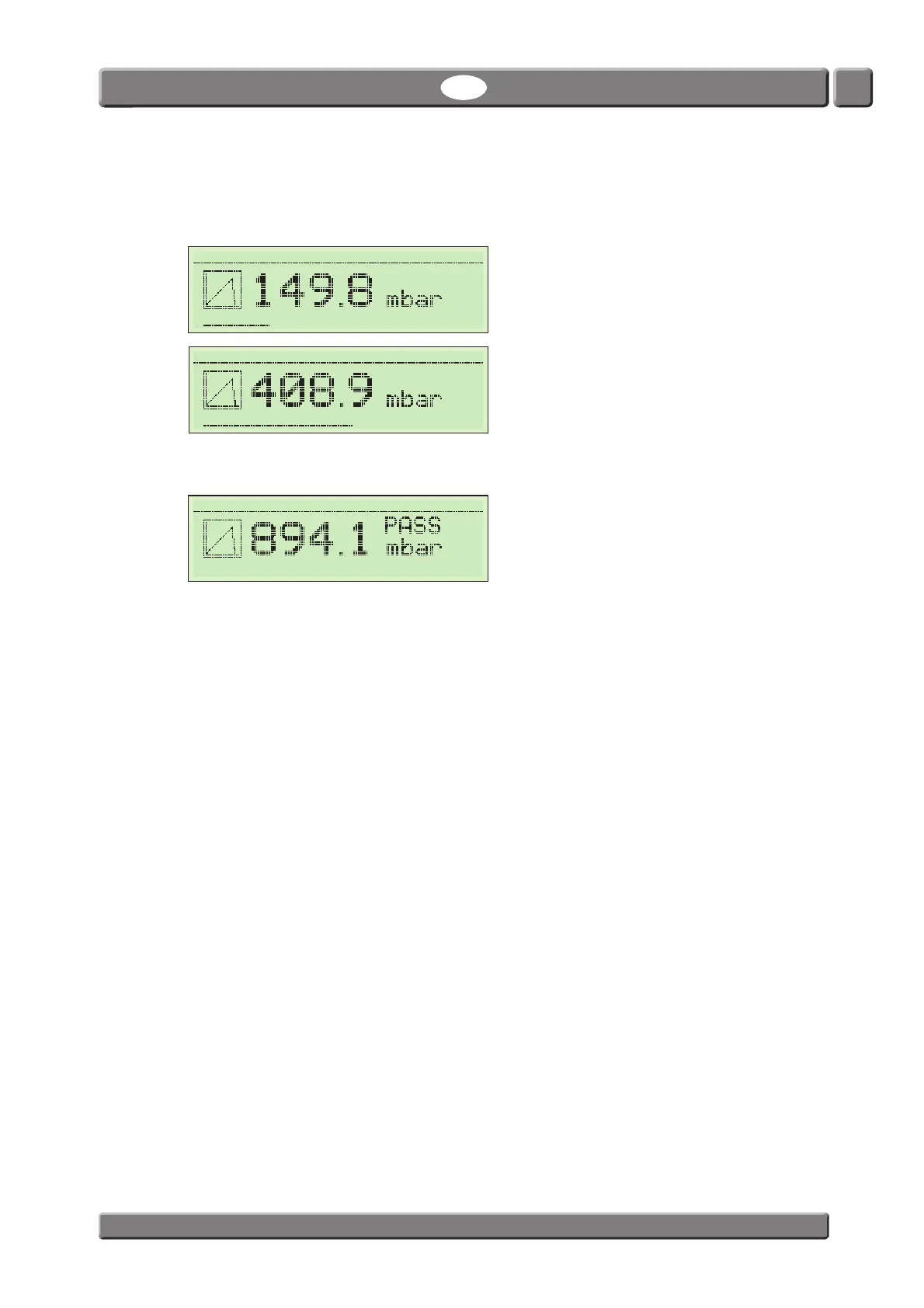
The test starts and each test phase will be displayed while executed (Pre-filling, Pressure incr. etc.)
together with the read-out of the current package pressure.
8. When the test terminates (in this case when the package bursts) the screen will display the result of
the test (in this case the result is the burst pressure of the package).
9. If a printer is connected and the Setup -> Data Output -> Printouts parameter is set to ex. 2 the
printer will print 2 copies of the test result.
BURST-2 Supervisor
Pre-Filling 0000:12
BURST-2 Supervisor
Pressure incr. 0000:21
BURST-2 Supervisor
Test result 0000:26



 To Next Page