EasyManua.ls Logo

Mocon Dansensor Lippke 4500 - User Manual

Default Icon
77 pages
Print Icon
To Next Page IconTo Next Page
Loading...
P/N 330654-E
01/2018
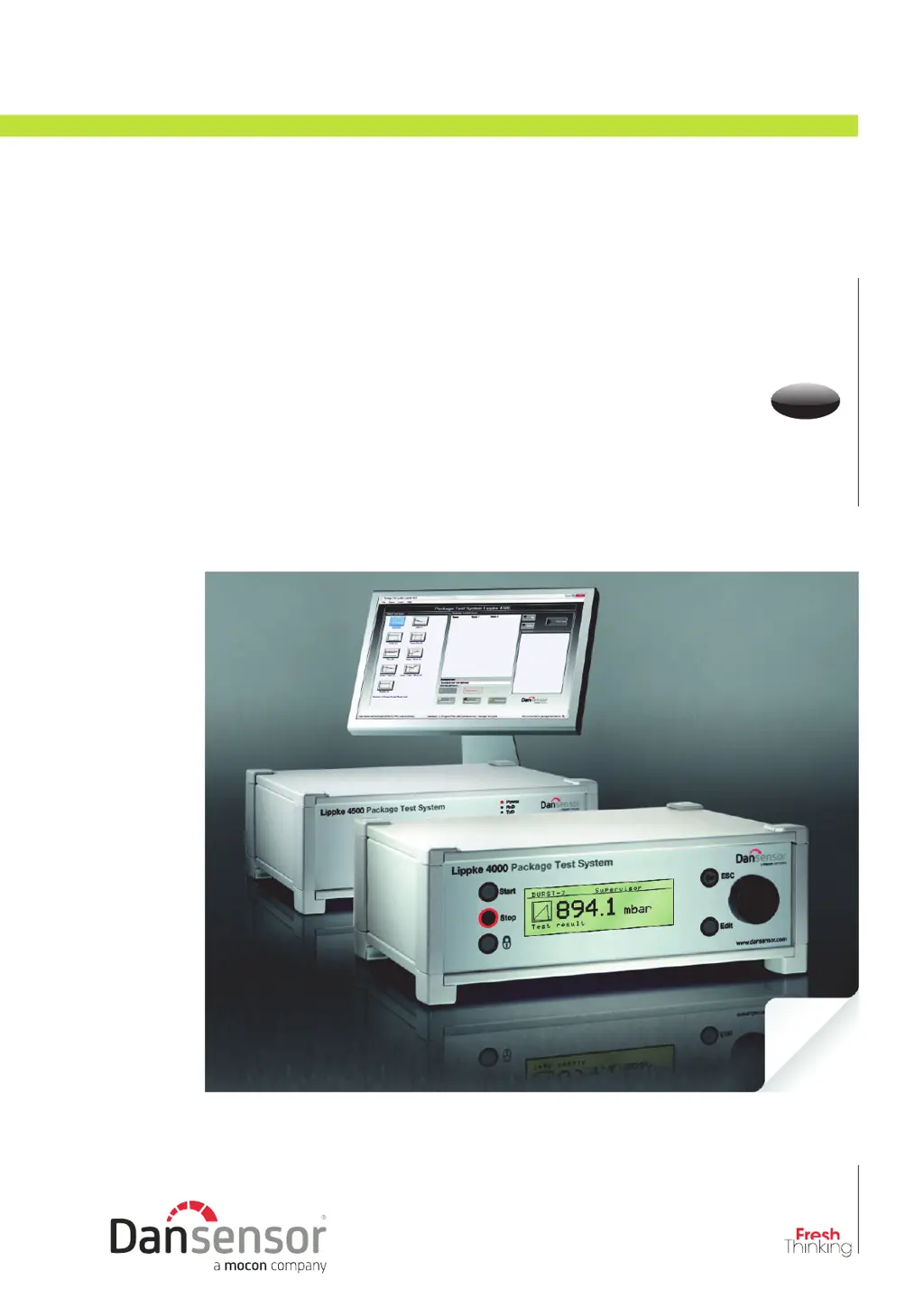
Package Test System
Lippke 4000/4500
User Guide
EN

Table of Contents

Questions and Answers

  • G
    glassnicoleAug 7, 2025
    What to do if Mocon Dansensor Lippke 4500 has no printer output?
    • E
      Eugene MartinAug 8, 2025
      If your Mocon Test Equipment is not providing printer output, first ensure that the interface cable is securely connected. Next, verify that the printer is switched on and online. Addressing these points should restore printer functionality.
  • T
    Timothy BrennanAug 25, 2025
    Why Mocon Test Equipment has no display after switching on?
    • J
      Jeffrey AliAug 25, 2025
      If your Mocon Test Equipment (4000 model) has no display after switching it on, or if the Power LED is not lit on a 4500 model, begin by checking the power cable connection to ensure it is secure. If the issue persists, replace the 1A fuse located in the power input module on the back of the device.

Summary

General Information

Safety and Use

Crucial safety guidelines and assumptions for operating the Lippke 4000/4500 package test system.

Introduction to Lippke 4000;4500

Measurement Accessory Kits

Tests and Test Types

Setting Up the System

Compressed Air Connections

Details requirements, filters, and fittings for connecting compressed air supply.

Connecting Hoses and Cables

Guides on connecting various hoses and cables to the Lippke 4000/4500 and accessories.

Operating the Lippke 4000;4500

System Start-Up Procedures

Guides on powering on and initiating the Lippke 4500 (PC) and Lippke 4000 (device).

Setup Menu Operations

Describes how to access and configure system parameters via the Setup Menu.

Cleaning and Maintenance

Troubleshooting Guide

System Error Resolution

Lists common system errors, their causes, and remedies for the Lippke 4000/4500.

Interface Error Handling

Addresses issues related to printer or PC interface errors and their solutions.

Measurement Problems

Outlines problems encountered during measurement and provides troubleshooting steps.

Technical Specifications and Data

Electrical and Air Supply Specs

Details electrical requirements, air supply pressure, and air quality standards.

Mechanical and Physical Data

Provides dimensions, weight, and physical characteristics of the control unit.

Basic Operating Specifications

Covers ambient conditions, measuring ranges, resolution, accuracy, and interface languages.

Consumables and Accessories

Mocon Dansensor Lippke 4500 Specifications

General IconGeneral
BrandMocon
ModelDansensor Lippke 4500
CategoryTest Equipment
LanguageEnglish

Related product manuals