Dansensor A/S COPYRIGHT © P/N 330654-E 01/2018
Lippke 4000/4500 EN User Guide 57
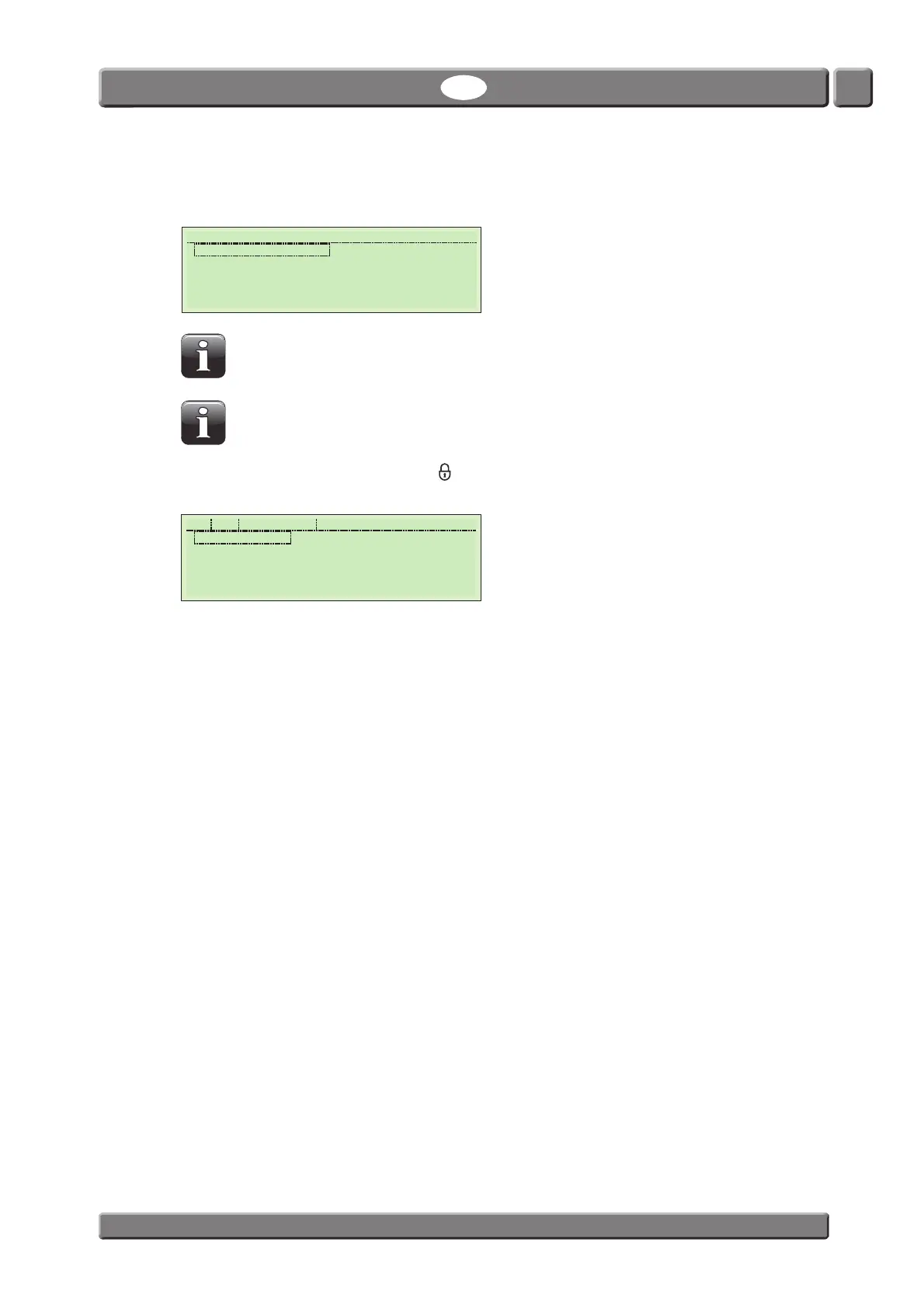
Entering a correct PIN code will take you to the Main Menu.
5. From the Main Menu you can select each of the available tests and the Setup menu.
NOTE! If the Creep Test option and the Mult-Test option has not been purchased the
only items displayed in the “Main Menu” will be Burst Test, Leak Test and Setup.
NOTE! If you are logged in as a user without supervisor privileges and setup protection
is enabled, the Setup item will not be displayed in the Main Menu.
6. If you want to change the user press the button. This will logout the current user and take you to
the User Selection screen where you can select a different user.
11:59:17 Main Menu
Burst test Creep & Leak
Leak Test CreepLeakBurst
Creep-Test
Creep2FailTest
Creep & Burst Setup
Supervisor
USER-1
User Selection



 To Next Page