P/N 330654-E 01/2018 COPYRIGHT © Dansensor A/S
60 User Guide EN Lippke 4000/4500
User administration
Select User Administration from the Setup Menu to maintain the user database.
You can see the list of existing users, create or delete users, and edit the settings for an existing user.
Create user
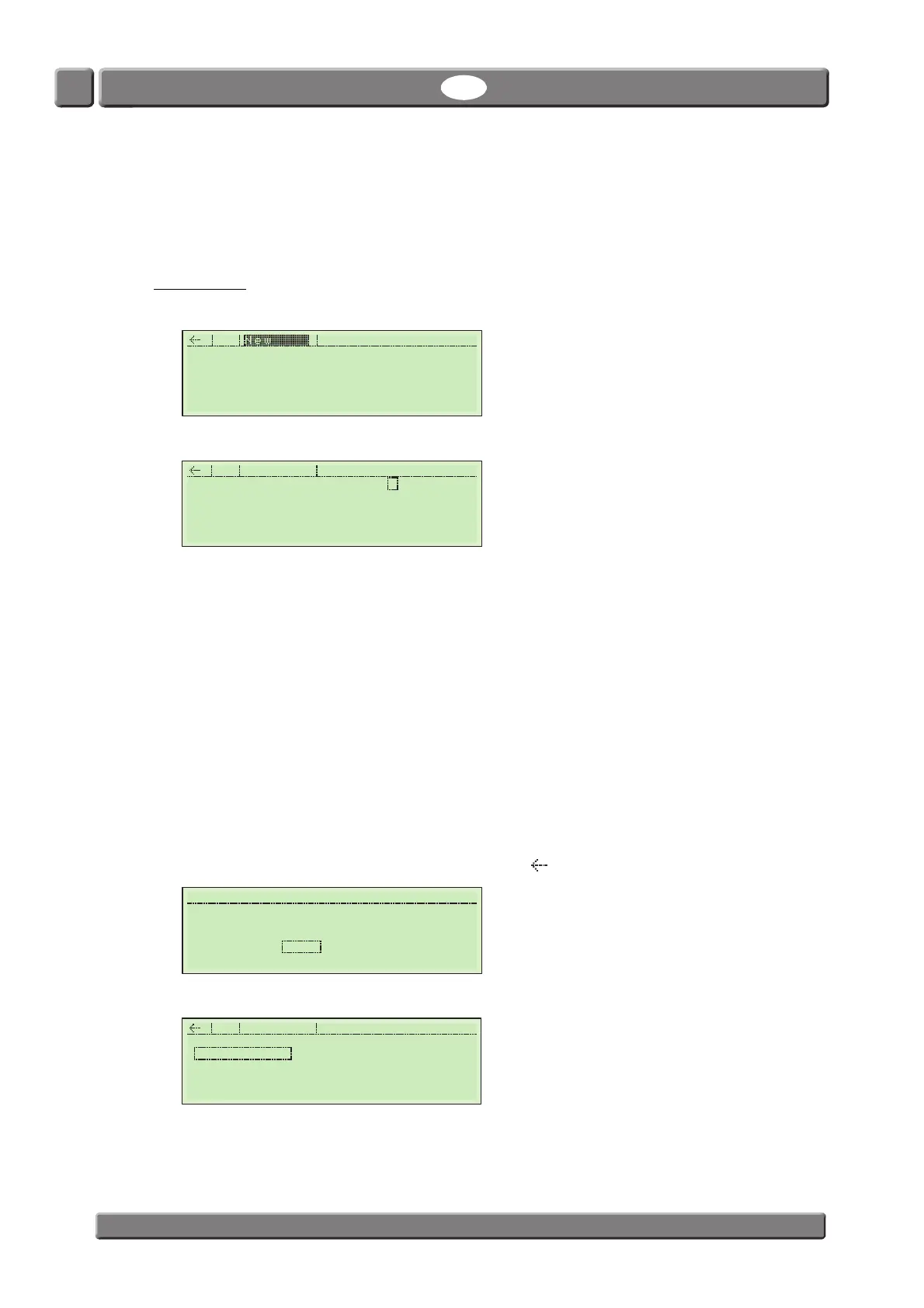
1. From the Setup Menu select User Administration.
2. Select New.
3. Make appropriate settings for the user:
4. When you are done press ESC key (or select and press ). You will be asked to save the file.
5. Select and press Yes to save file and return to the users list.
Name Unique user name (max. 13 characters)
Select Tests Select if user is allowed to select a test from the Main Menu.
Modify Tests Select if user is allowed to modify test settings.
If set to Yes the Select Tests parameter will automatically be set to Yes as
well.
Is Supervisor Select if user should have supervisor privileges.
If set to Yes the Select Tests and Modify Tests parameters will
automatically be set to Yes as well.
If set to Yes the user will always have access to the Setup menu.
PIN Create a unique 4-digit login PIN code.
Supervisor
New User Administr.
Name USER-1
Select Tests Yes
Modify Tests Yes
Is Supervisor Yes
PIN 0000
User
New User Administr.
Supervisor
USER-1



 To Next Page