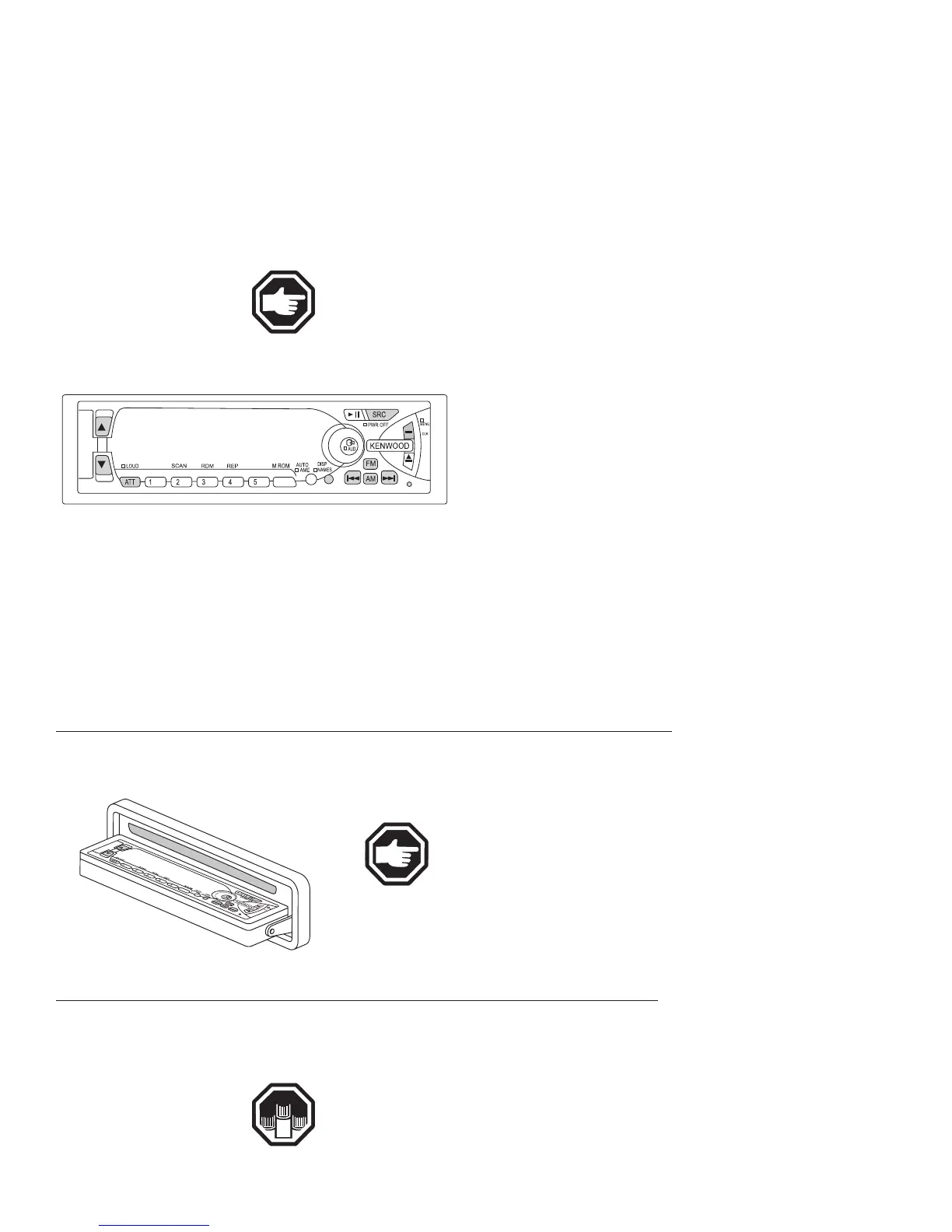
The dash radio controls the multi-functions for the dash audio. There are
many features associated with the dash radio. The front panel conceals the sin-
gle CD player and rotates over to give the appearance of a blank faceplate that
provides protection from theft. Along with the radio, a 10 disc CD changer may
be installed as an option. The tuner will hold up to thirty eight pre-set FM sta-
tions and sixteen AM stations. Turn the radio power OFF at the dash or in the
bedroom.
NOTE: Turning the bedroom radio switch OFF will override
the two dash switches.
Operation:
Prior to utilizing the dash radio, comply with all
of the following required conditions.
• Turn ON the House Battery Disconnect switch.
• Turn ON the House battery cut-off switch,
located at entry door.
• Turn ON the radio power switch at the dash
panel.
• To turn radio on, push the SRC/POWER OFF
button.
• To turn radio off, push and hold the SCR/POWER OFF but-
ton for at least one second.
• Radio has a security code function and is displayed when radio is turned
on. “CODE ON” indicates code has been registered. To enter your personal
security code refer to the manufacturer’s owner’s manual.
• Press the release button and slide open the faceplate.
• Push upward the back of the control panel and reverse the
panel.
NOTE: The panel cannot be reversed when the
faceplate is not attached.
• Press the upper side of the faceplate. The faceplate will open.
• Push the button of the control panel and close the faceplate.
Additional and detailed information for the dash radio func-
tions and operations can be found in the Owner’s Information
File Box.
Equipment
---------------------------------------------------------------------------------------------------------------------------------------------------------------------------------------------------------------------------------------------------------------------------------------------------------------------
DIPLOMAT
5•148
RADIO - DASH
OM030913.eps
Hiding The Control Panel
OM030915.eps
Operating the Control
Panel





 To Next Page