Electrical Systems - Chassis
------------------------------------------------------------------------------------------------------------------------------------------------------------------------------------------------------------------------------------------------------------------------------------------------------------------
DIPLOMAT
9•247
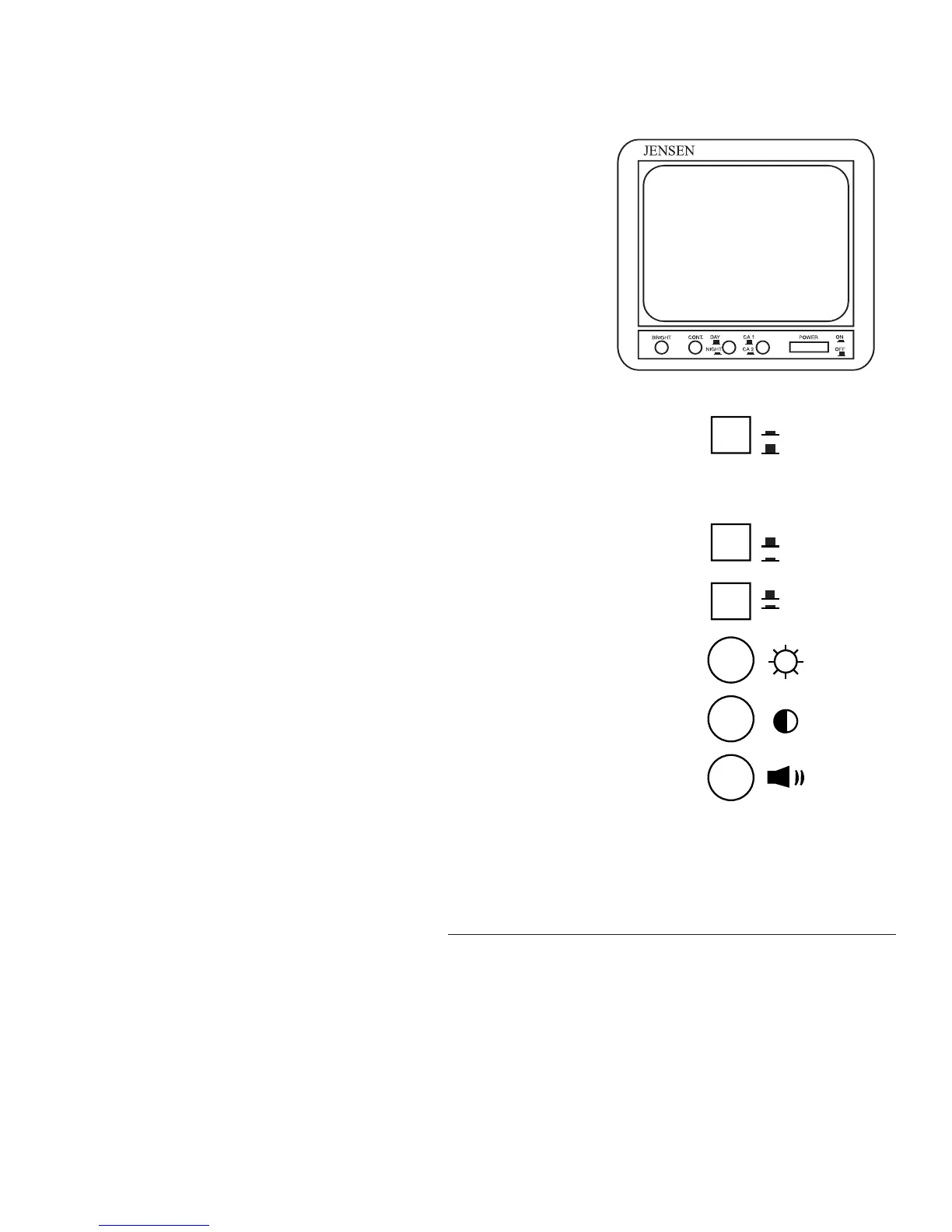
Back Up Monitor: Used with the back up camera and
will display the rear view of the motorhome.
Power Switch: At ON (in) position, turns on the monitor
for viewing. The green LED indicator illuminates. When the
switch is OFF (out), the monitor is in a STANDBY mode of
operation. The green LED remains illuminated when the
ignition is on. The monitor displays rear viewing when the
transmission is shifted to REVERSE.
Camera Selector: Should be left in the CA1 (out) posi-
tion. CA2 (in) position is not used in the motorhome.
Day/Night Switch: Should be left in the DAY (out) posi-
tion for normal viewing. When set in NIGHT (in), picture
brightness is reduced. NIGHT should be used for night view-
ing and driving through tunnels.
Bright Control: Clockwise rotation increases the picture
brightness. Counterclockwise rotation decreases the picture
brightness.
Contrast Control: Clockwise rotation increases the pic-
ture contrast. Counterclockwise rotation decreases the picture
contrast.
FOG LIGHTS: Turns fog lights ON and OFF for better visibility. The fog
lights will operate with the Low Beam of the headlights.
AIR DUMP: Will manually dump air from the air bags. May be an aid in
leveling the motorhome. Releasing the air from air bags will give the leveler
more range of travel for leveling.
Monitor





 To Next Page