EasyManua.ls Logo

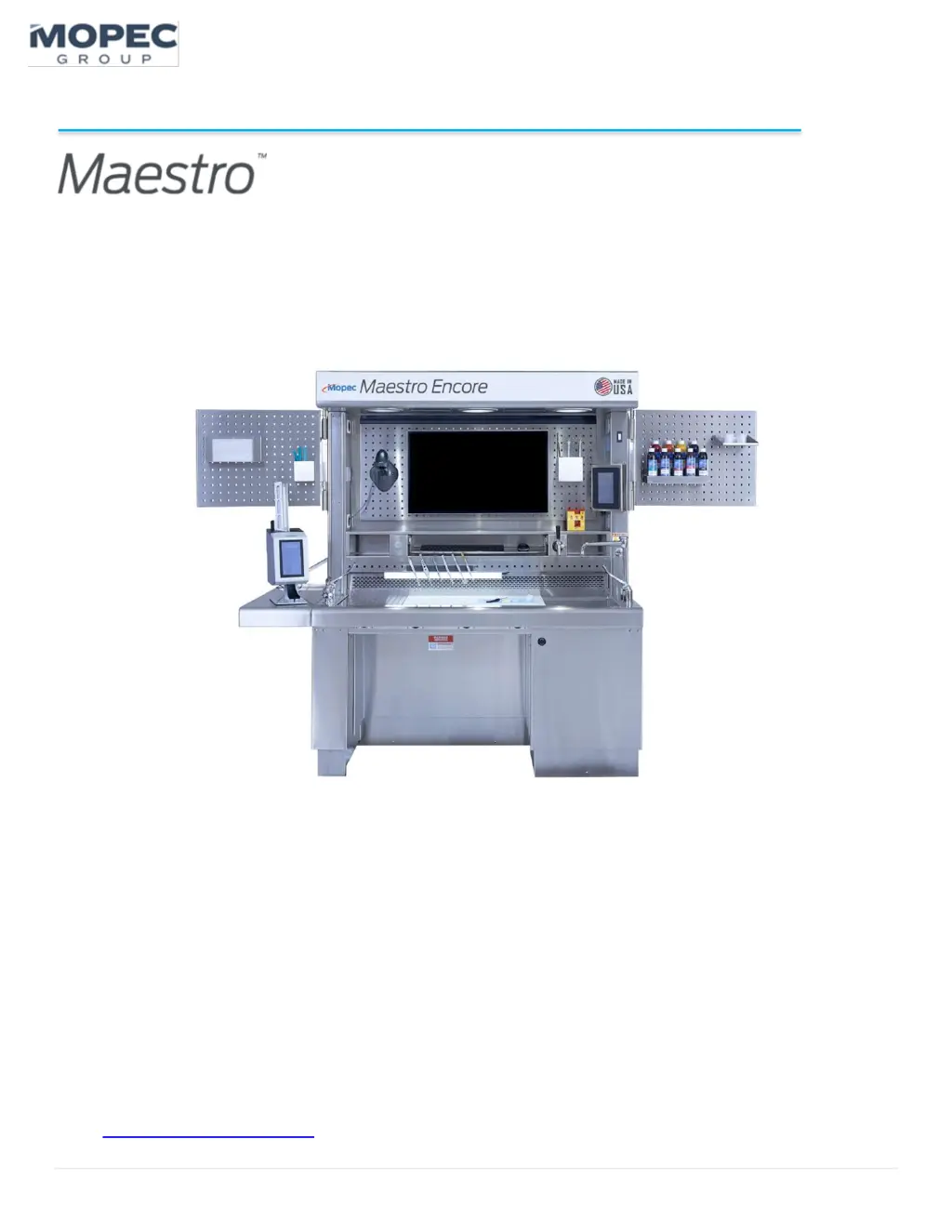
Mopec Maestro Encore - User Manual

Mopec Maestro Encore
84 pages
Print Icon
To Next Page IconTo Next Page
Loading...
1 | P a g e
Installation, Service, and User Instructions
Grossing Station / MB1000 / MG1000 series
DISCLAIMER
Copyright © 2024 by MOPEC
All rights reserved. No part of this publication may be reproduced, distributed, or transmitted in any form or by any
means, including photocopying, recording, or other electronic or mechanical methods, without the prior written
permission of the publisher. For permission requests, write to the publisher, addressed “Attention: Permissions
Coordinator,” at the address below.
Mopec
800 Tech Row, Madison Heights, MI 48071
Phone: 1-800-362-8491
email: customerservice@mopec.com

Table of Contents

Questions and Answers

  • A
    Andre FosterAug 10, 2025
    What to do if my Mopec Laboratory Equipment station does not turn on?
    • A
      Ann JosephAug 10, 2025
      If your Mopec Laboratory Equipment station isn't turning on, there are several potential causes: * The G.F.C.I. might have tripped. To resolve this, reset the G.F.C.I. There are two per station: one above the shelf and one in the “Cord Wrap” area on the side of the machine. Make sure the main power is on when resetting the GFCI. * The facility breaker could have tripped. If so, reset the facility breaker. * There might be a power system short. In this case, check connections at the wire whip or power cord and plug the connector. Disconnect power and check circuits & harness connections.
  • S
    Sean PachecoAug 25, 2025
    What to do if my Mopec Laboratory Equipment station does not elevate?
    • M
      Michael Douglas IVAug 25, 2025
      If your Mopec Laboratory Equipment station isn't elevating, here's what you can check: 1. Ensure the station is turned “ON” at the main power switch. 2. Check if the G.F.C.I. has tripped and reset it (station power must be “ON”). 3. The elevation system may need to be reset. 4. Inspect the elevation system for damage; consider replacing the linear actuator control box & button if necessary. 5. Verify that all actuators are connected to the control box.

Mopec Maestro Encore Specifications

General IconGeneral
BrandMopec
ModelMaestro Encore
CategoryDesktop
LanguageEnglish

Related product manuals