30 | P a g e
6 OPERATION/USE
6.1 How to Use the Touch Screen
6.1.1 Understanding the Maestro Operational Interface
Mopec designed the Maestro to be highly customizable in its construction to meet all types of process flows and
procedural preferences in the pathology lab. The touchscreen display allows for variable user interface controls to
support the many configurations available on the Maestro.
CAUTION The Maestro is equipped with a “Touch” Screen, pressing excessively hard on the screen may result
in damage.
6.1.2 Startup
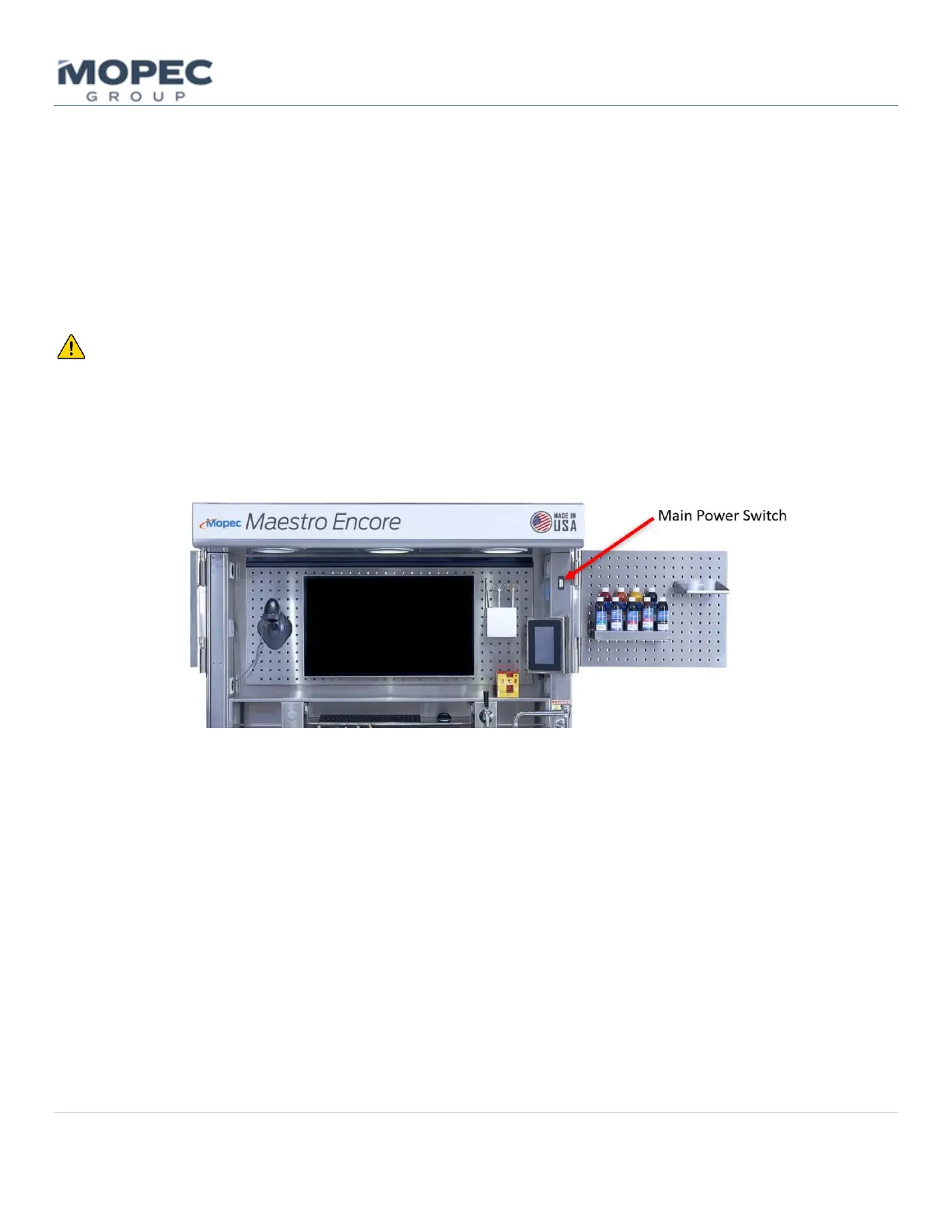
Turn on the Maestro from the Power Switch located on the hood column above the sink side of the unit.
• The Home screen is the main page when the unit is powered on. This page provides access to all the sub
menus for lighting, ventilation, water timers, and a menu button.



 To Next Page