49 | P a g e
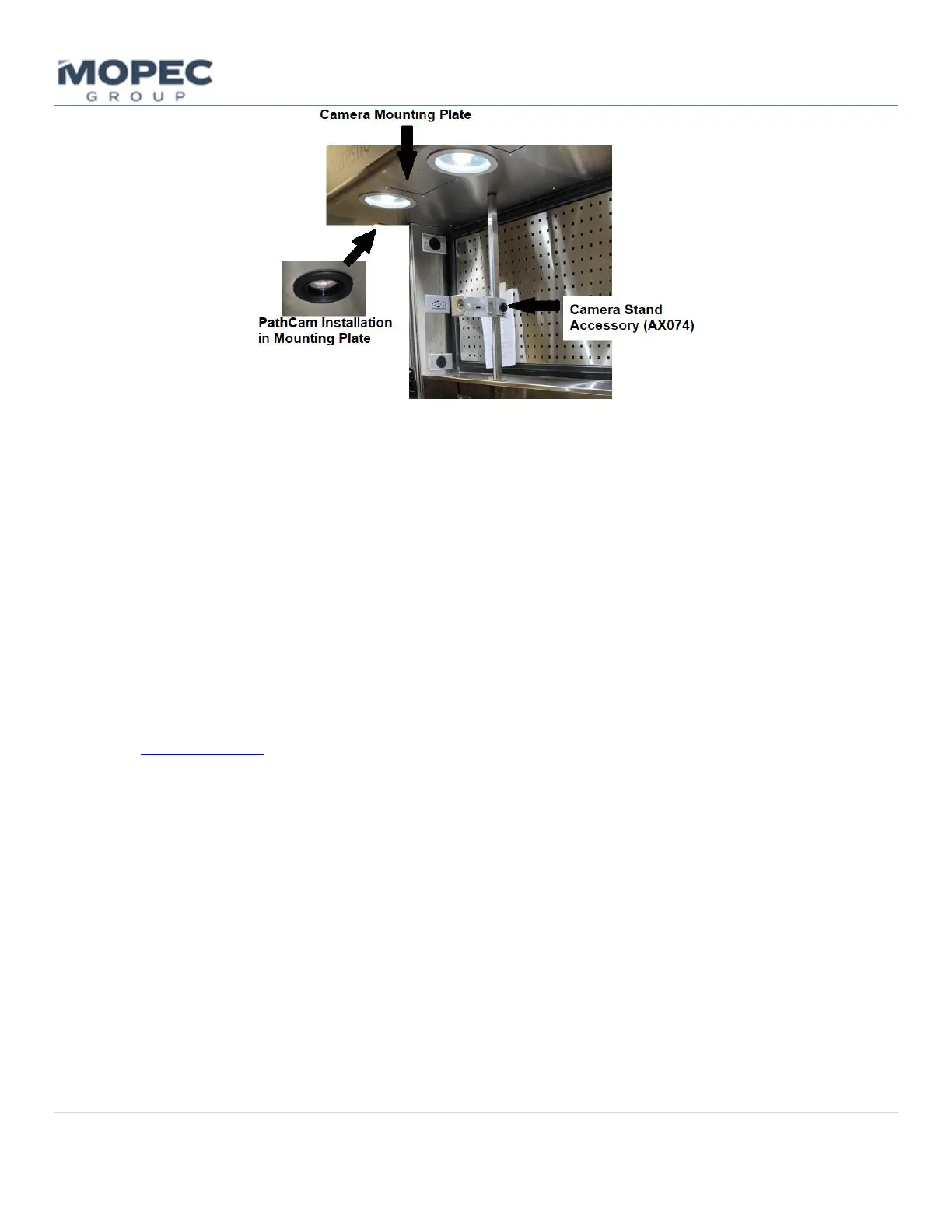
• Encore units will come with the PathCam system factory installed.
• PathCam HR Imaging System is a dynamic tool tailored for grossing station applications. Boasting a powerful
24MP Image Sensor, it effortlessly captures ultra high-resolution images, making it an unparalleled choice for
publication-quality imagery and impactful poster presentations. The system is designed with on-screen
diagnostics in mind, and features broadcast-grade video streaming. It stands out as the go-to system for vivid
live demonstrations and interactive teaching sessions.
• Computer recommended specs: 32GB of RAM; 11th Gen Intel Core i7 Processor; Hard-disk space 1 TB; DDR4 or
greater; Iris XE or greater graphics card; USB 3.2; USB C to support USB Hub; Ethernet Port; Wireless Network
Card; Powered Peripheral 10-16 Port USB Hub to support: keyboard, mouse, touchscreen monitor, foot pedal,
barcode scanner, microphone headset, PathCam MICRON (add-on microscope camera); Washable, medical-
grade keyboard and mouse. The camera itself is mounted to the back side of the plate and only the lens
protrudes out of the canopy.
• PathCam Camera Systems are covered in their own product specification and user manual.
See www.mopec.com for the latest information.
6.2.11 BMS (Building Management System) Connection
Mopec BMS (Building Management System) connection, option MB1022, is a simple output signal intended to be
connected to a hospital remote management system. The function is a dry contact relay output that is triggered by an
alert condition on the Maestro.
• This signal informs the hospital’s management system that the station has an alert condition.
• The BMS signal wires can be run from the facility to the station and connected to the Alarm relay signal output
on electrical cabinet DIN rail.
• BMS output triggering is setup in the Notifications Setting Page. BMS will need to be checked by the requested
alarm type.
6.3 What to Do in Emergency and Exceptional Situations
First, follow your laboratory safety procedures. Reference the below protocol for unit situations.



 To Next Page