31 | P a g e
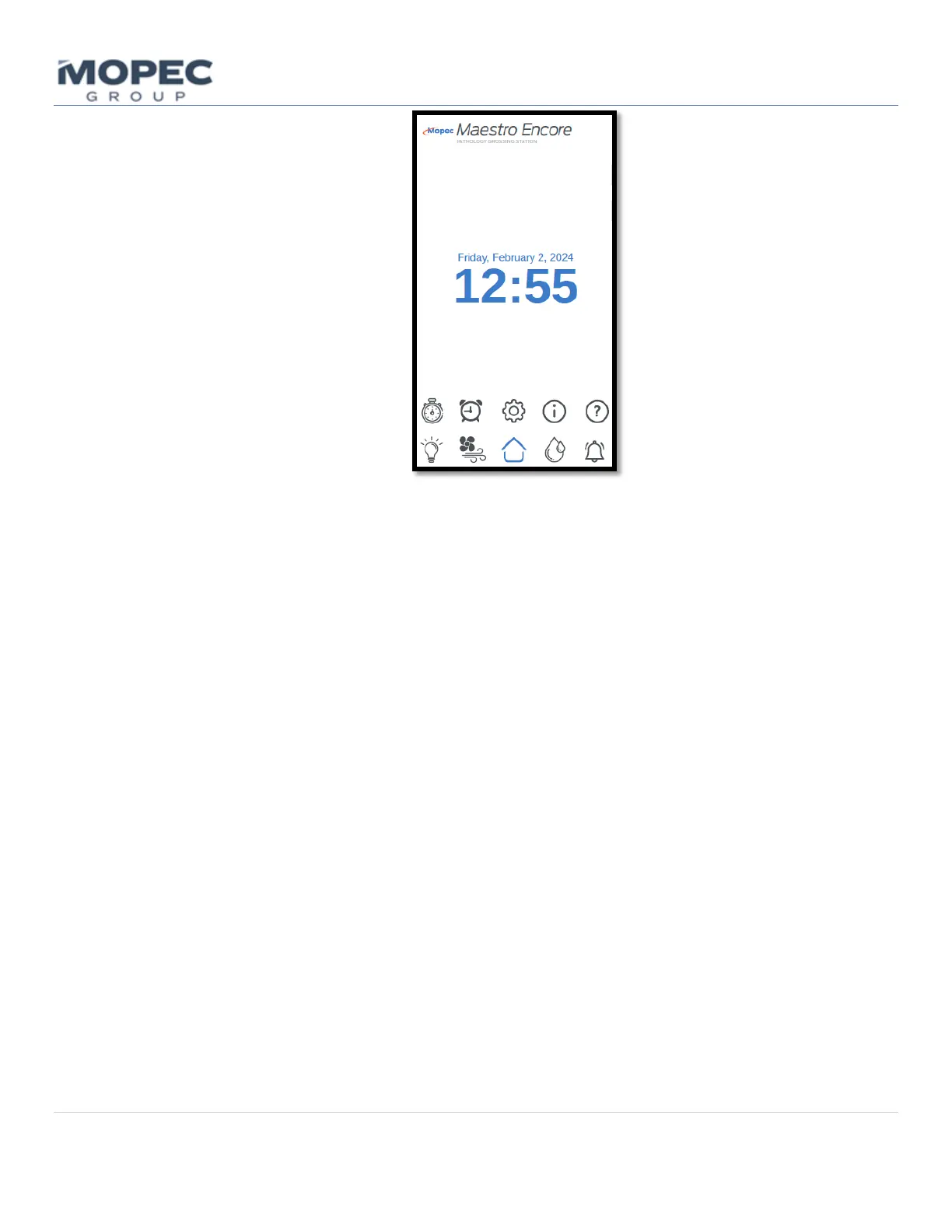
The home screen is where the users can quickly navigate to any feature installed on the grossing station. The home
page is set up in a manner that categorizes the main features into easily accessible buttons. It can also be used as a back
button to quickly exit back to the home page and select another subcategory. The home screen is also the page where
alarm notifications and messages are displayed. For safety reasons, any screen that is idle for a period of time will return
to the home screen.
6.1.3 Lighting Buttons
Once the operator selects the Lighting button from the home screen, the screen will switch to the Overhead Lighting
page. This is where the operator can adjust and turn ON the Overhead Lights. Overhead lights can also be dimmed by
selecting the up or down arrows. If the unit has an optional surface light it can be turned ON and OFF to increase
visibility at the work surface. If installed the optional surface light button will be at the top of the screen.



 To Next Page