23 | P a g e
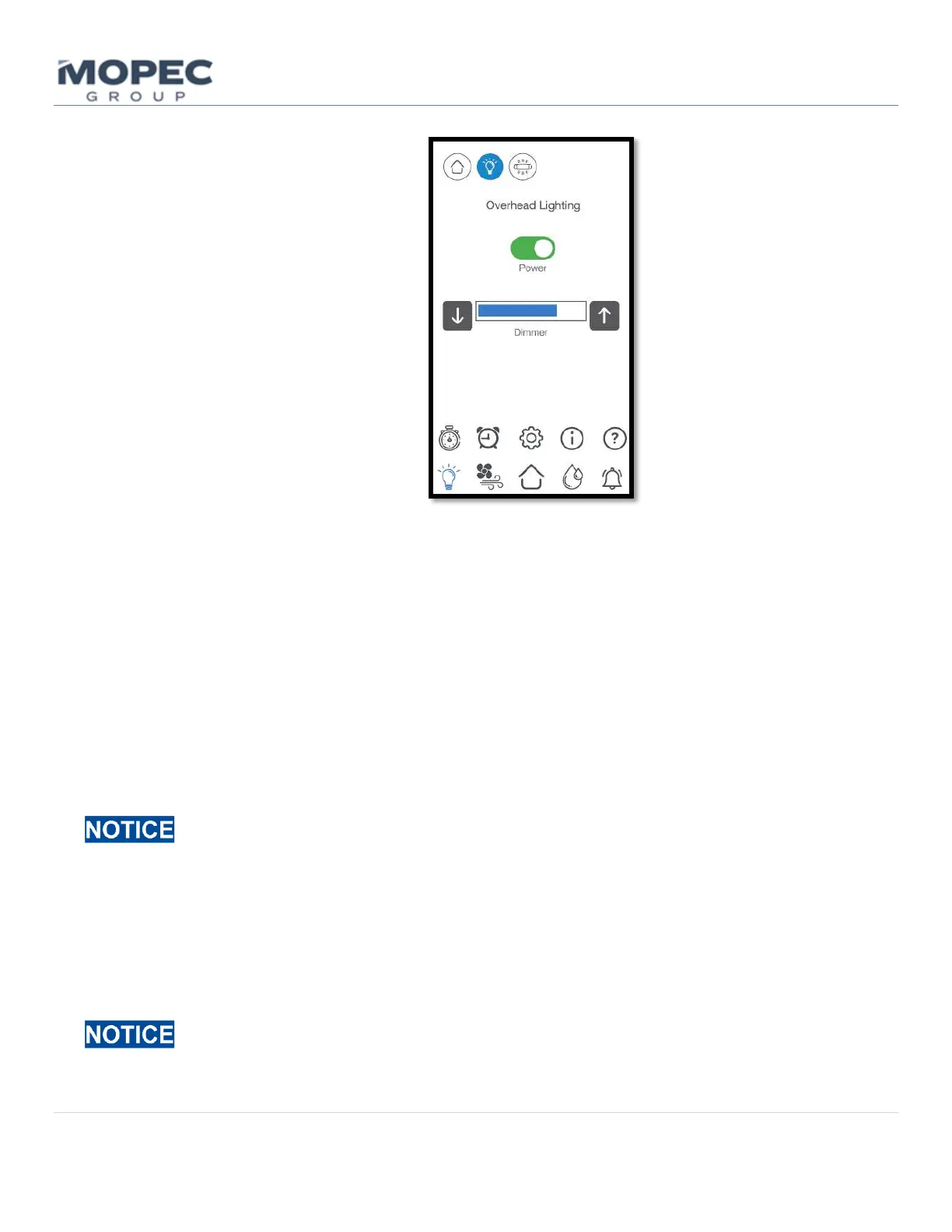
o An illustrated example of when the user presses the “Lighting” button is shown below.
4.1.4 Elevation
• The elevation of the unit is adjustable from the Elevation (</>) button located on the front corner of the sink
The unit has 12” (30.48cm) of elevation, select the best position for sitting or standing. Stand clear and check
for obstructions surrounding (and under) the Maestro when raising and lowering the unit.
4.1.5 Faucet Operation
• The faucet is controlled by the faucet mixing valve lever. Pulling the lever up and away from the sink turns the
water on. Pushing the lever forward and backward from that position will adjust the Hot and Cold-water mix.
• On units equipped with a Foot Pedal control or Infrared hands-free sensor, the Faucet will turn ON and stay on
with a foot pedal push or hands-free activation. To turn it OFF simply press the foot pedal or activate the
infrared once more.
The ON time of a foot pedal/hands-free activation is controlled by the Water Timer function on the
Timer screen. See section 5 of the user manual for instructions on how to adjust this feature.
4.1.6 Garbage Disposal
• The garbage disposal or disposer is operated via a push-button air switch located on the sink side column (see
4.1.1 image). The disposal will start and stay on with a button push. To turn it off, simply press the button
again.
Standard Maestro units utilize a dry ½ hp disposer unit. You must run the water to assist in flushing
the contents down the drain. Never put hands or tools into the disposer while under power.



 To Next Page