22 | P a g e
• Home – The home button provides quick access back to the main home screen where the time and
any active alarms are shown.
• Water Timer Options – The water timers page is for units that have options for foot pedals, and
infrared sensors for the water. These features can be turned ON/OFF, and a water timer interval can be set
to automatically turn off if needed.
• Notifications Settings- The notifications settings pages allow users and laboratory managers to set
specific notification settings for each alarm type. The options are Visual, Audible, Building Management
relayed, and mutable. Users are also able to verify and clear alarm histories.
4.1.3 Operating Touch Screen
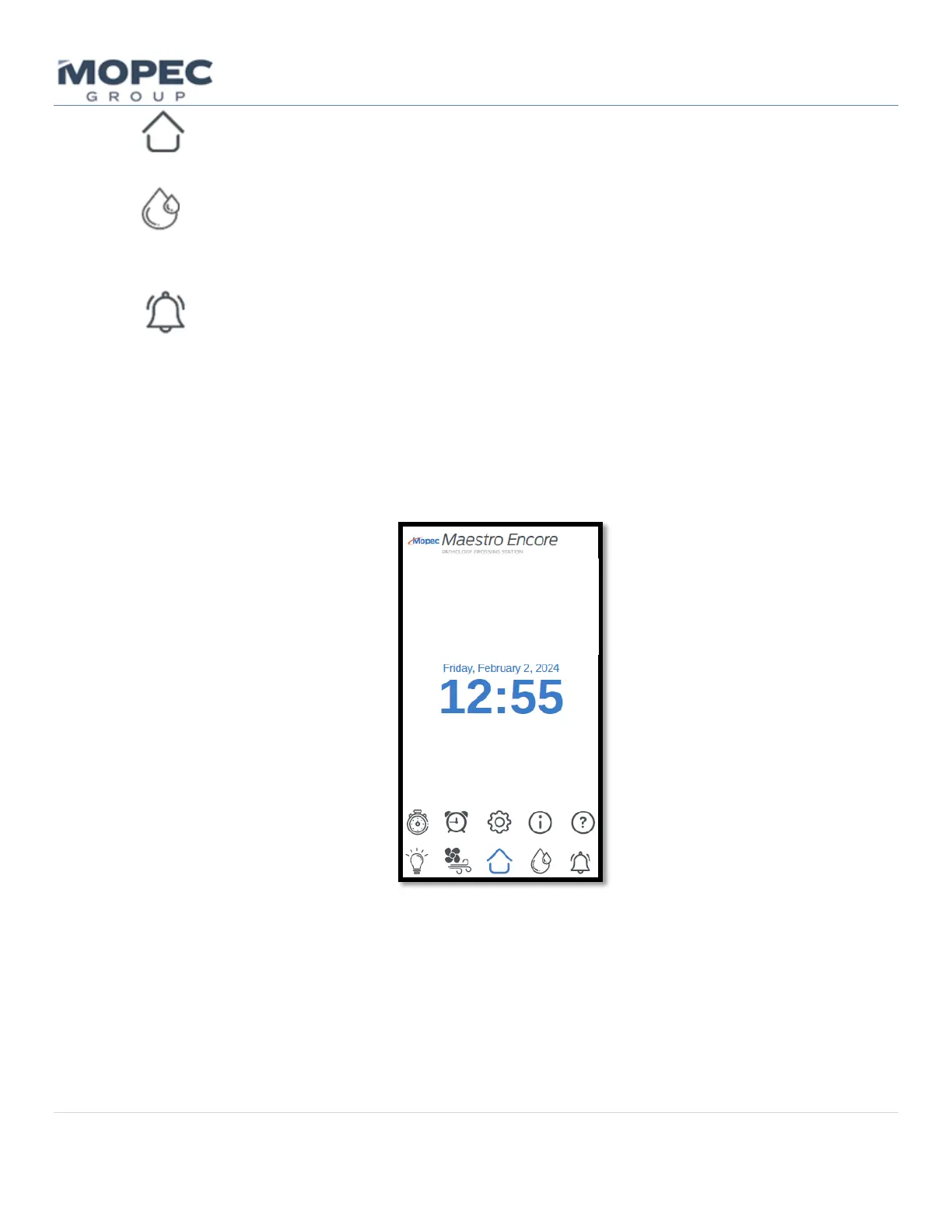
• With the unit turned ON the main home page will show. The main page has icon buttons below for Overhead
Lighting, Air Flow Monitoring, Timers, and Menu Settings. The middle of the page will display the Date and
Time.
• Selecting one of these buttons at the bottom of the screen with a light finger touch will open the page
corresponding to the button.



 To Next Page