42 | P a g e
6.2 How to Use Maestro Standard Features & Options
6.2.1 Lighting (standard)
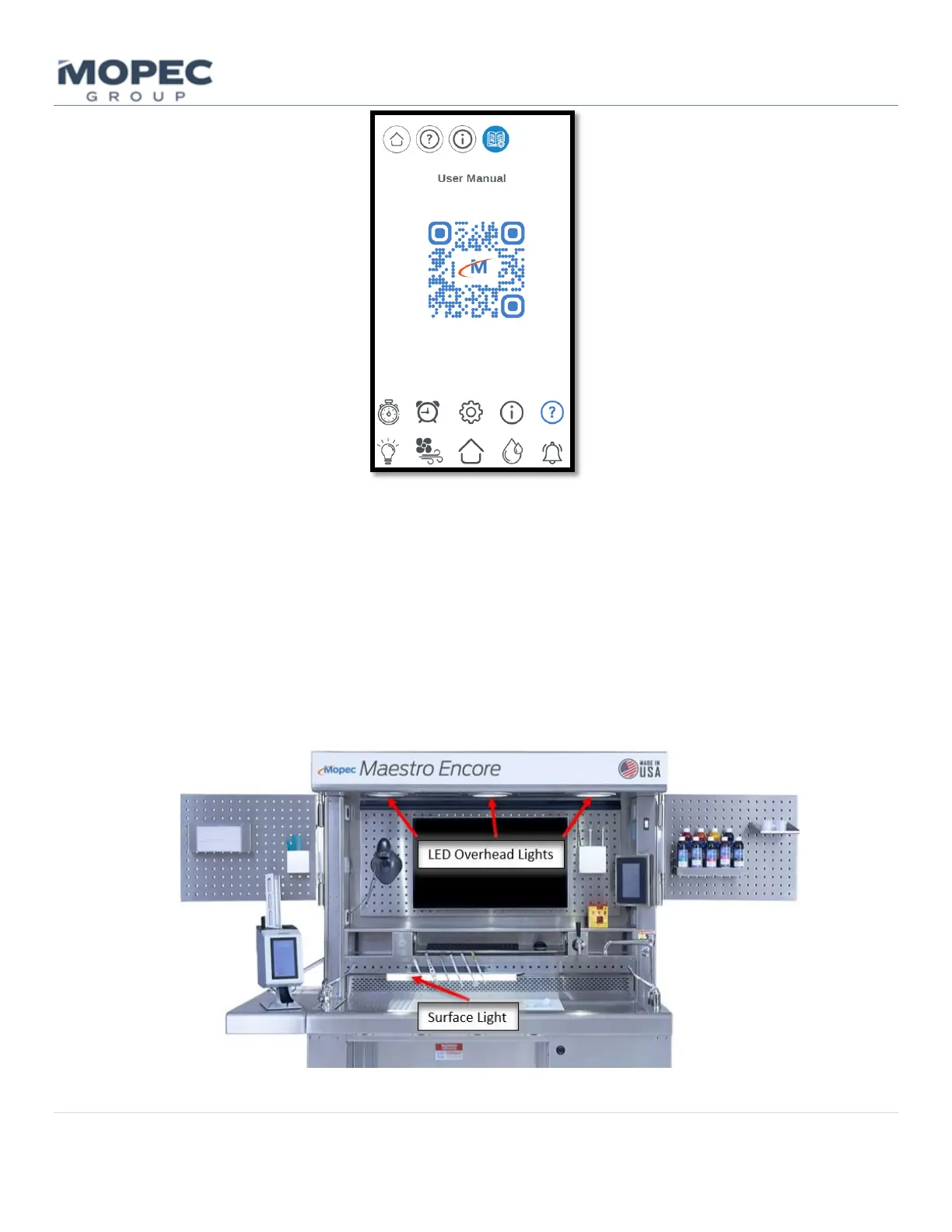
The Maestro has recessed LED lights integrated into the hood, and a few supplemental light options are available.
• The overhead LED dimmer is adjustable by touching the Light button on the Home screen. The blue bar on the
screen indicates the brightness level and the up/down arrows adjust the setting.
• Optional Surface lighting ON/OFF operations will show on the of the lighting screen. Once clicked the surface
light can be Powered ON/OFF to provide additional lighting at the worksurface.



 To Next Page