37 | P a g e
If facility ventilation remains ON while the unit is OFF it is recommended to change the pre-filters every 90
days. Checking and setting a time that works for your laboratory practices is highly recommended.
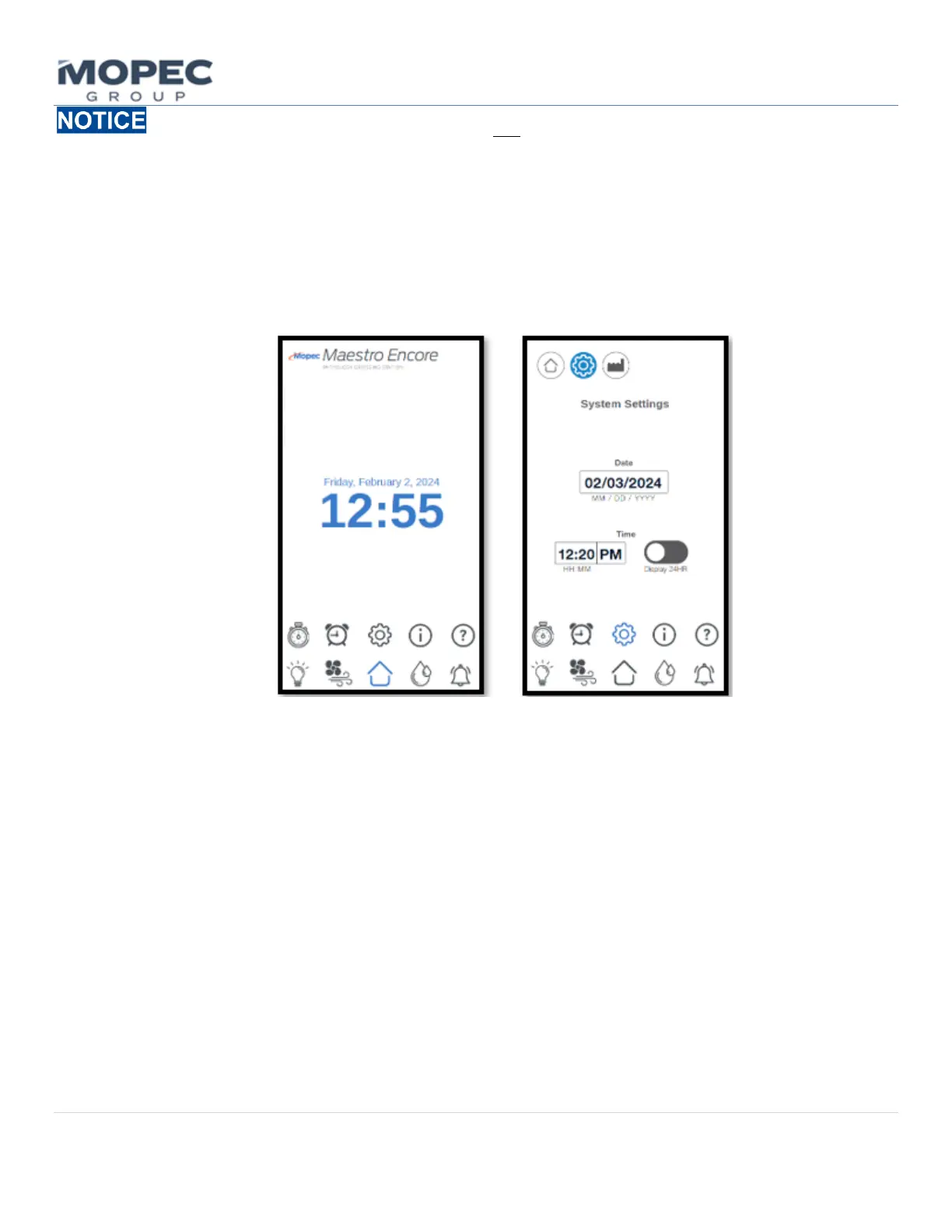
6.1.6 Date and Time Adjustment
To change the Date and Time press the gear icon on the home screen. This will land you on the System Settings
page. Pressing on the date and time will allow change the date as well as the time. Selecting OK once changed
will save the input. The System Setting Page will display the time which can be changed from 24-hour time
(military time)or standard 12-hour Display. Select one that works best for your laboratory personnel.
6.1.7 Water Timer Options
The Water Timer Options page displays the Flow set time and provides a way to toggle ON and OFF the Infrared Sensor
and Foot Pedal if equipped. The Amount of Flow Time can be changed by selecting the timer box and selecting a
required time interval in seconds. The water timer is used in conjunction with the foot pedal option and or Infrared
sensor option. It controls the amount of time the water solenoid is to stay on after the first tap of the foot pedal or
Infrared sensors input. This can be set as a safety timeout, or it can be used to dispense a given amount of water per
laboratory process.
• Options such as foot pedal or infrared sensor will be configured at the factory. If the option is grayed out that
would indicated the option isn’t available on the unit.
• If such options are install the user would have the option to turn the option off by selecting the power toggle
switch. Note this will disable the function and turn off the ability to turn on the water.
• Adjust the time to the desired time needed and then press OK to confirm your intended choice.



 To Next Page