43 | P a g e
6.2.2 ELEVATION (standard)
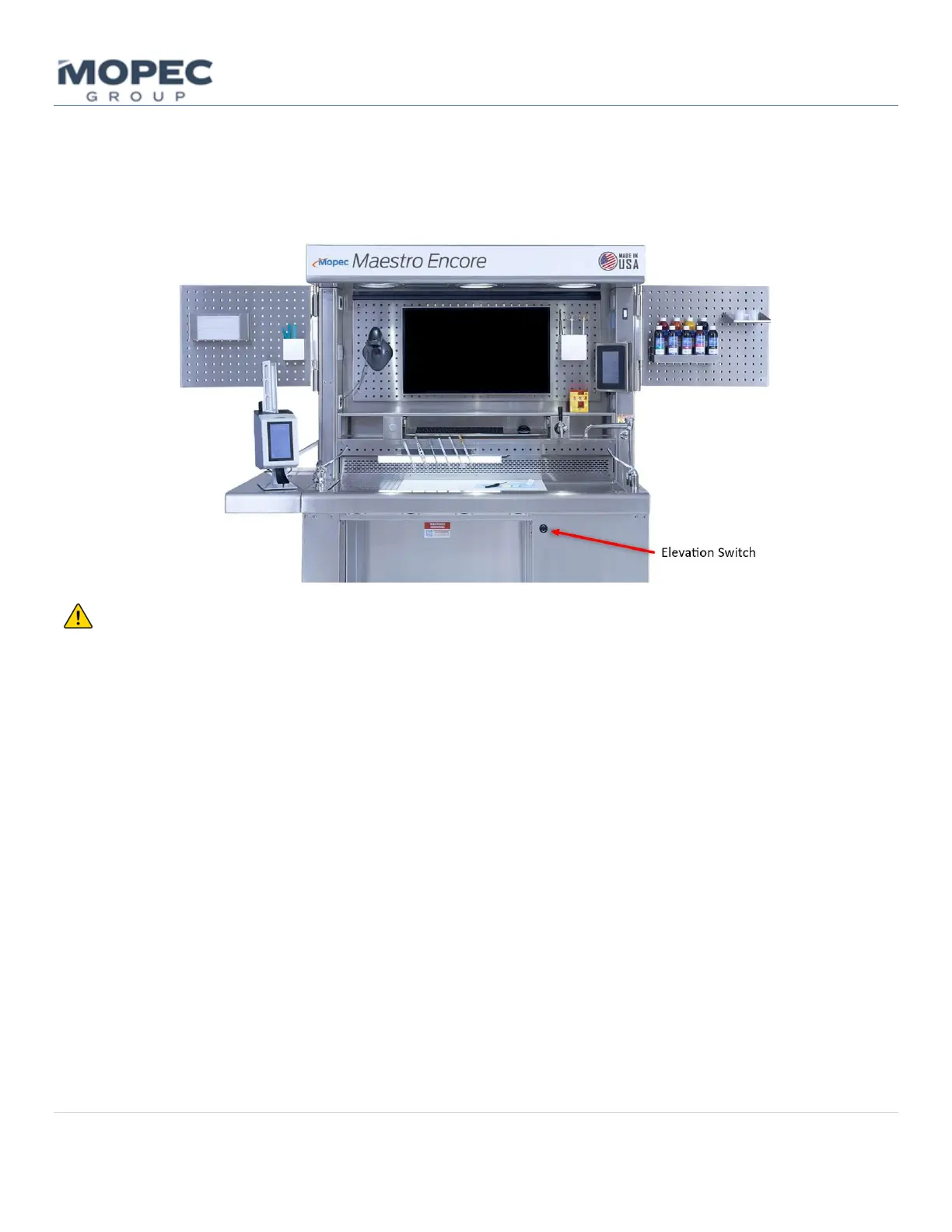
The Maestro is equipped with an elevation system with approximately 12” (30.4cm) of travel. This system is controlled
though the up/down switch located on the front sink side of the workstation. Simply press the up icon on the button to
raise the worksurface and the down icon to lower the station to the desired height.
CAUTION Risk of Pinching or Crushing Hazard. Ensure that hands, ngers, and other body parts are clear of
moving parts and mechanisms during operaon and adjustment of the elevang workstaon. Failure to do so may result
in serious injury or amputaon.
The Maestro skirng is designed to limit the number of pinch points. The upper skirng overlaps the lower skirng which
helps promote a safe workspace while elevang and lowering the workstaon. Prior to elevang the workstaon verify
the upper perimeter is free and clear of any obstrucons. Objects below the orange highlighted surfaces can be pinched
or crushed during adjustments in elevaon. Ensure there are no objects near these surfaces when raising and lowering
the workstaon.



 To Next Page