Page24 CREASING/FOLDING
SECTIONG
ELECTRICS:REMOVAL/REFITTINGPCB’s
REPLACEMENTOFMAINCONTROLP.C.B.
ThisPCBcontrolsallfunctionsofthemachineandhousestheMainProgramPCB.
TheuseofanantistaticwristbandshouldbeusedduringworkonthemaincontrolPCB.
UnplugallthegreenplugsfromthePCB.
Usingaposi-drivescrewdriver,unscrewthefivefixingscrewsandcarefullyremovethePCB.
Toremovecareshouldbeused,liftingfromthebottomandgentlyrockingfromsidetoside
seemstoworkthebest.
Replacementisthereverseprocedure,careshouldbetakenthatthecorrectorientationis
observed.(oscillatoruppermost)
Whenchangingtheaboveboarditmaybenecessarytorecalibratethemachine.
Takenoteofanycalibrationsettingspriortozeroingthecount.
Switchthemainspoweroffanddisconnectfromthemainssupply.
AccessisfromthehingedControlCoverlocatedbeneaththefeedbed.
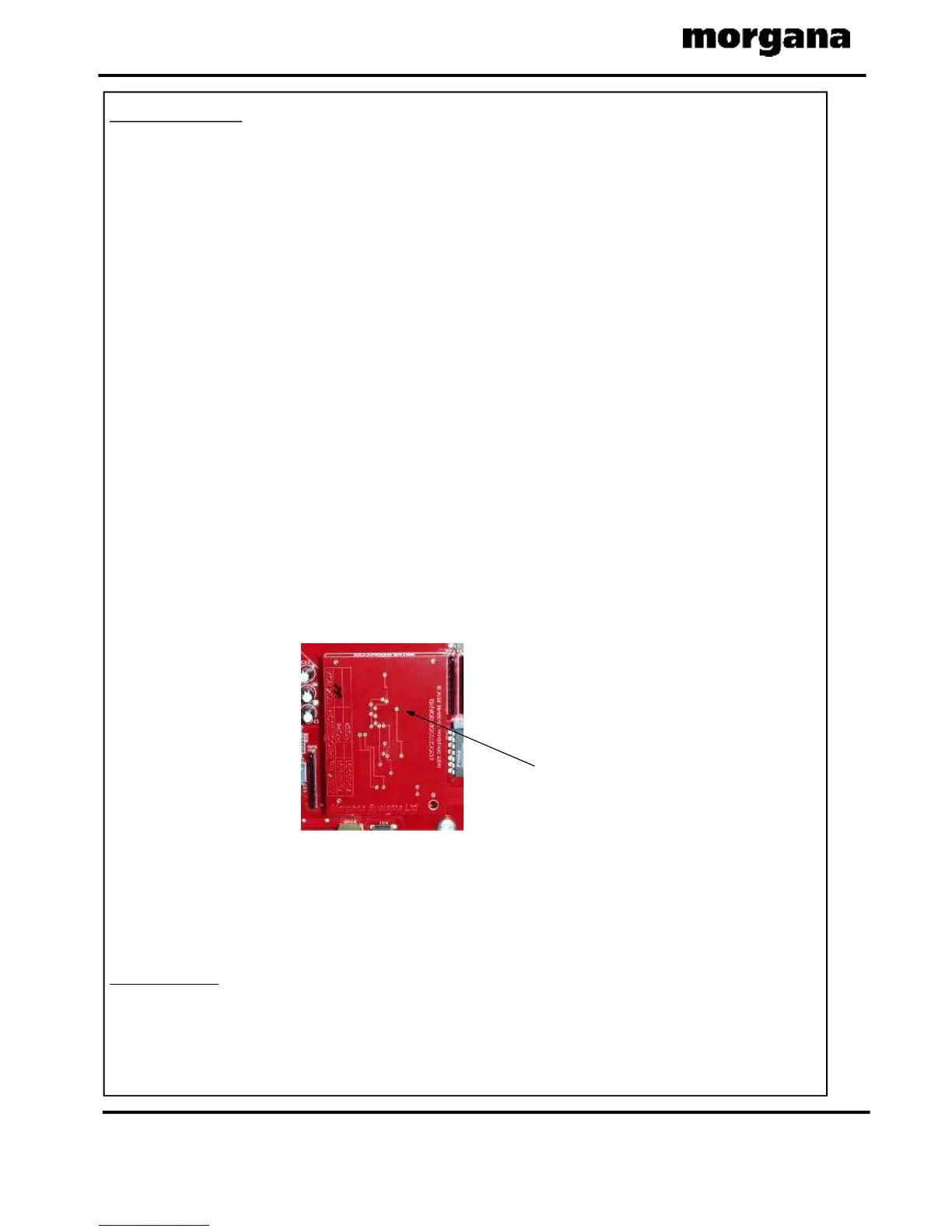
ThisSmallPCBispluggedontothefaceoftheMainControlPCBandhousestheProgram
Chip.
TheuseofanantistaticwristbandshouldbeusedduringworkonthisProcessorPCB.
Switchthemainspoweroffanddisconnectfromthemainssupply.
AccessisfromthehingedControlCoverlocatedbeneaththefeedbed.
REPLACEMENTOFPROCESSORBOARD.
Note.
REPLACEMENTOFUSBFLASHDRIVE.
TheUSBFlashDrivecontrolsallfunctionsofthegraphicsandtouchscreenoperation.
TheExternalUSBFlashDriveandtheInternalUSBFlashDrivedevices(showninFIG.2
below)havethesamefunctionality.Eitheroneofthesedevicescouldbesuppliedasa
replacement.
WhenfittinganInternalUSBFlashDriveitsorientationisimportant.Notethepositionof
theLockRecessshowninFIG.2below.Thelockmustalsobeintheunlockedposition.
Ensurethatthedevicefitssecurelyandisfullyinserted.
IftheInternalFlashDriveisfittedthewrongwayrounditwillnotbedamaged,itjustwon’t
work.Powerdownthemachineandturnitround.
IMPORTANT!
ProcessorBoard



 To Next Page