Page54
7.FoldRollers-SettingtheParallelism&Pressure
TherearefourFoldRollers,oneofwhichisfixed(Ø45)andhasnoadjustmentsThisrolleractsas
thedatumfortheremainingthreeFoldRollers(Ø60)whichallhaveparallelism&pressure
adjustmentstoensuresheetsarecorrectlyalignedandcontrolled
OntheLaysideendofeachrollerisaneccentrichousingwhichenablesadjustmentofthe
parallelism.ThishousingissecuredtotheshaftusingoneM5setscrew.NOTE-holeshavebeen
addedeithersideofthesecuringscrewtoinsertahexagonkeytofacilitateadjustment.
The3main'FoldRollers'shouldbeset-upinsequence(1,2then3)asfollows:-
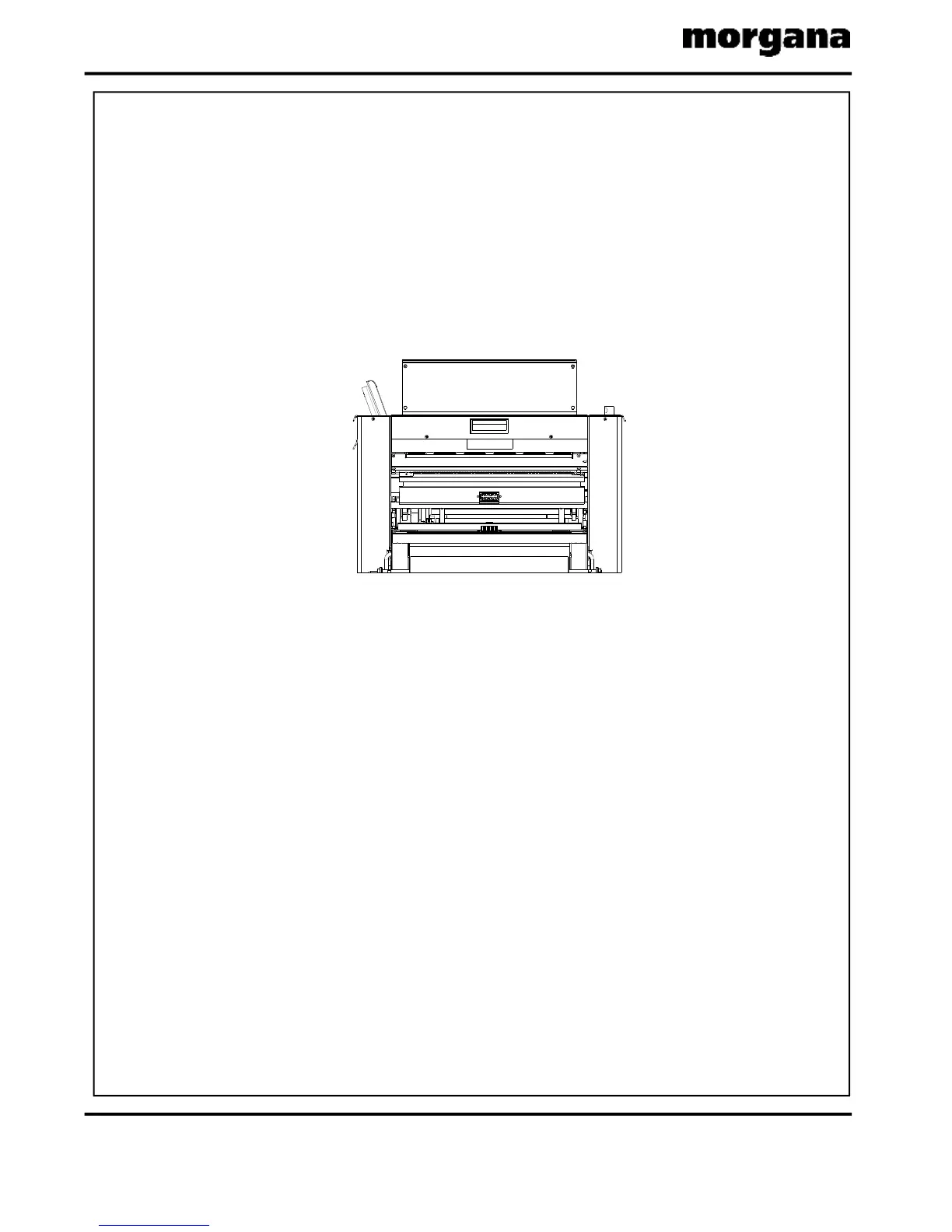
LowertheDeliveryUnitforeasyaccess.(SeeFIG.7.1)
LoosentheLaysideHousingLockingScrew(M5setscrew).
Inserttwo80gsmTestStrips(oneeachend)intothenipofthefirstFoldRollerbyfeedingthe
TestStripsbetweentheLowerRollerShield&theLowerGuide.Itmaybenecessarytomove
thefoldknivestogainaccesstotherollers.
AdjusttheLaysideHousinguntilanevenpressureisfeltonthetwostrips&temporarily
tightenthelaysidehousingsetscrew.
Nowturntheappropriategapsetadjusterknob,togiveaverylight'pull'ontheteststrips.
Checkthe'feel'onacompleterotationoftherollertoensuretherollerisconcentric&
parallel.
Repeatfrom7.2untilbothstripshavethesame(verylight)feelandthenfullytightenthe
laysidehousingscrew(M5setscrew).
Repeattheaboveprocedureforthe2nd&3rdFoldRollersbyfeedingtheTestStrips
betweenthePaperGuide&UpperRollerShieldforthe2ndroller,&bydroppingthe
PerforatorAssemblydownfordirectaccesstothe3rdroller.
7.1.
7.2.
7.3.
7.4.
7.5.
7.6.
7.7.
7.8.
SeetheDiagramsonthenextpage,forthefollowingstagesofoperation.
FIG.7.1
CREASING/FOLDING



 To Next Page