NPort Server User’s Manual
5-8
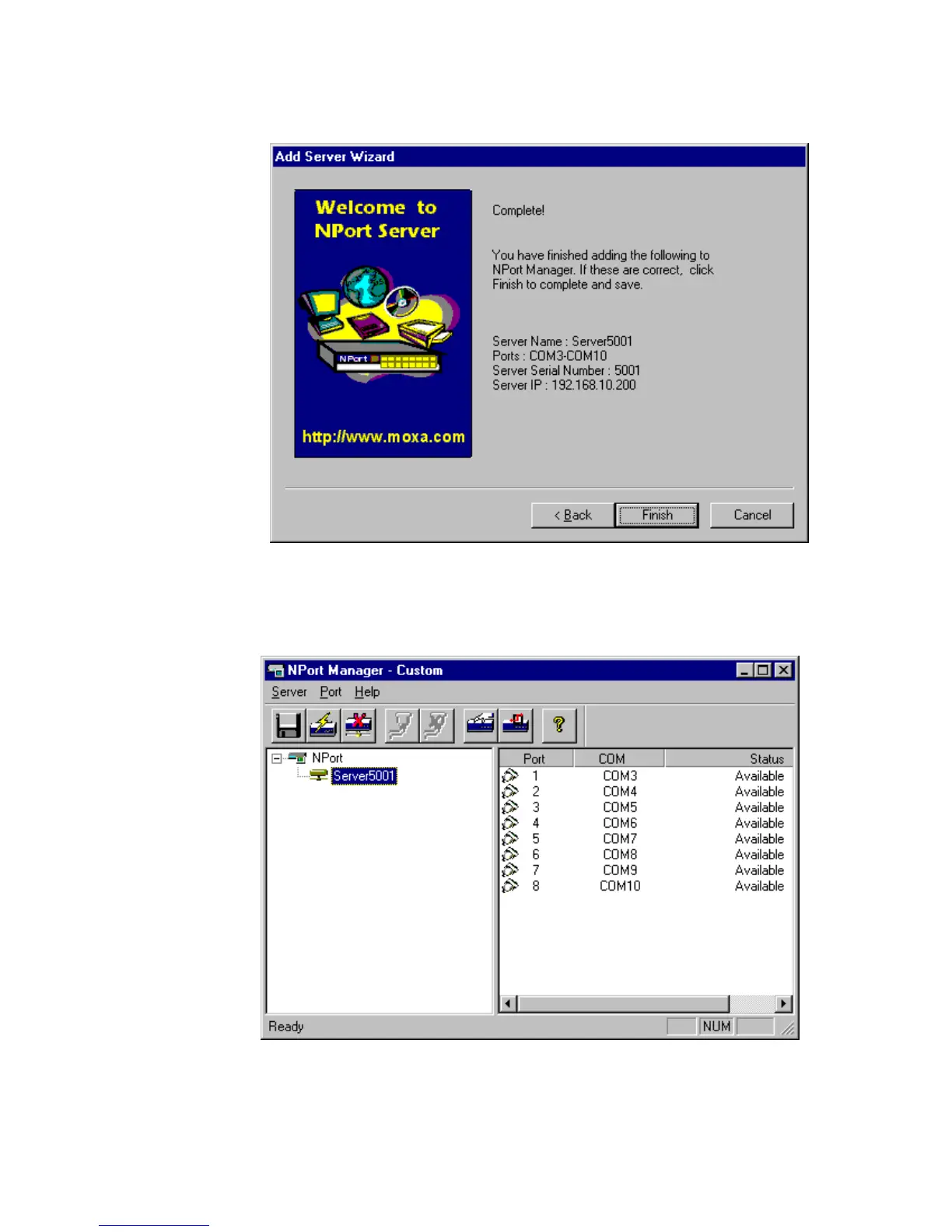
6. At complete screen, click OK if everything is correct.
7. After Add Server Wizard, the installation program stops at the NPort Manager.
It displays the server you have added and the ports. You should see a screen like
below showing Custom at the program caption.
. Notes: You might see ports with status ‘Non-authorized’. If you are a general user,
be sure to ask your server administrator to add your access permission to the
server.













 To Next Page