Operation of the System
SUPREMATouch
33
US
Meas. Gas
Field type: Selection
The field contains a list of supported gases. Set the gas that will be measured with the sensor for
the selected input.
Zero Gas
Field type: Selection
The field contains a list of ‘Zero’ gases that are used to calibrate the zero-point of the gas sensors.
Set the zero gas that will be used to calibrate the gas sensor for the selected input.
[Zero Gas] Valve No.
Field type: Selection
The field contains a list of available outputs that can be used as zero gas valve output. This valve
will be used during the calibration of the input. If no valve should be used, “free” can be selected.
Test Gas
Field type: Selection
The field contains a list of supported ‘Test gases’ used to calibrate the span-point of the sensors.
Set the test gas that will be used to calibrate the sensor at the selected input.
[Test Gas] Valve No.
Field type: Selection
The field contains a list of available outputs that can be used as test gas valve output. This valve
will be used during the calibration of the input. If no valve should be used, “free” can be selected.
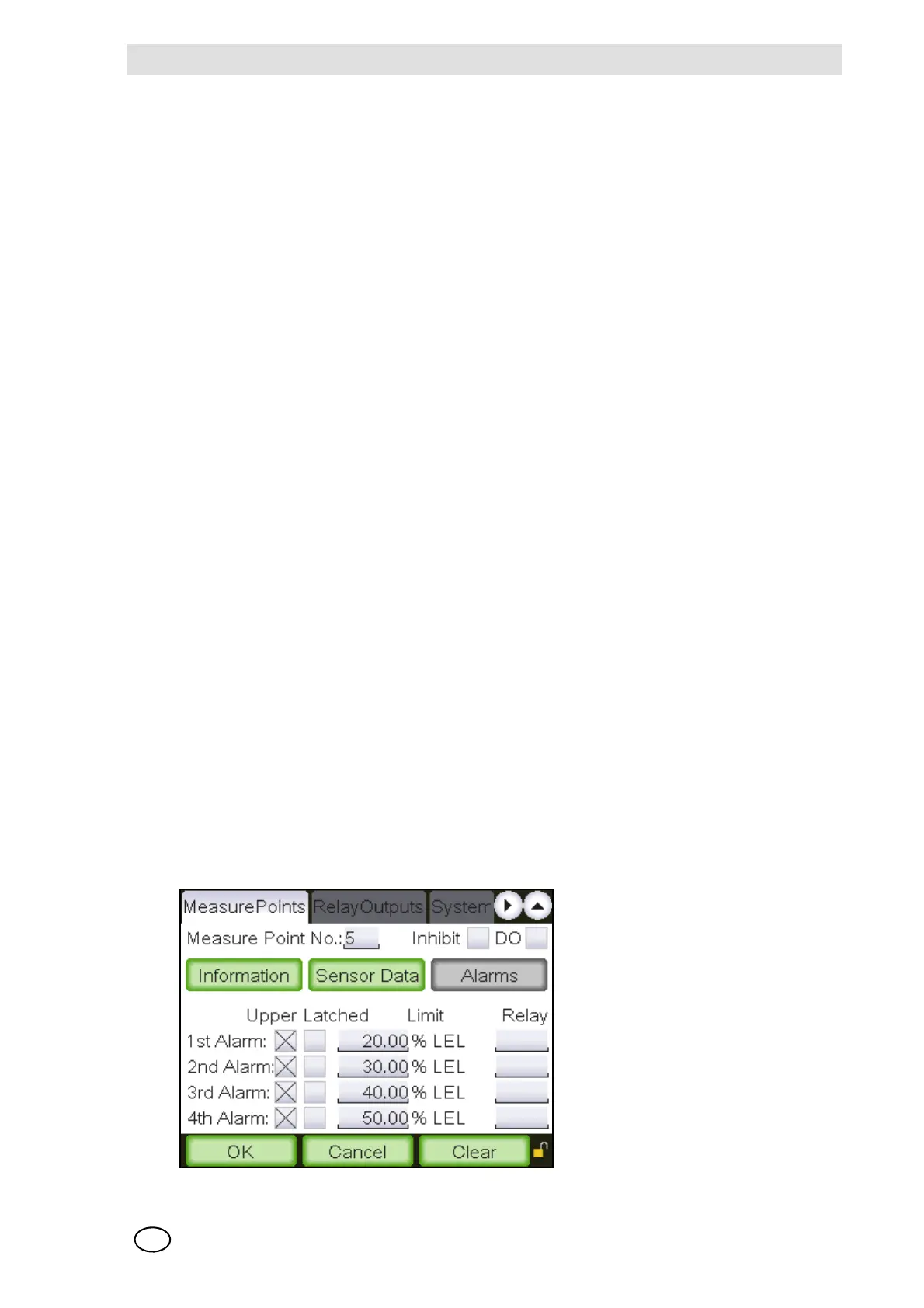
“Alarms” subwindow
In the “Alarms” subwindow, parameters can be set for up to four alarm levels for the selected input.
A limit value can be set for each alarm to trigger either on a rising or falling input signal. In addition,
relay outputs can be selected to operate if an alarm occurs. For every alarm, “latching” or “non-
latching” parameters can be set.
Fig. 15 “Alarms” sub-window



 To Next Page