Maintenance and Service
SUPREMATouch
93
US
MAI Module
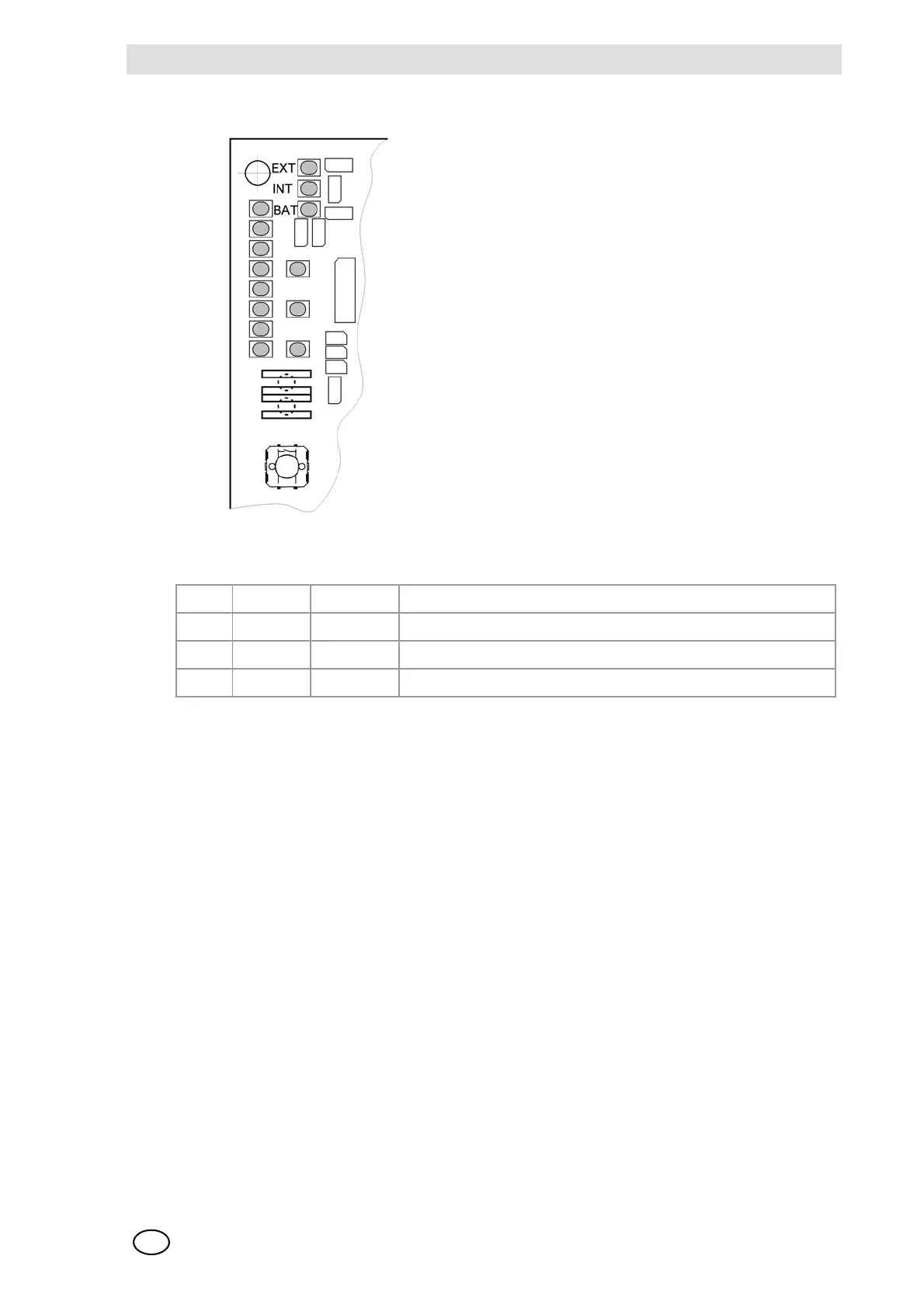
Fig. 52 MAI Module, Function Status LEDs
Fig. 53 MAI Module, Function Status LEDs
In the normal case, only one of the first 3 LEDs is lit. If no LED is lit, there is a problem with the
voltage to the module.
6.7 Diagnostic Functions
The structure and operation of the “Diagnosis” menu are described in detail in the Instruction Man-
ual. In the following, some of the more important functions are described in greater detail.
The “Diagnosis” menu is divided into the submenus “Logbook” and “Measuring Data”.
In the “Logbook” menu, a series of failures and incidents is stored and can thus be used to conduct
an incident verification procedure at a later time.
The current status of the system, however, can be reviewed in the “Measuring Data” menu.
LED Colour Function
EXT green ON: The external voltage supply is selected by the module.
INT green ON: The internal voltage supply is selected by the module.
BAT green ON: The battery voltage supply is selected by the module.



 To Next Page