Maintenance and Service
SUPREMATouch
101
US
6.12 Instructions for system configuration
Configuration during initial installation
If there is no configuration in the SUPREMATouch during transfer of the configuration and the first
MCP is not plugged into Slot1 of the rack, the PC program "SUPREMA Manager" displays an error
message "transmission failed". This can be ignored.
Varying or manual selection of a configuration
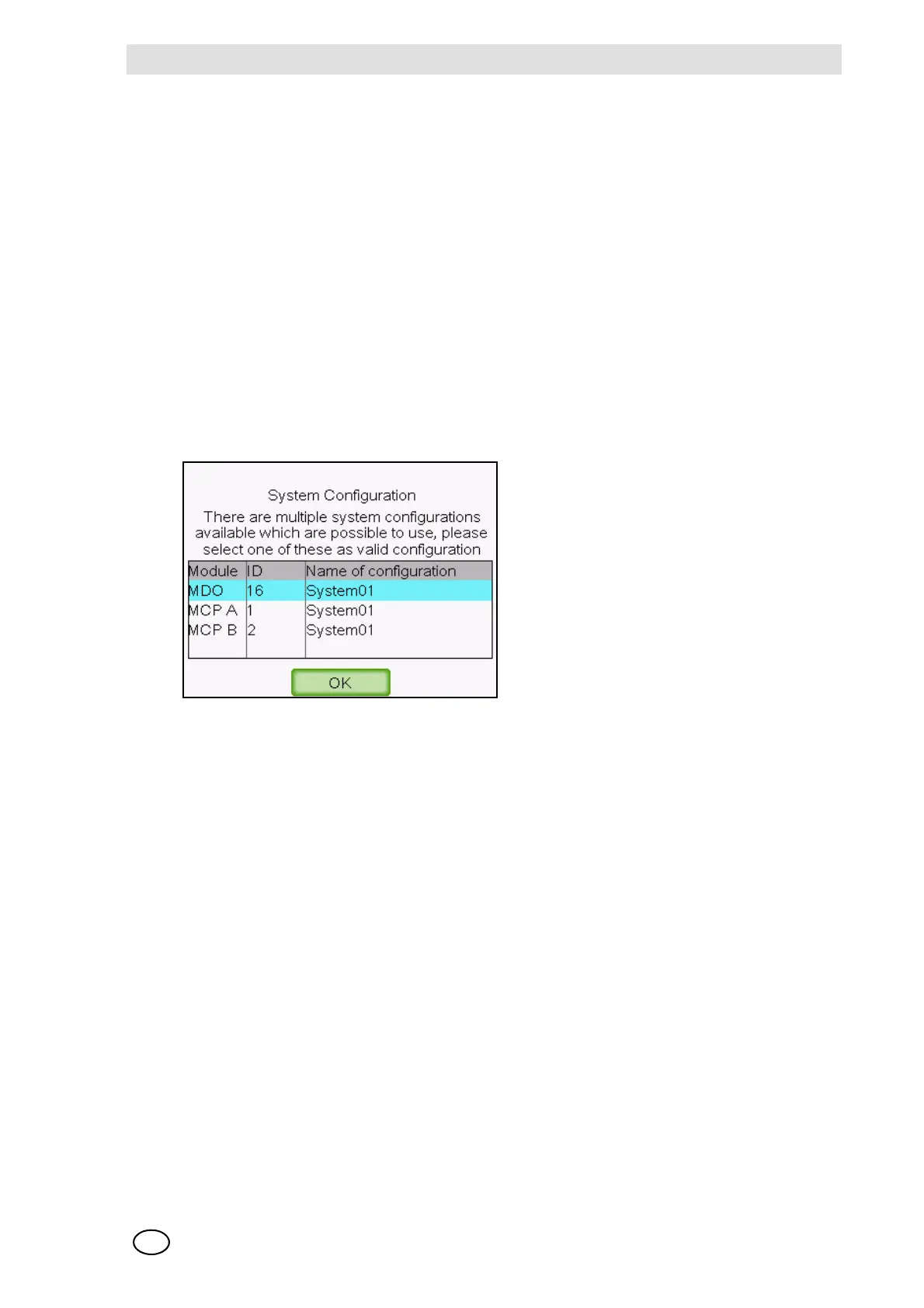
If there are different configurations in the SUPREMATouch modules, e.g. because of replacement
of an MCP, a system configuration message appears when the system is switched on for the first
time after the modification. The module from which the [effective] configuration is to be taken must
be specified.
If the configuration is to be taken manually from a particular module, press the RESET button for
approx. 1 second directly after switch-on. The system configuration message appears after the
system starts so that the configuration of a module can be selected.
Fig. 57 System Configuration Message



 To Next Page