Appendix A – Application Programming Interface (API)
Multi-Tech Systems, Inc. MultiModem® iSMS User Guide for Administrators 101
HTTP Query Request using browser:
http://192.168.2.1:81/querycount?user=admin&passwd=admin
TCP Query Request:
/querycount?user=admin&passwd=admin
Successful responses for the query count will be in the following format:
Count: Value
‘Value’ gives the number of unread messages.
Error responses for the above commands will be in the following format:
Err: error code
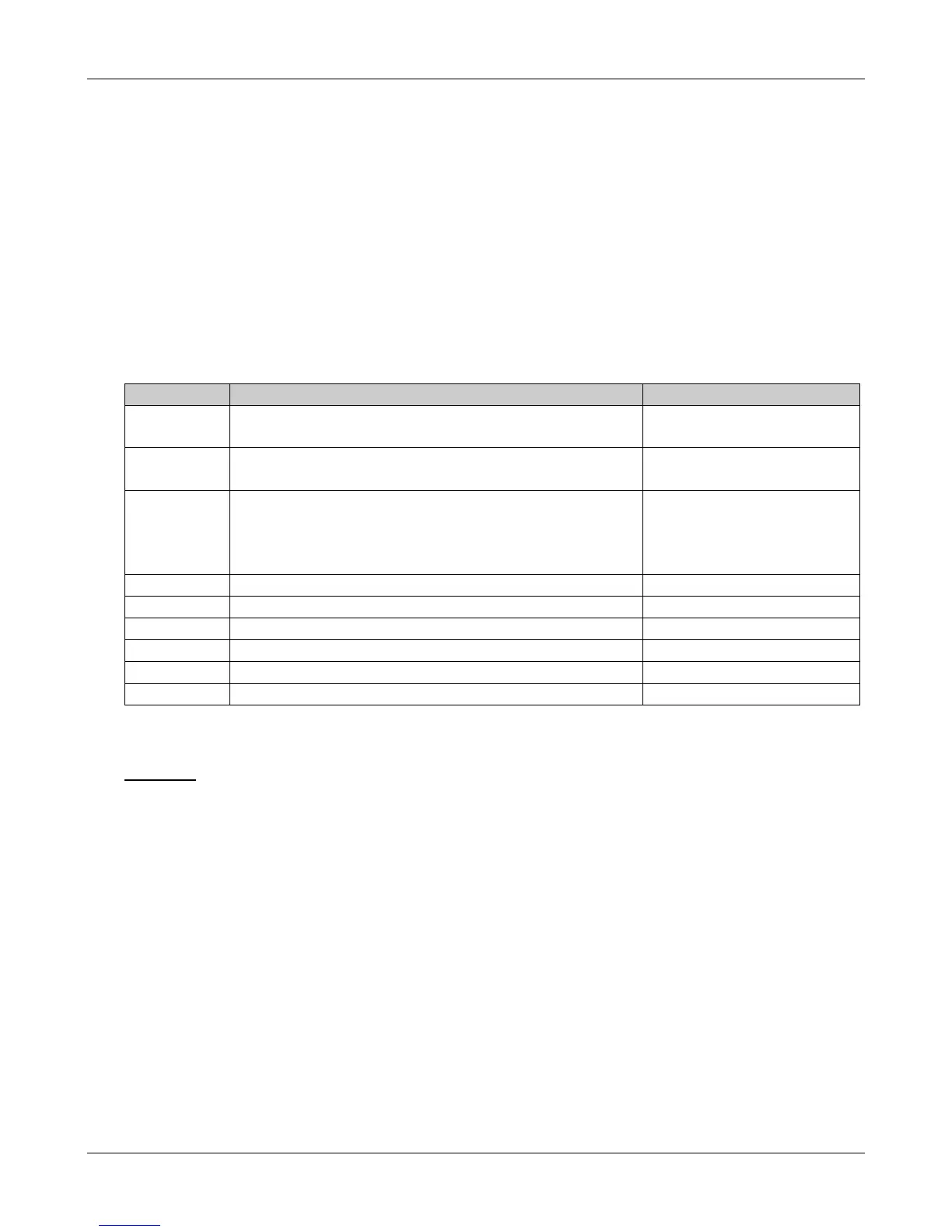
Error Codes
Error Code Error Description Response to
601 Authentication Failed Send API, Query API,
Receive API
Receive API
604 Filtering with SMS Text whose message size is greater
than 280 chars (70 * 4 for Unicode is the maximum
possible size of the SMS received by the MultiModem
iSMS wireless modem)
Receive API
605 Recipient Overflow Send API, Receive API
608 Server Busy Send API, Receive API
616 Invalid Time/Date Input Receive API
617 Invalid Count Input Receive API
618 Service Not Available Receive API
619 Invalid Addressee Receive API
Query for number of unread messages (querycount?)
Examples:
HTTP:
Get /querycount?user=admin&passwd=adminHTTP/1.1\r\n
HTTP Query Request using browser:
http://192.168.2.1:81/querycount?user=admin&passwd=admin
TCP:
/querycount?user=admin&passwd=admin\r\n
TCP Query Request:
/querycount?user=admin&passwd=admin
Downloaded from Elcodis.com electronic components distributor



 To Next Page