Chapter 4 – Using the Web Interface
Multi-Tech Systems, Inc. MultiModem® iSMS User Guide for Administrators 64
Import & Export Address Book > Export
Import & Export Address Book > Export
Use this screen to export the contents of the MultiModem iSMS Address Book. The export creates a CSV
file with 4 fields (values) per record: Firstname,Lastname,Description,Phone-Number.
This .csv file is then ‘tarred’ and zipped.
The created .csv file is ideal for importing it into a different MultiModem iSMS server. It can also be
imported by any other application that supports .csv formatted files (e-mail programs, business
applications, etc.).
Note: Please ensure that the browser you are using to view the MultiModem iSMS has pop-ups enabled,
or you will miss important information windows.
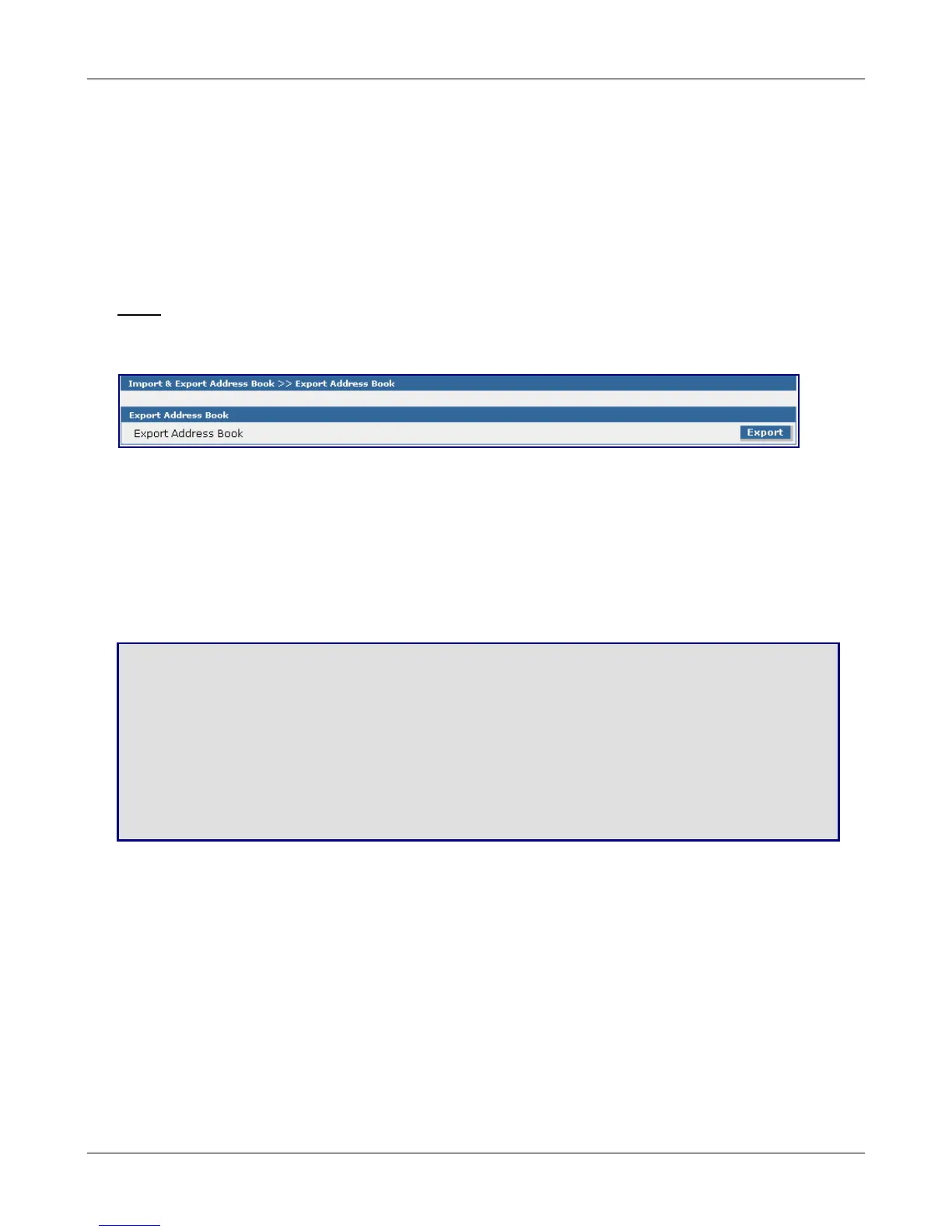
Export Address Book
Export Address Book
Click the Export button to save the address book of this MultiModem iSMS to the workstation that is
accessing the MultiModem iSMS. The address list is saved in the following format (a zipped-up file):
.tar.gz
The CSV file is saved with four columns labeled First Name, Last Name, Description, and Phone.
Save & Restart
IMPORTANT Note About Saving System Settings
When you have completed entering your MultiModem iSMS settings and you are not going to enter any more
configuration data, you must go to the Save & Restart menu and perform a Save to Flash. Saving to the Flash
Memory saves the new settings in the flash prom and prevents the settings from getting lost at the next power
up.
Save
Click the Save button to save your system settings to the flash memory.
Restart is Optional
This is optional. You do not have to restart the MultiModem iSMS after saving to the flash memory.
Downloaded from Elcodis.com electronic components distributor



 To Next Page