Appendix A – Application Programming Interface (API)
Multi-Tech Systems, Inc. MultiModem® iSMS User Guide for Administrators 91
TCP API
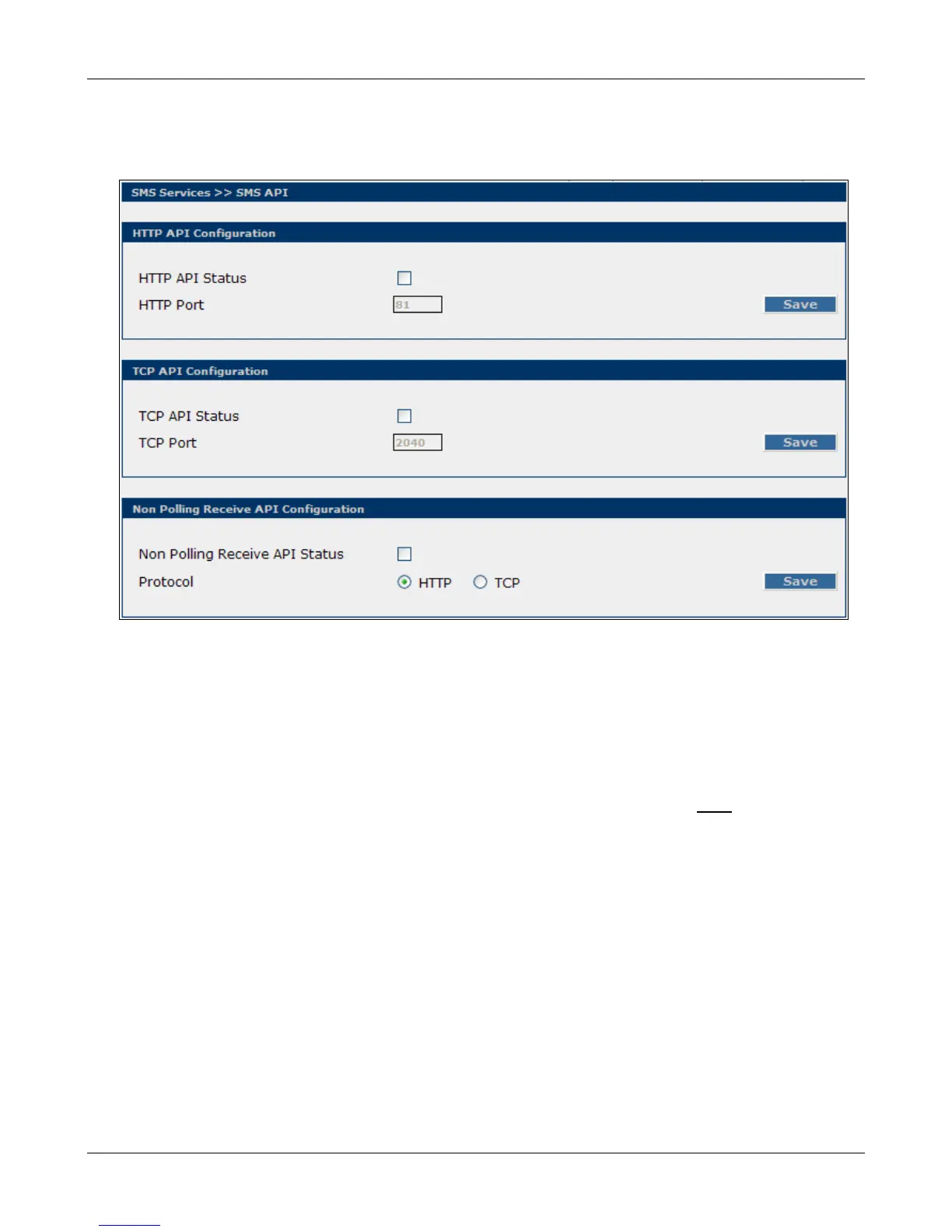
Configuration of the "TCP Send API" Using the MultiModem iSMS Web Admin Interface
TCP Send API Status:
Enable “TCP Send API Status” to send SMS / query status using TCP API. By default, TCP Send API is
disabled.
TCP Port:
Configure the port to service the TCP Send API. Default is 2040.
Note: MultiModem iSMS can be accessed ONLY from the preconfigured allowed networks.
Example: To access the MultiModem iSMS 204.26.122.125 from 125.63.78.44, you must add the network
125.63.78.0 to the following MultiModem iSMS screen: Admin Access >> Allowed Networks
• Initiate a raw TCP connection to the MultiModem iSMS IP address over the "TCP Send API" port.
• Issue send command to send SMS.
• Issue query command to query the status of send SMS.
Downloaded from Elcodis.com electronic components distributor



 To Next Page