Chapter 4 – Using the Web Interface
Multi-Tech Systems, Inc. MultiModem® iSMS User Guide for Administrators 61
Utilities > Firmware Upgrade
Utilities > Firmware Upgrade
The firmware on the MultiModem iSMS can be upgraded to the latest version using this feature. All Multi-
Tech firmware upgrades are posted on the Multi-Tech Web site from which they can be downloaded.
Before upgrading the unit's firmware:
• Save to Flash and then reboot the iSMS Server.
• Back-up the unit's Configuration.
• Stop using the iSMS Server while it is to be upgraded. The upgrade process requires the Send API
functions within the iSMS server be disabled.
CAUTION: It is recommended that the firmware upgrade be done locally, invoked from a workstation on
the same subnet and LAN that the iSMS is on. It can be helpful to watch the unit's STATUS LED and
Ethernet LEDs during the upgrade process.
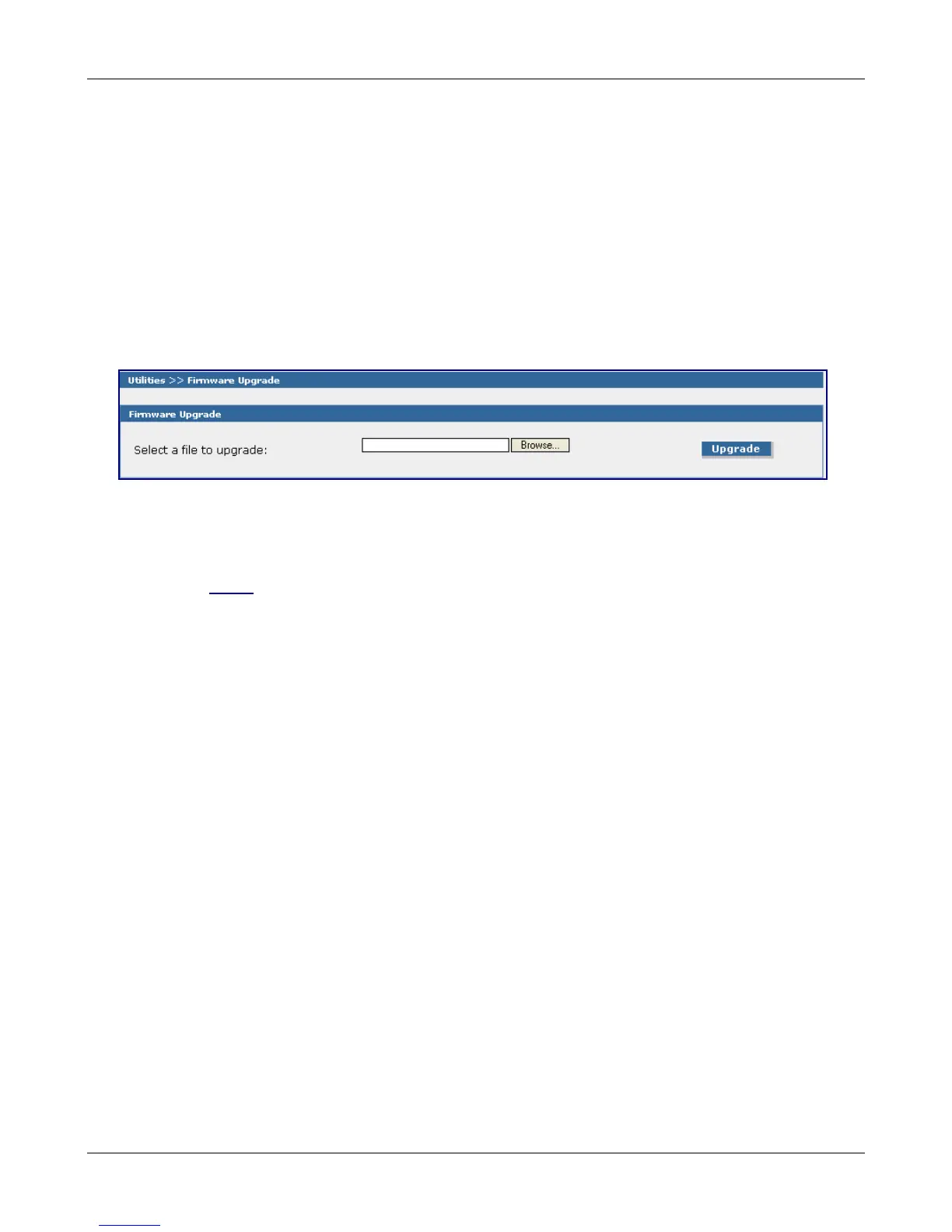
Firmware Upgrade
Select a File to Upgrade
Click the browse button to locate the latest firmware version.
Click the Upgrade button to start the download.
Note for 1-Port versions only: If the firmware upgrade .bin file you have downloaded begins with
“SF100...” you will need to rename that portion of the file to “SMSFinder...” for the unit to recognize it
as a viable upgrade file.
The MultiModem iSMS will reboot automatically after the firmware upgrade.
Downloaded from Elcodis.com electronic components distributor



 To Next Page