Chapter 4 – Using the Web Interface
Multi-Tech Systems, Inc. MultiModem® iSMS User Guide for Administrators 55
Triggers > Authentic List
Triggers > Broadcast Triggers
Triggers
On the four Triggers screens, a system administrator can accomplish the following tasks:
• Establish a list of users who are authorized to trigger a broadcast.
• Set up broadcast triggers.
• Set up action triggers.
• Compose and save pre-configured messages.
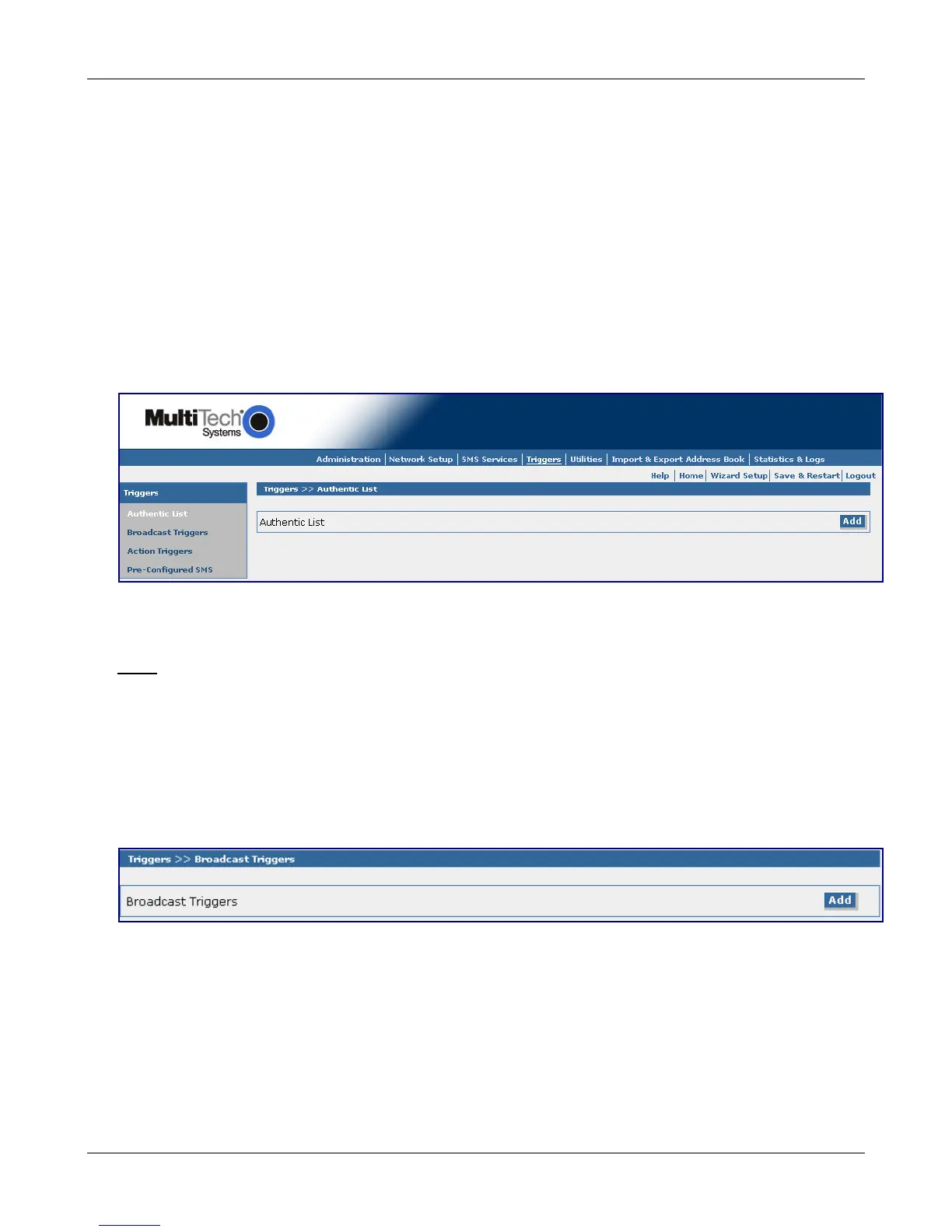
Triggers > Authentic List
Use this screen to set up a list of users who are authorized to trigger a broadcast. This list is made up of
entries found in the Address Book. This list is used by the Broadcast Trigger setup menu when the
Broadcast Trigger option "Authenticate" is enabled.
Authentic List
Click the Add button to display the Address Book from which you can select those users who will be added
to the Authentic List..
Note: Without a populated Address Book, no users can be added to the Authentic List.
Triggers > Broadcast Triggers
Use this screen to set up Broadcast Triggers. A Broadcast Trigger is a function of the MultiModem iSMS
server, where upon receiving a Trigger message (code or word) from a cellular phone/mobile end point,
the MultiModem iSMS server will respond by sending a predefined Broadcast message (SMS) to a
predefined group of recipients (Address Book entries and/or Group). The Broadcast Message is also sent to
the sender of the trigger, indicating the trigger was received and the broadcast invoked.
Broadcast Triggers
Click the Add button to display the Add a Broadcast Trigger screen.
Downloaded from Elcodis.com electronic components distributor



 To Next Page