Chapter 4 – Using the Web Interface
Multi-Tech Systems, Inc. MultiModem® iSMS User Guide for Administrators 35
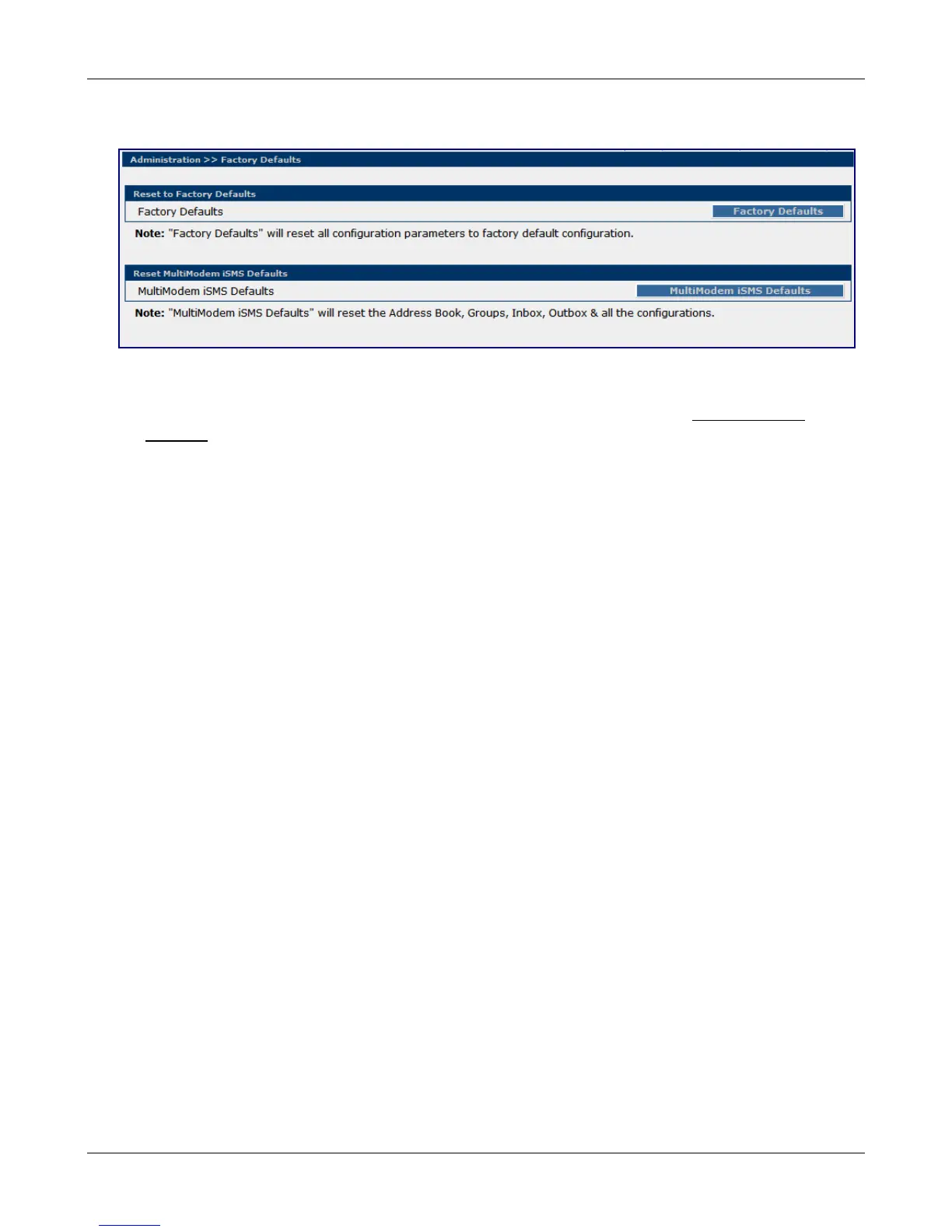
Administration > Factory Defaults
Administration > Factory Defaults
Reset to Factory Defaults
Click the Factory Defaults button to set all configuration parameters to the factory default settings.
This includes setting the administrator account password back to "admin" and deleting all User
accounts.
Performing this function does NOT delete entries out of the Address Book, Groups, Inbox or Outbox
databases.
Invoke the Factory Defaults option when you want to set the default encoding type per the SMS
Settings menu option.
Reset MultiModem iSMS Defaults
Clicking the MultiModem iSMS Defaults button will load all system configuration parameters to the
original factory default settings, including default encoding type AND it will delete all entries that may
be in the Address Book, Groups, Inbox and Outbox databases. Invoking the "MultiModem iSMS
Defaults" is a full default.
Note: The back panel Reset button performs the same function as the "MultiModem iSMS Defaults"
option.
Downloaded from Elcodis.com electronic components distributor



 To Next Page