Chapter 3 – iSMS Basics and Setup Wizard
Multi-Tech Systems, Inc. MultiModem® iSMS User Guide for Administrators 23
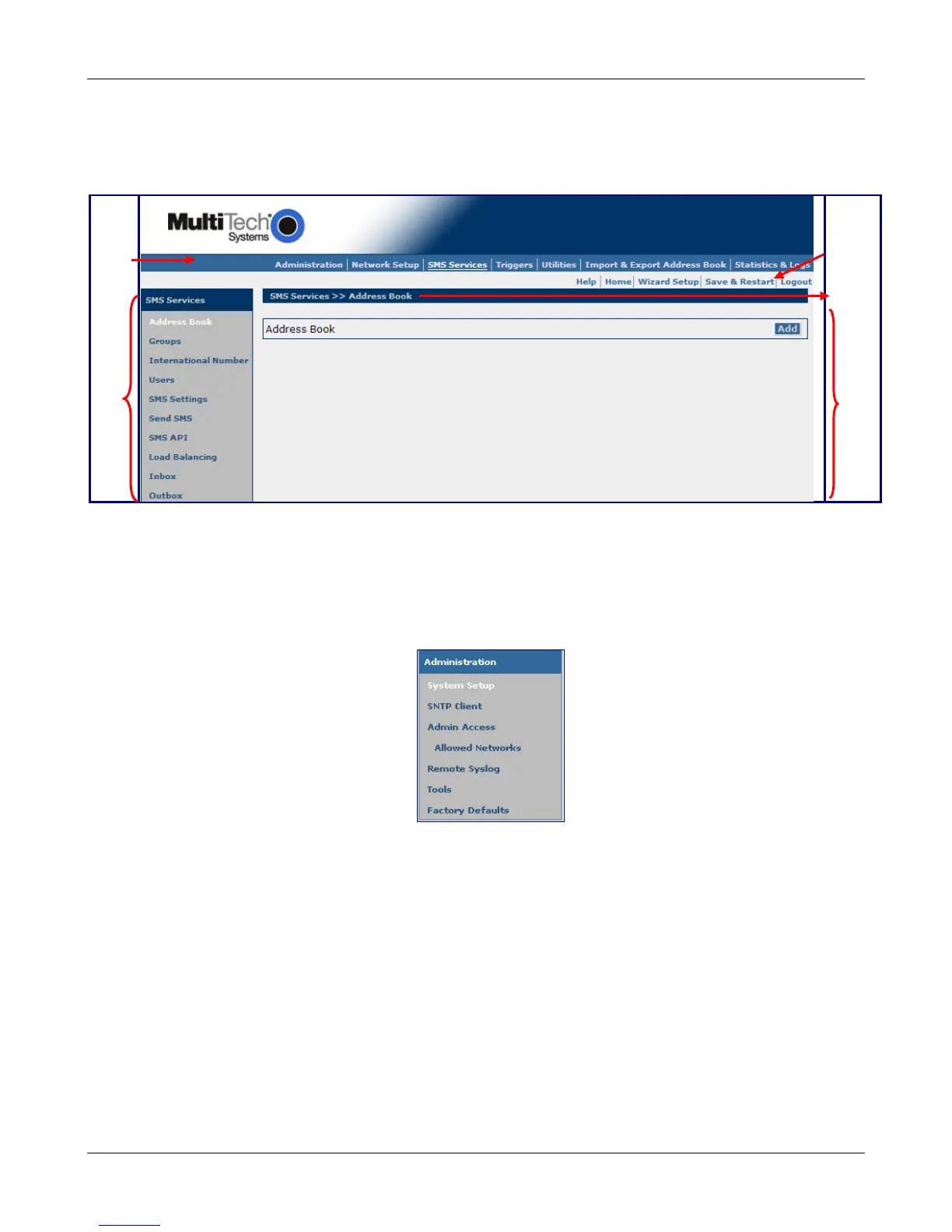
Navigating the Screens
Before using the Web Interface, you may find the following information about navigating through the screens
and the structuring of the menus helpful.
Menu
Bar
Sub
Menu
Other
Options
Screen
Name
Input
Area
Menus
Each Menu bar selection has its own sub-menu, which displays on the left side of the screen.
When you click one of the Main Menu choices, the first screen listed in the sub-menu displays. Choose
other sub-menu options/screens by clicking on its name. The following is an example of the
Administration sub-menu.
Downloaded from Elcodis.com electronic components distributor



 To Next Page