Chapter 4 – Using the Web Interface
Multi-Tech Systems, Inc. MultiModem® iSMS User Guide for Administrators 60
Utilities > Backup
Utilities
Utilities > Backup
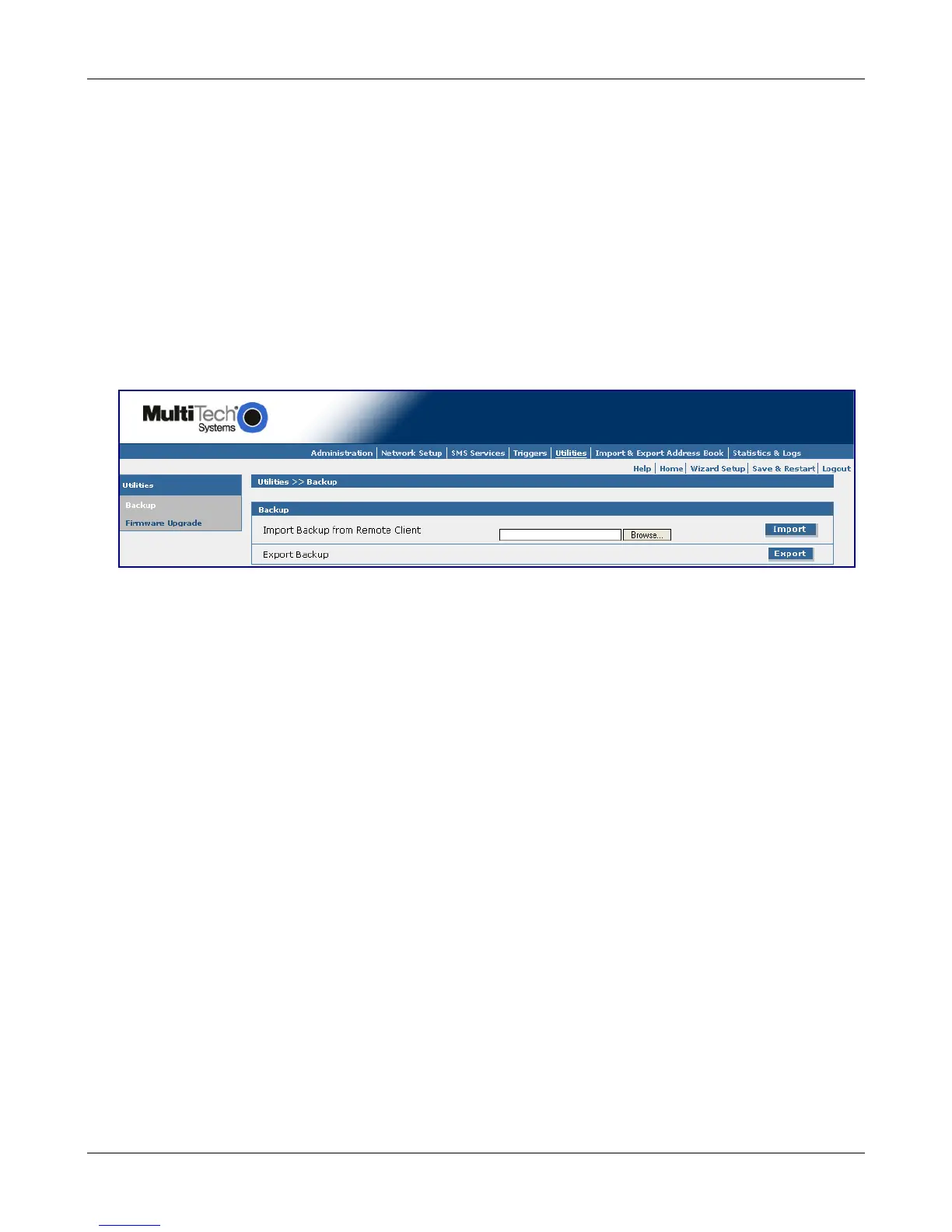
The Backup screen has two functions. First, it lets you save all MultiModem iSMS configuration files into
one file for storing externally (Export Backup). Second, it is used to import and apply a configuration
backup file (Import Backup from Remote Client). You may want to import a configuration backup for ease
of configuring new units, or to restore a previously known good configuration to a unit under test.
A backup file is a .tar file that includes the Address Book, Groups and /var/config/ folder (which includes
the unit's IP network settings).
Important Note: A backup file should only be applied (imported) to a MultiModem iSMS unit that is of the
same model number and firmware version as the unit that created (exported) the backup file. Be careful
not to create an IP address conflict on your LAN. Two or more units cannot be on the same LAN with the
same configuration applied.
Backup
Import Backup from Remote Client
Use this section of the screen to import a previously exported configuration backup file. Click the
Browse button to locate the file. Then click the Import button to restore the MultiModem iSMS
configuration from this backup file. The configuration file is uploaded to the MultiModem iSMS and
the saved configuration is restored.
Export Backup
Use this section of the screen to create a backup file of the unit's current configuration. Click the
Export button to save the configuration file to a location of your choice. The file created will be a .tar
file with its name based on the model type and the time and date of when the export was invoked.
Downloaded from Elcodis.com electronic components distributor



 To Next Page