Chapter 4 – Using the Web Interface
Multi-Tech Systems, Inc. MultiModem® iSMS User Guide for Administrators 53
SMS Services > Inbox
SMS Services > Inbox
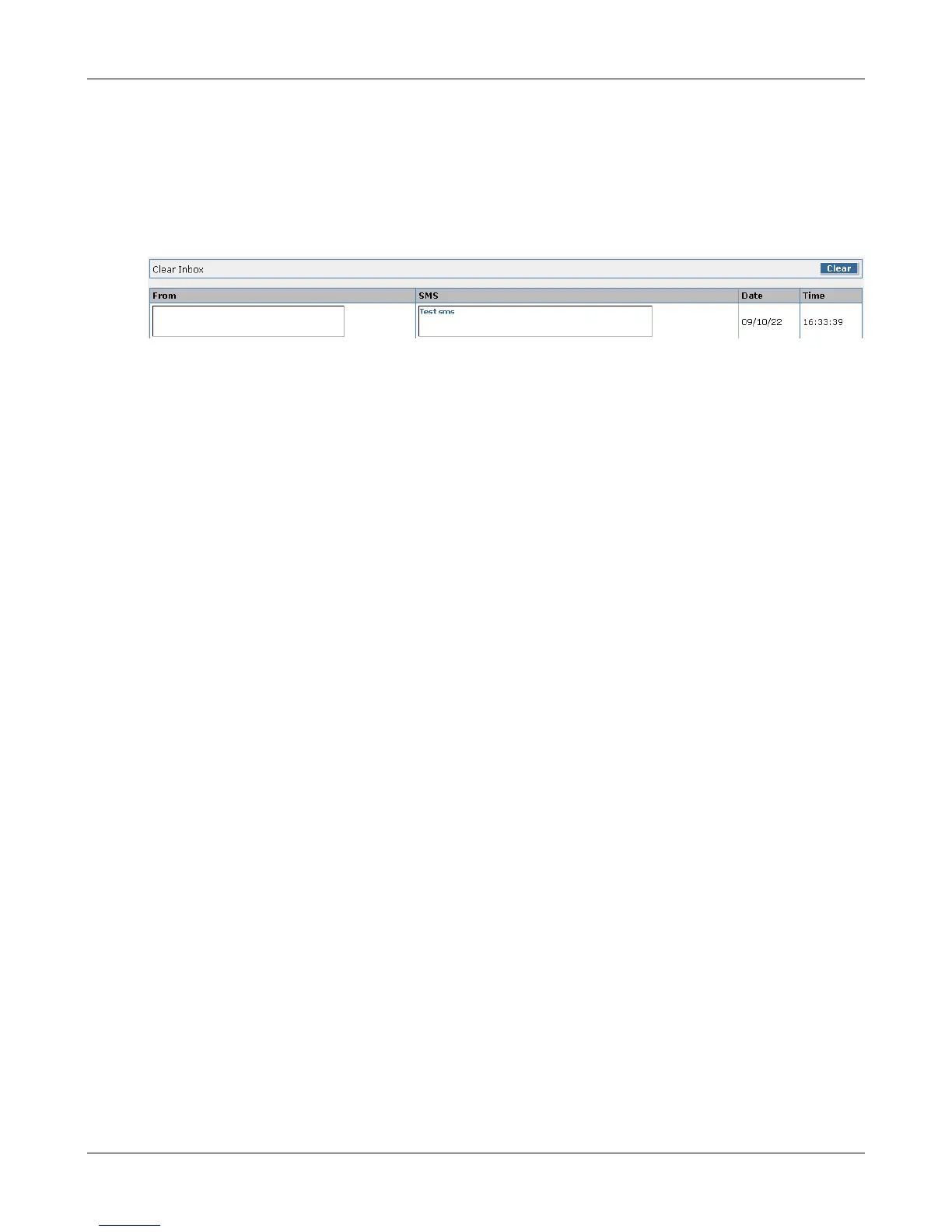
This screen displays a list of all messages received by the cellular modem port. There is an Inbox per
modem port. Each listing includes the sender's number, the message received, and a timestamp. Click
on the individual modem number tabs for a list of messages received by that modem.
SF100 Note: SF100 models require a "Save to Flash" be performed for the Inbox and Outbox records to
be retained upon system restart. SF400 and SF800 models do not have this requirement.
Clear Inbox
Click the Clear button to delete all the inbox entries.
From
The ‘From’ box will show the phone number from which the SMS was received.
SMS
This will display the text message received.
Date
This will show the day the message was received by the MultiModem iSMS.
Time
This will display at what time the message was received by the MultiModem iSMS.
Note: The inbox gets a time stamp from the cellular service provider.
Downloaded from Elcodis.com electronic components distributor



 To Next Page