Chapter 4 – Using the Web Interface
Multi-Tech Systems, Inc. MultiModem® iSMS User Guide for Administrators 37
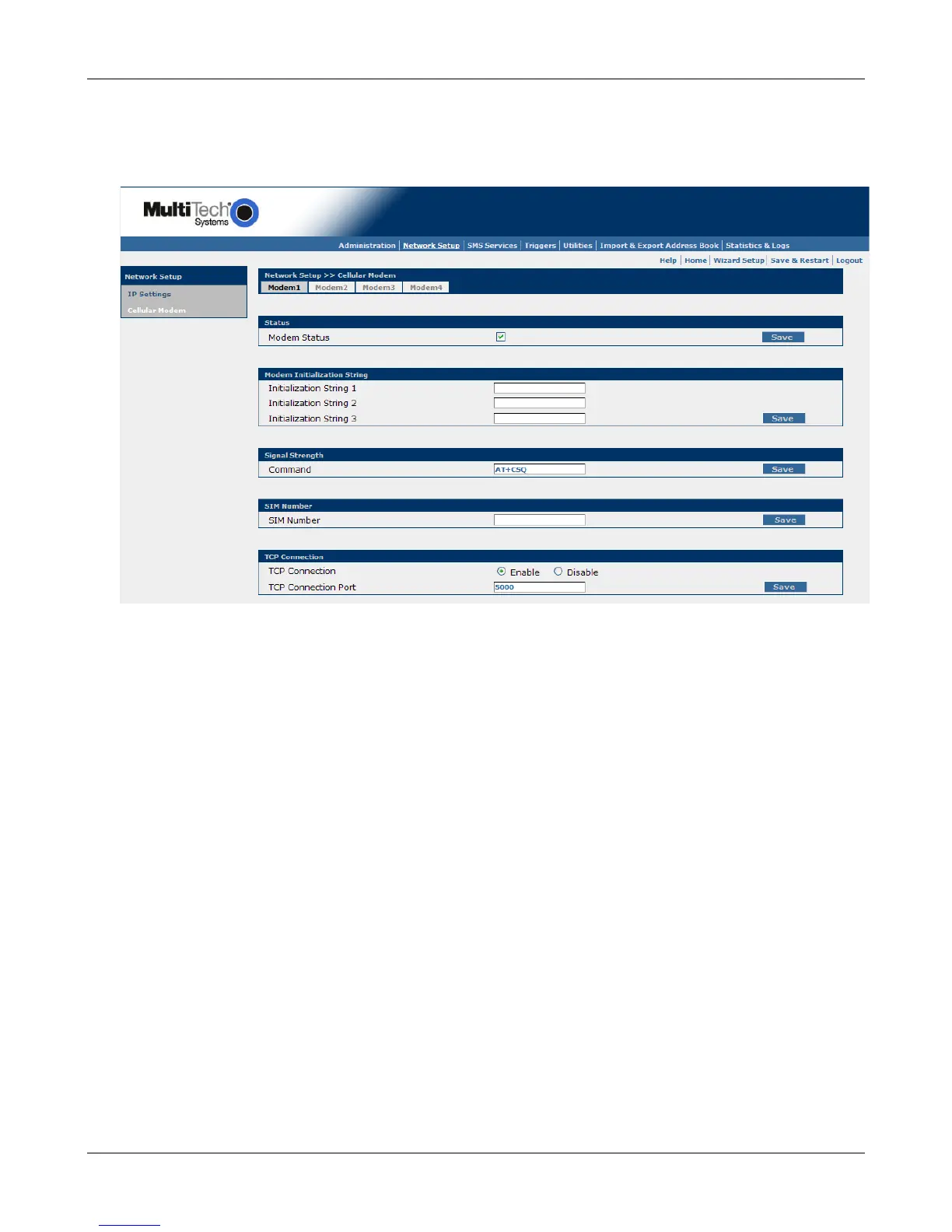
Network Setup > Cellular Modem
Network Setup > Cellular Modem
Use this screen to configure the cellular modems. Click the Modem# tab at the top to work with that
specific modem. Each modem is configured individually.
Status
Modem Status (SF 400 and SF 800 models only)
This box will be checked by default, meaning that this modem will be considered for use. If you do
not have or want a SIM card for a particular modem, uncheck the box so that the modem is not
used. Repeat this process for any modems that will not have SIM cards. A graphic to show which
internal modem is assigned to each number is in the SIM card installation section of Chapter 2.
Save
Click the Save button each time before selecting the next modem from the modem tabs above.
Modem Initialization Strings
Initialization Strings 1 – 3
Initialization strings are composed of AT commands sent to the modem to initialize and prepare it
for connection. The contents of these 3 fields are sent in addition to and after the built in
initialization commands are issued by the iSMS server. The modems are initialized upon power up,
modem status enable, modem port reset and upon termination of TCP connections. See the GPRS
AT Commands Reference Guide for additional information.
Save
Click the Save button each time before selecting the next modem from the modem tabs above.
Downloaded from Elcodis.com electronic components distributor



 To Next Page