Chapter 4 – Using the Web Interface
Multi-Tech Systems, Inc. MultiModem® iSMS User Guide for Administrators 68
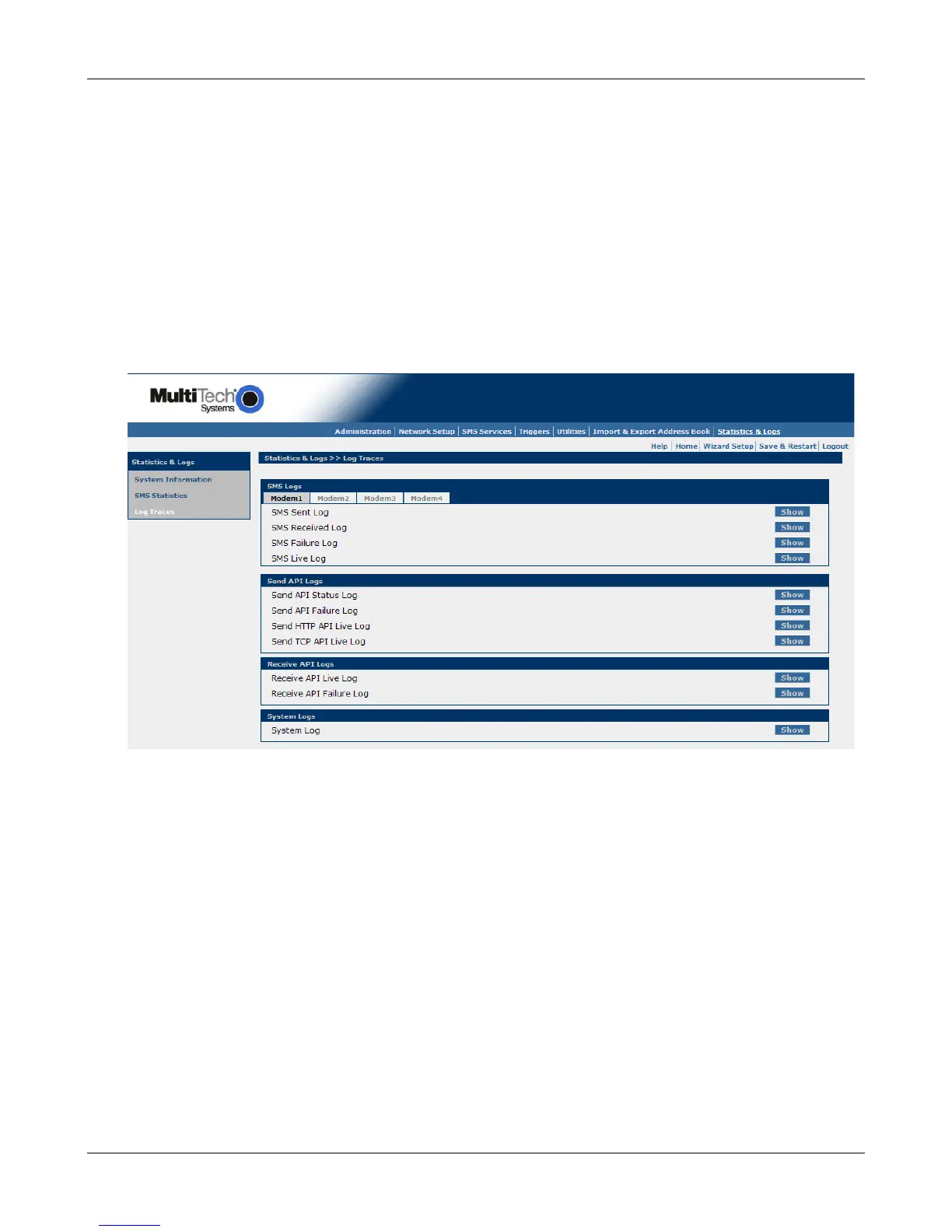
Statistics & Logs > Log Traces
Statistics & Logs > Log Traces
The Log Traces screen provides detailed information about SMS messages, API functions, and the SMS
system per modem:
SMS Logs (Sent, Received, Failure, Live)
Send API Logs (Status, Failure, HTTP API Live, TCP API Live)
Receive API Logs (Live, Failure)
Load Balance Logs
System Logs
The number of logged messages is dependent upon the amount of memory. Typically, the log can store
information for about 500+ messages.
To View Logs
Click the Show button to view the desired Log for the modem number selected from the tabs above.
Downloaded from Elcodis.com electronic components distributor



 To Next Page