Chapter 4 – Using the Web Interface
Multi-Tech Systems, Inc. MultiModem® iSMS User Guide for Administrators 44
SMS Services > Send SMS Users
User Name
Click the Add button to display the Add a New User screen. After a user name is added using the Add a
New User screen, it will display on the Users screen. You can delete any user from this screen, if desired.
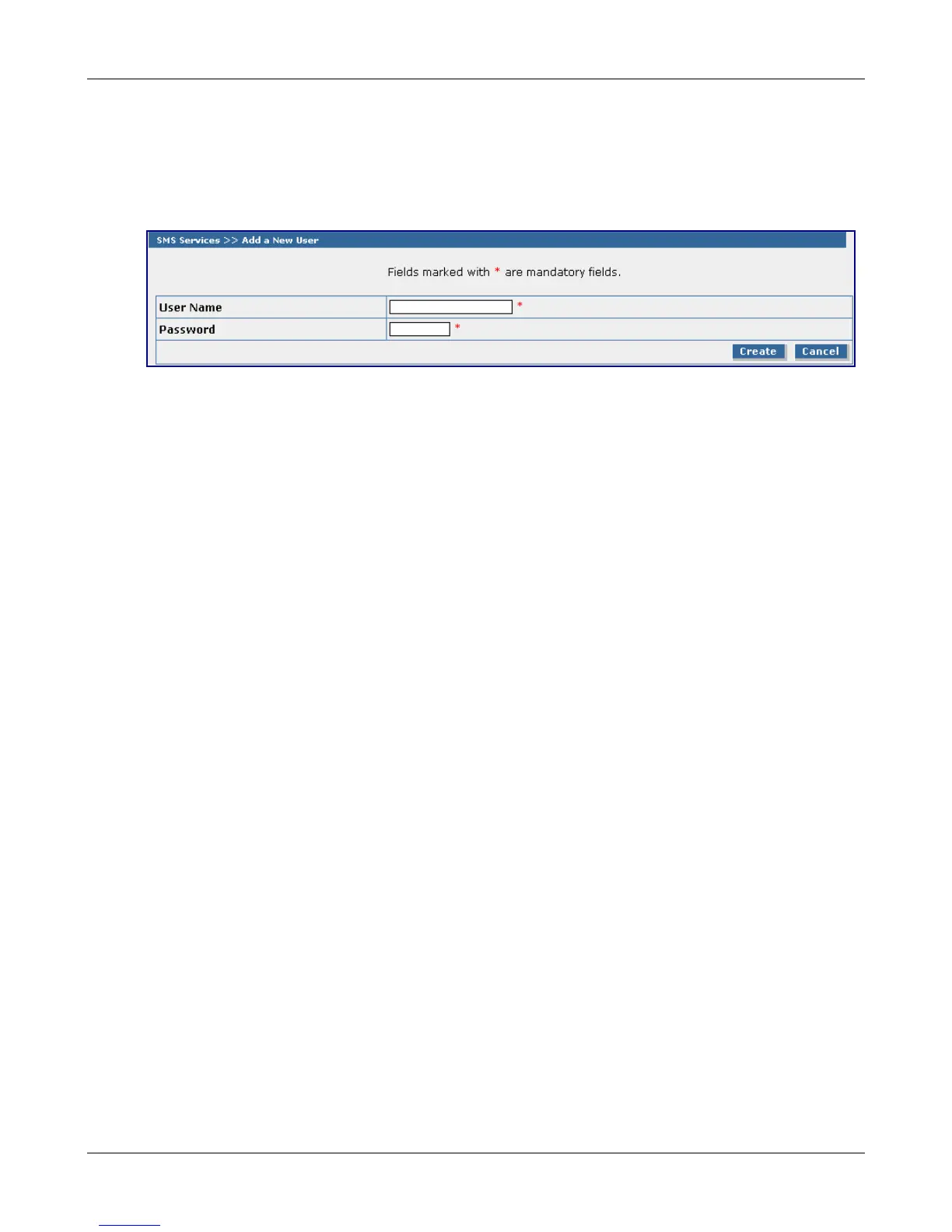
Add a New User
Note that fields marked with an asterisk are required.
User Name
Enter the user's name. No spaces are allowed in the User Name.
Password
Enter a password for this user. Each user should have a unique password. There is a minimum of 5
characters required for the password.
Create or Cancel
Once you have entered the users, click the Create button. If you want to start over, click the Cancel
button.
Downloaded from Elcodis.com electronic components distributor



 To Next Page