Chapter 5 – The User Interface
Multi-Tech Systems, Inc. MultiModem® iSMS User Guide for Administrators 70
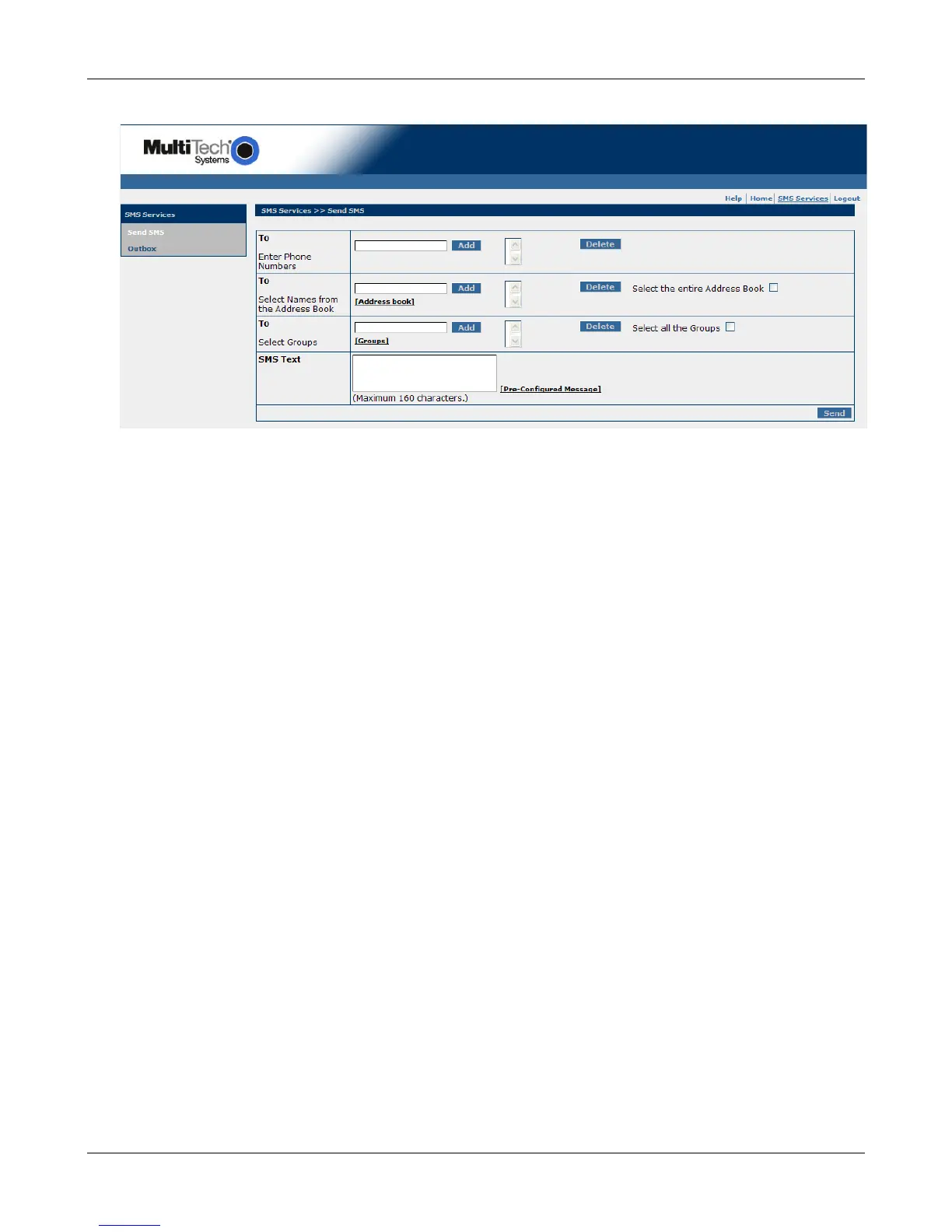
SMS Services > Send SMS
This is the screen from which general users will send SMS text messages (original text or pre-
configured messages). The screen options here are the same options available to the administrator.
SMS Services > Outbox
This screen is also available to Users; it lists the SMS text messages sent. The list includes the receiver's
number, the message sent, and a timestamp.
Downloaded from Elcodis.com electronic components distributor



 To Next Page