1
2
3
OfficeBridge Administrator Settings
Setting the Connection Environment 3-67
Setting the E-mail Operating Environment
Set the e-mail operating environment for handling e-mail with OfficeBridge.
Click [Admin Login] in OfficeBridge, and log in.
1
(See page 2-7.)
This function may also be available on Guest and User login screen, depending on user policy
settings.
Click [Machine Settings], and then [E-mail Settings].
2
The “E-mail Settings” list screen is displayed.
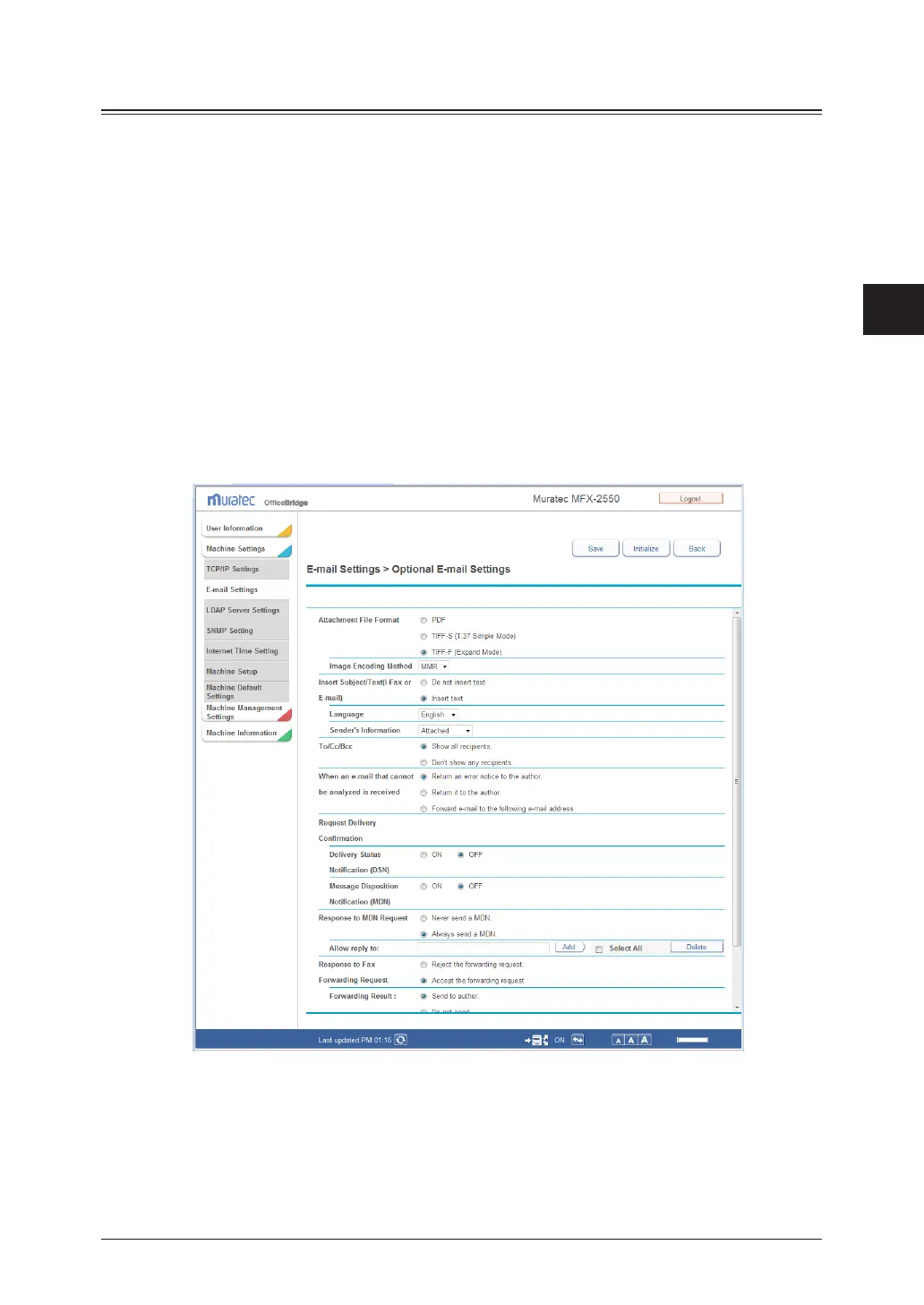
Click “Optional E-mail Settings”.
3
The “Optional E-mail Settings” dialog box is displayed.
Set the detailed information.
4



 To Next Page
 Loading...








